• Skip to primary navigation
  • Skip to main content
  • Skip to primary sidebar

Coral + Co. logo

  • Sewing
    • Free Tutorials
    • Free Patterns
    • Accessories
    • Apparel
    • Baby Sewing
    • Beginner
    • Home Sewing
    • Kids
    • Minky Sewing Projects
    • Tips and Tricks
  • Quilting
    • Learn How To Quilt
    • Free Quilt Patterns
    • Quilt Blocks
    • Quilt Patterns
    • Quilt Alongs
    • Holiday
  • Crafts
    • Cricut
    • Holiday
    • Printables
  • Holiday
    • Valentines Day
    • Easter
    • Mother’s Day
    • Summer
    • Patriotic Sewing
    • Halloween
    • Christmas
  • FREEBIES
    • Coral + Co. Resource Library
  • Contact
  • Shop
  • Nav Social Menu

    • Bloglovin
    • Email
    • Facebook
    • Instagram
    • Pinterest
    • YouTube
You are here: Home / Sewing and Quilting Patterns and Tutorials

Candy Heart SVG for Valentines T-shirts

Feb 4, 2018 · 2 Comments

candy-heart-svg-for-shirts

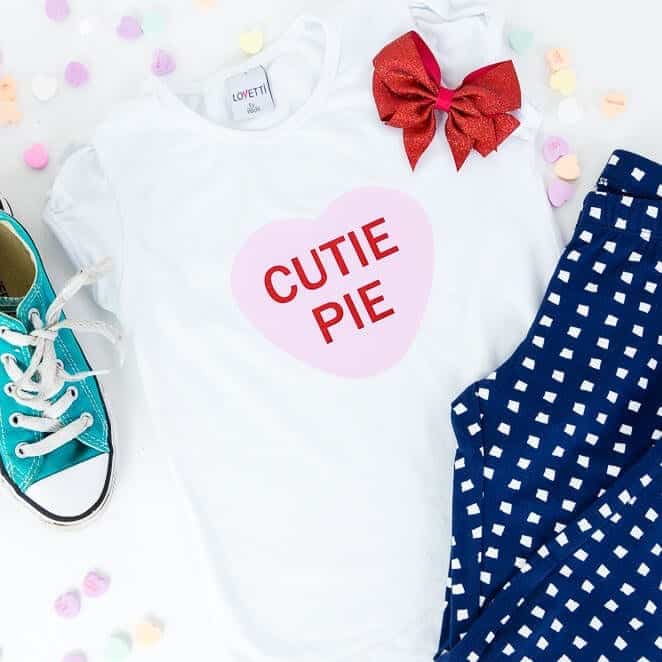
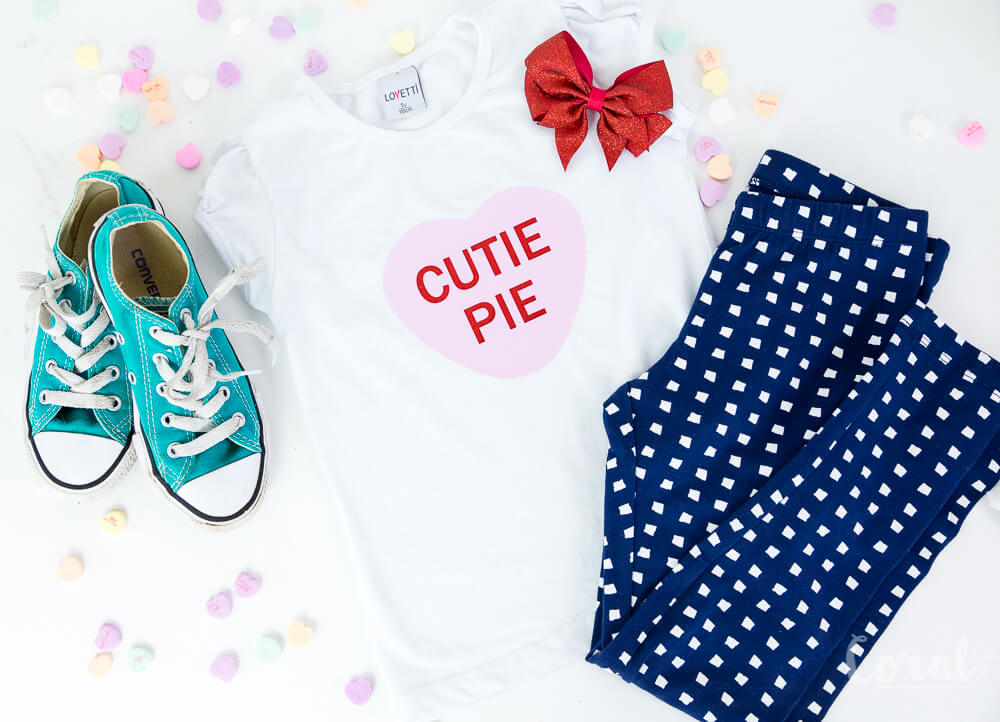
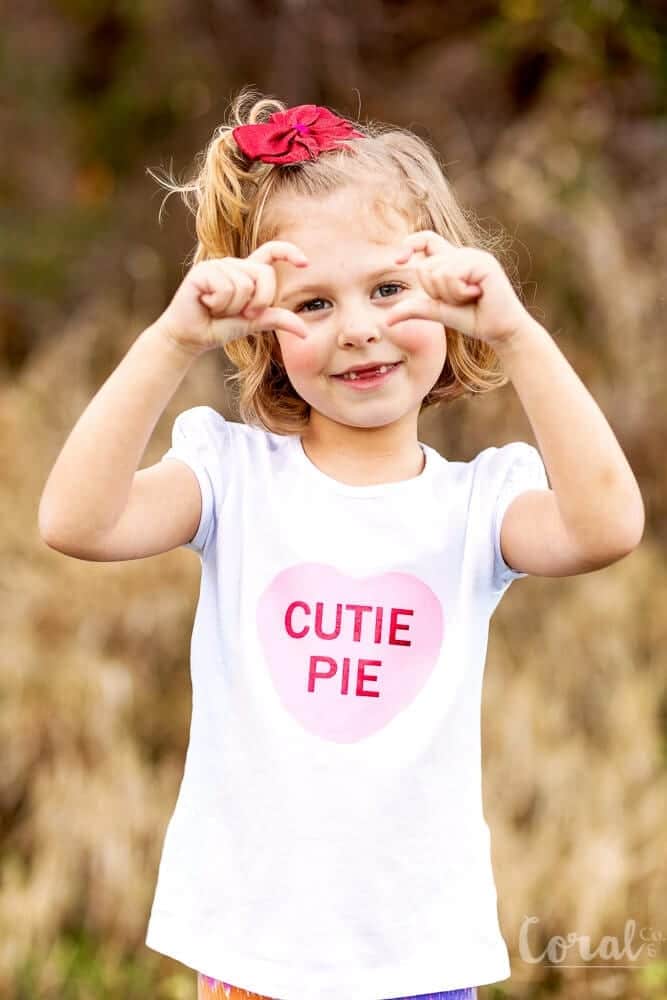
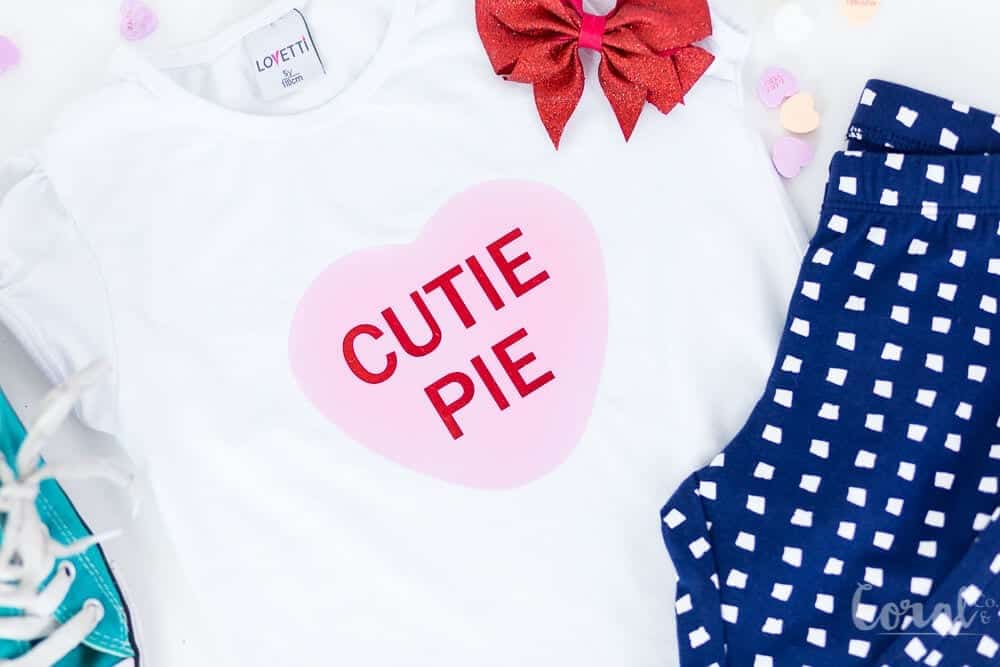
I love all the sayings on Candy Hearts or conversation hearts, whichever one you like call them so I made a free Candy Heart SVG cutting file for y’all!
free-candy-heart-svg-cut-file

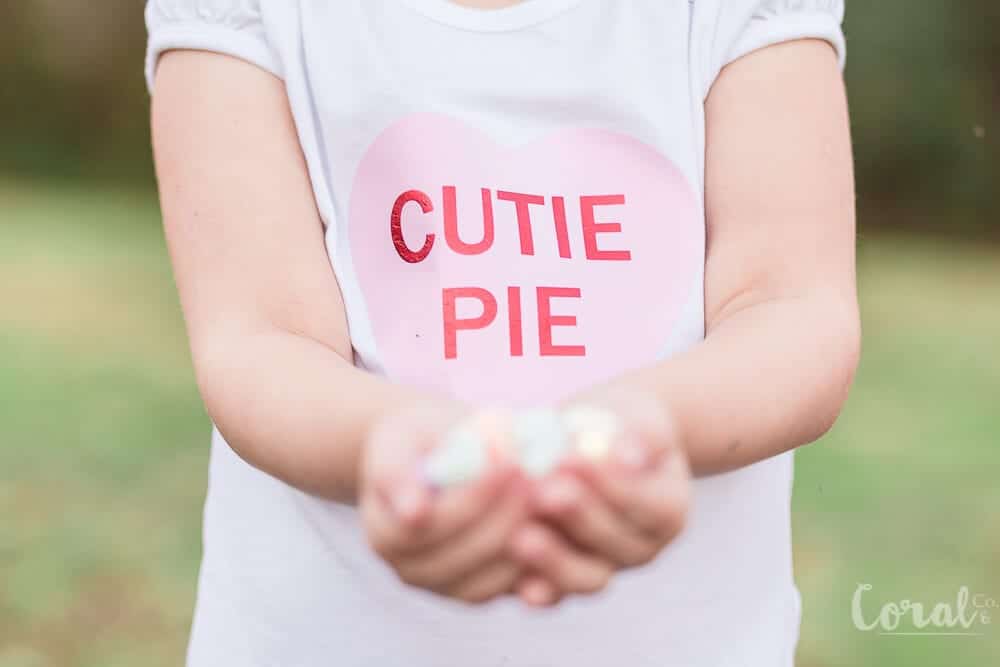
They are so fun and the colors make me want to eat them, even though I really like chocolate better (umm, who doesn’t?)! So I thought some t-shirts with the little candy heart svg were in order for the kiddos for Valentine’s Day!  
valentines-day-t-shirt-svg-free
candy-heart-t-shirt-svg-for-valentines-day
conversation-heart-svg-free

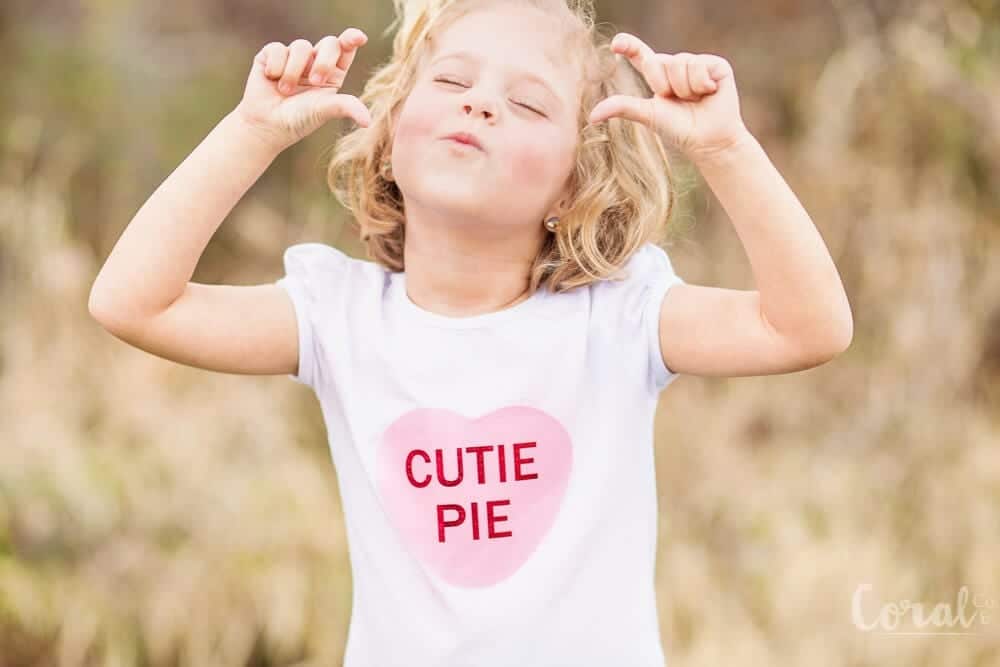
Ava had a fun time deciding which poses she thought were suitable for Valentines Day.  Apparently with candy hearts, a heart symbol with her hands was called for.   My kids always crack me up when I ask them to pose for pictures.  When they were little they used to get so tired of me chasing them around with the camera, but as they have gotten older and watched those ridiculous videos on Youtube, they love to get in front of the camera and have their celebrity moment.  Except of course when the gnats come out and are biting them all over the place.  Which was totally the case in these pictures, which is why I only got about five pictures in before she called it quits.   Oh, the divas of show business!  Ok, I  jest.  At least they aren’t asking for green rooms yet with only purple skittles. Ha!
cutie-pie-candy-heart-svg-t-shirt

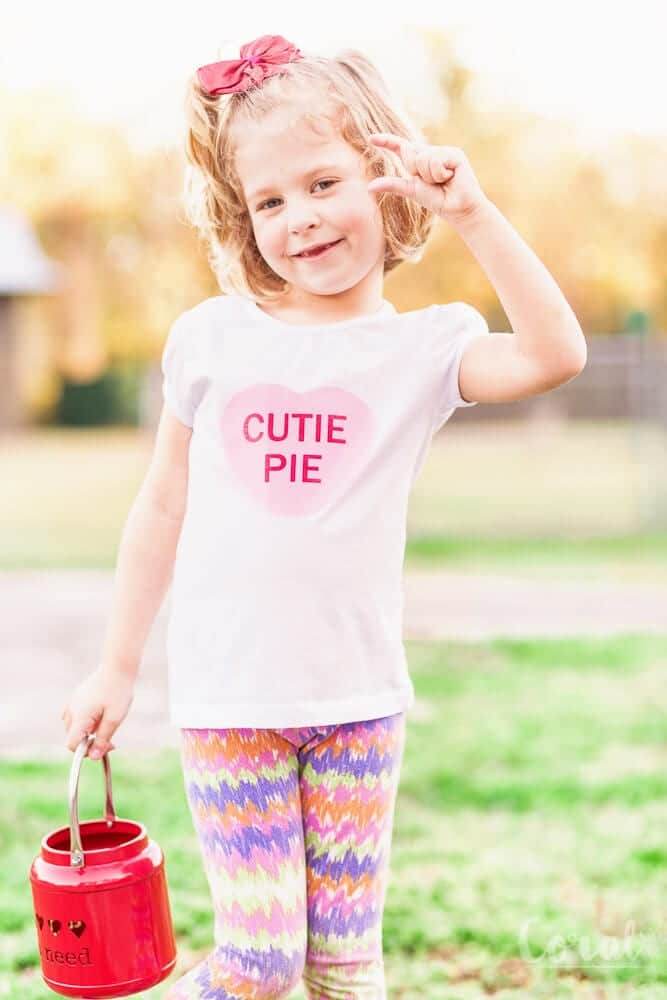
My favorite thing to make for most every holiday is a t-shirt!  They are about the quickest thing to make and with a Cricut there are so many cute designs its hard to stop at only one.
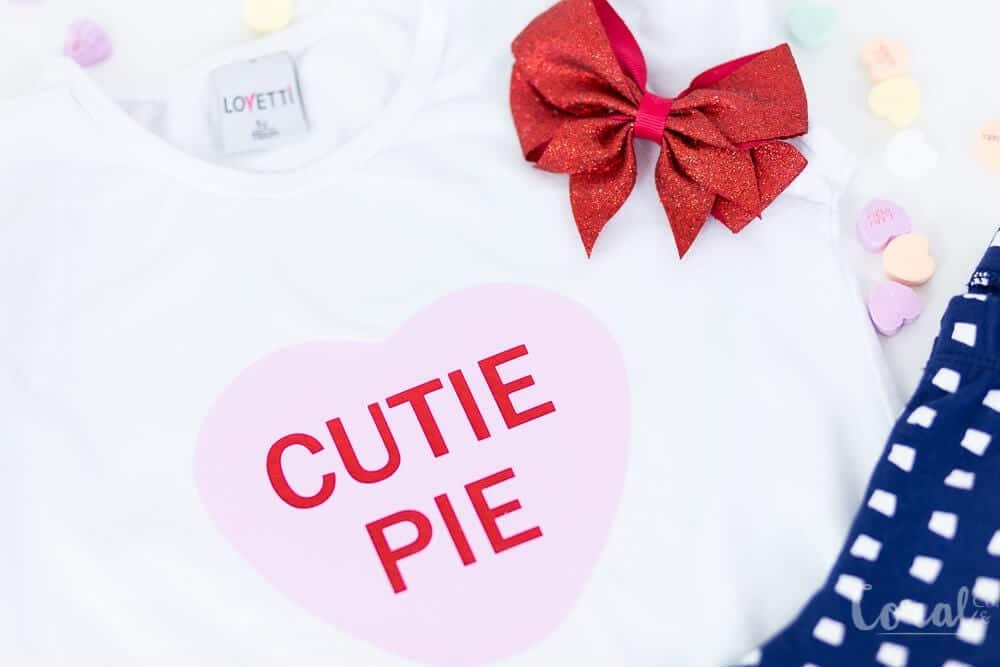
I keep a stock of these blank t-shirts in my stash, so I can whip one up last minute if I need to .  I like the feminine touch of the puffed sleeves, and it fits them better than a regular hanes type t-shirt.
valentines-day-svg-candy-heart

Candy Heart SVG for Shirt Supplies

  1. Candy Heart SVG (Located in the Resource Library)
  2. Pink Iron on
  3. Red Foil Iron on
  4. White T-Shirt
  5.  Cricut EasyPress
  6. Cricut Cutting Machine

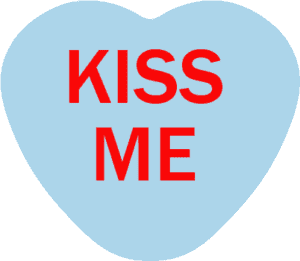
You can download any of the Candy Heart SVG files pictured below in the Resource Library.
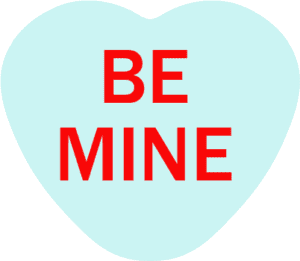
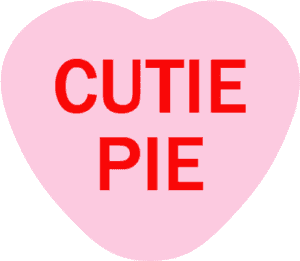
be-mine-candy-heart-svg
cutie-pie-candy-heart-svg
kiss-me-candy-heart-svg
love-candy-heart-svg
xoxo-candy-heart-svg
you-rock-candy-heart-svg


Crafts, Cricut, Holiday, Valentines Day

Valentine’s Day Mini Quilt Pattern: Learn to Quilt with Cricut Maker – Crafting Love with Cricut Quilt Patterns

Jan 30, 2018 · 2 Comments

valentines-day-mini-quilt-free-cut-files-cricut-maker

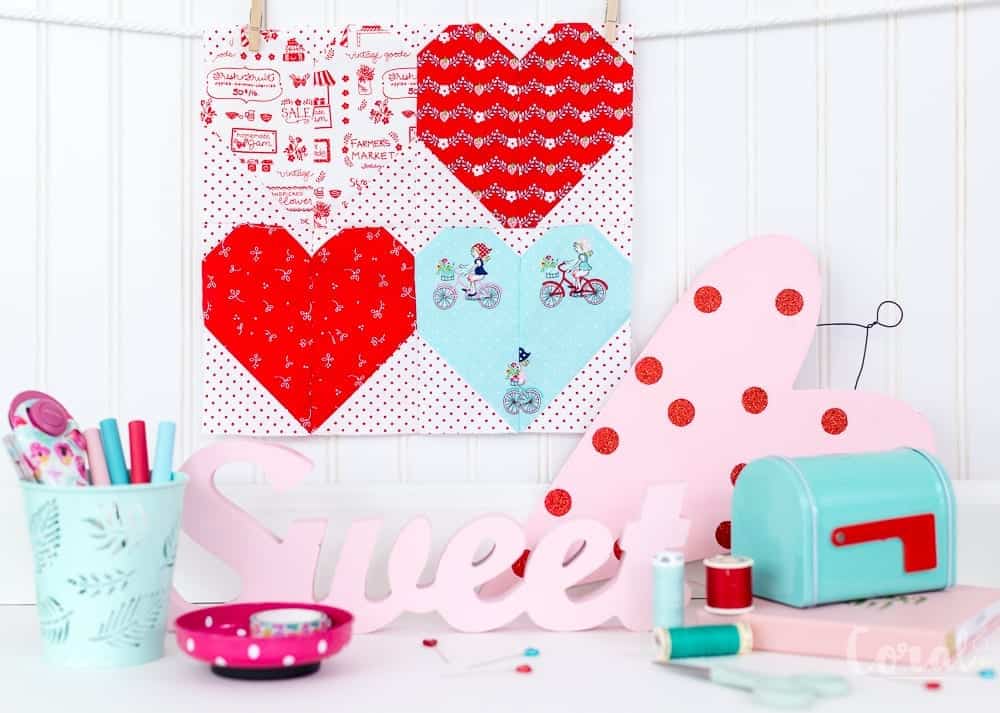
Valentine’s Day is just around the corner, and love is in the air! It’s the perfect time to dive into the world of quilting and create something truly special. In this blog post, we’re all about hearts, and I’m excited to share with you a delightful Valentine’s Day heart mini quilt pattern that’s sure to steal your heart. Get ready to embark on a creative journey as we explore the bold red and aqua hearts Cricut Maker Quilt Pattern, a version of the Mini Heart Block Valentine’s Day Quilt Pattern.

cricut-maker-quilt-pattern

Table of Contents

  1. More Valentine’s Day Heart Quilt Patterns
  2. Cricut Maker Quilt Pattern – Valentines Day Quilt Pattern
  3.  
    1. Find the Mini Heart Block SVG in the Resource Library
  4. Quilt With Cricut Valentine’s Day Quilt Pattern for the
  5. Cricut <3 Be Mine <3 Valentine’s Day Blog Hop

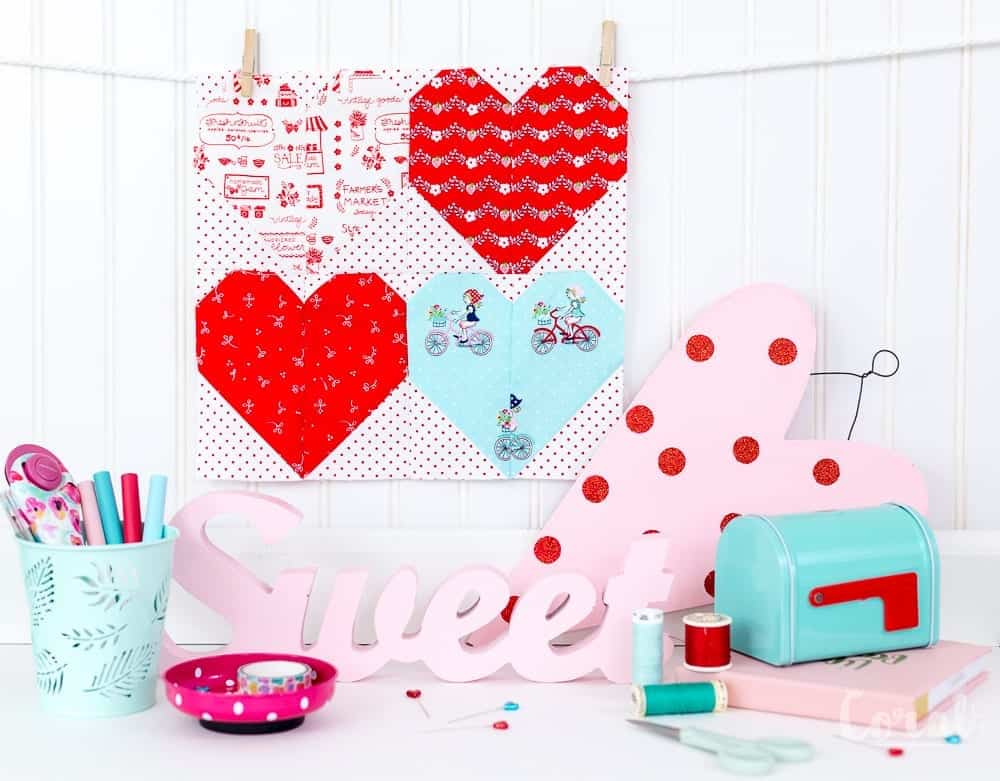
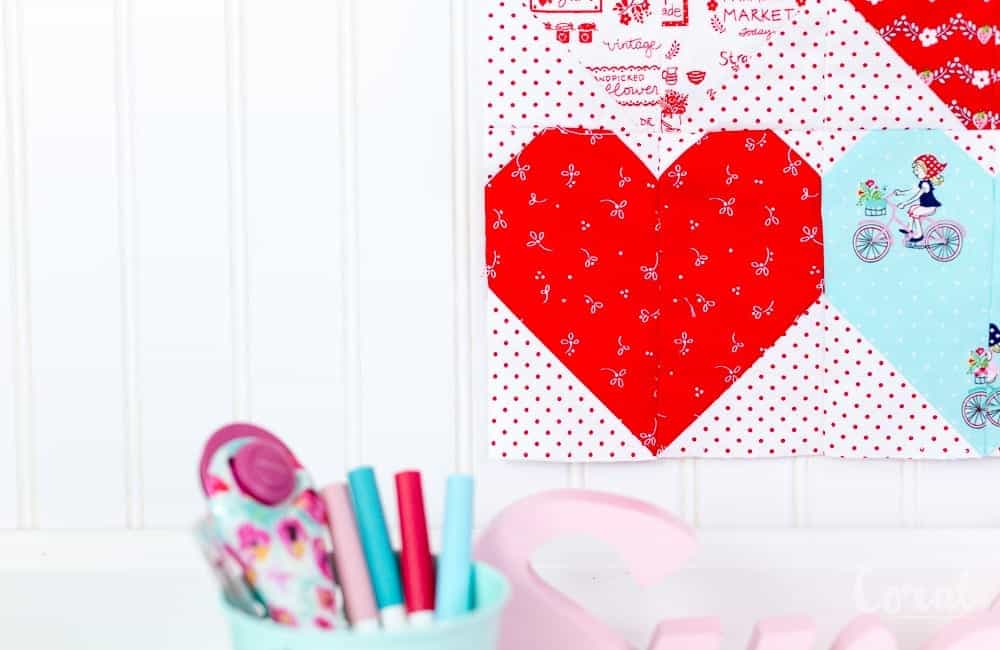
Let’s take a closer look at what makes this mini Valentine’s Day heart quilt pattern so special. The bold red and aqua color scheme is not only eye-catching but also evokes feelings of love and affection. Hearts, the universal symbol of love, are scattered throughout the design, creating a visually stunning and meaningful piece of art. This quilt is more than just a decorative item; it’s a heartfelt expression of your love and creativity.

More Valentine’s Day Heart Quilt Patterns

  • Button Up Baby Heart Quilt Pattern
  • Heart Quilt Block Pillow Pattern
  • Mini Heart Quilt Pattern
  • 25+ Valentine’s Day Quilt Patterns

The Mini Heart Block Valentine’s Day Quilt Pattern offers a charming and intimate feel. It’s the perfect size to adorn your home during the romantic season, and it also makes for a thoughtful and heartfelt gift. Imagine wrapping yourself or a loved one in the warmth of this quilt on Valentine’s Day. It’s a gesture that speaks volumes and shows that you put your heart into every stitch.

heart-valentines-day-quilt-pattern

Now, let’s talk about the magic of the Cricut Maker in quilting. If you’re not familiar with it, the Cricut Maker is a versatile cutting machine that can handle various materials, including fabric. It simplifies the cutting process, ensuring precise and consistent shapes for your quilt blocks. Whether you’re cutting out hearts, squares, or intricate designs, the Cricut Maker takes the guesswork out of the equation.

free-valentines-day-quilt-pattern

For beginners, learning to quilt with Cricut is an excellent way to get started. The machine does the heavy lifting, leaving you to focus on the fun and creative aspects of quilting. As you gain confidence and experience, you can explore more intricate projects and designs with your Cricut Maker. It’s a tool that grows with you on your quilting journey.

If you’ve fallen in love with this mini quilt, there’s more to discover. In addition to the Mini Heart Block Valentine’s Day Quilt Pattern, you might also be interested in the Quilted Heart Block Pillow Pattern. This companion piece complements your quilt and adds an extra touch of love to your home decor. Imagine cuddling up with your heart quilt while leaning against a heart block pillow – it’s a cozy and charming combination that brings warmth and love to any space.

cricut-sewing-patterns

In conclusion, this Valentine’s Day heart quilt pattern is a delightful way to celebrate love and creativity. Whether you’re a seasoned quilter or a newbie, quilting with Cricut opens up a world of possibilities. The bold red and aqua hearts, the thoughtful design, and the heartfelt craftsmanship make this quilt a perfect addition to your Valentine’s Day celebrations. Don’t forget to explore the Quilted Heart Block Pillow Pattern to complete the look. Happy quilting and happy Valentine’s Day!

cricut-quilt-patterns

 There are also other Cricut Maker Sewing Patterns including the Knot Bow Headband Pattern. and the Chrysanthemum Felt Flower Pattern.  But you can find an entire gallery of Cricut Maker Sewing Patterns in the Cricut Design Space gallery including Simplicity sewing patterns.

cricut-sewing-pattern

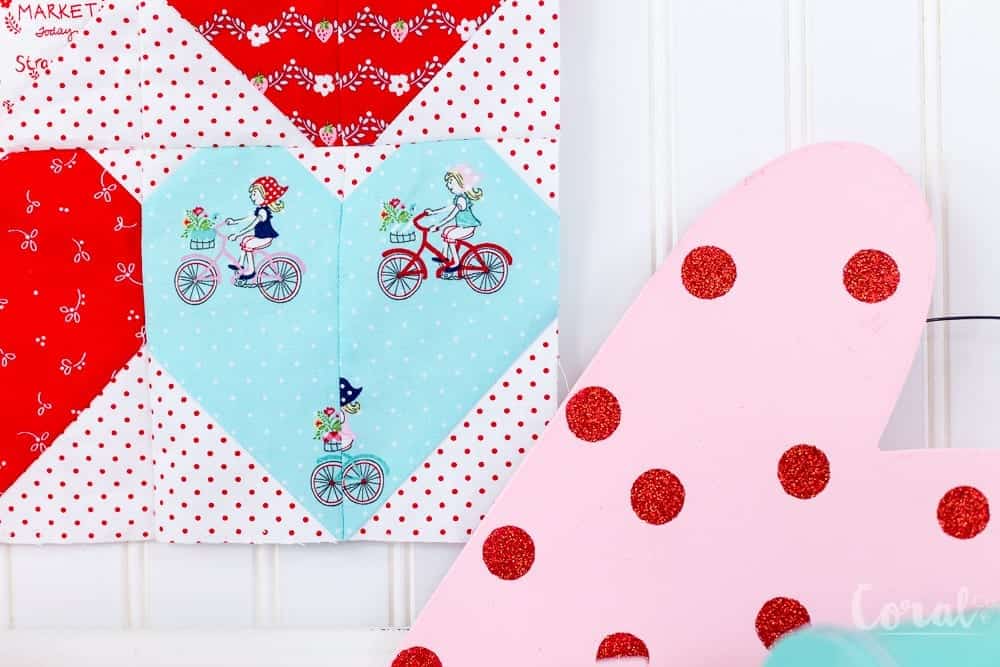
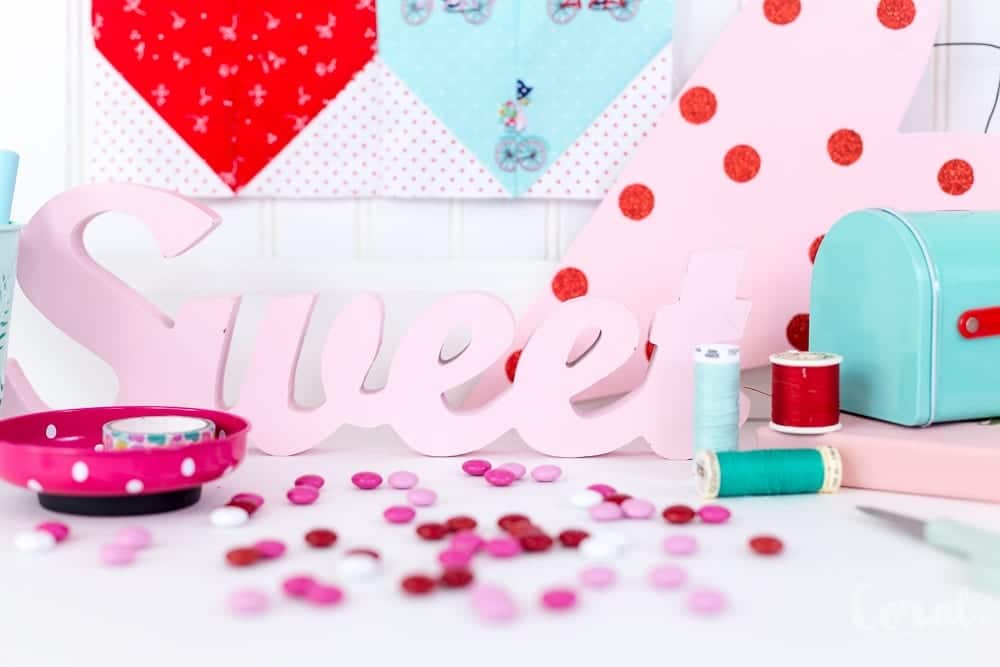
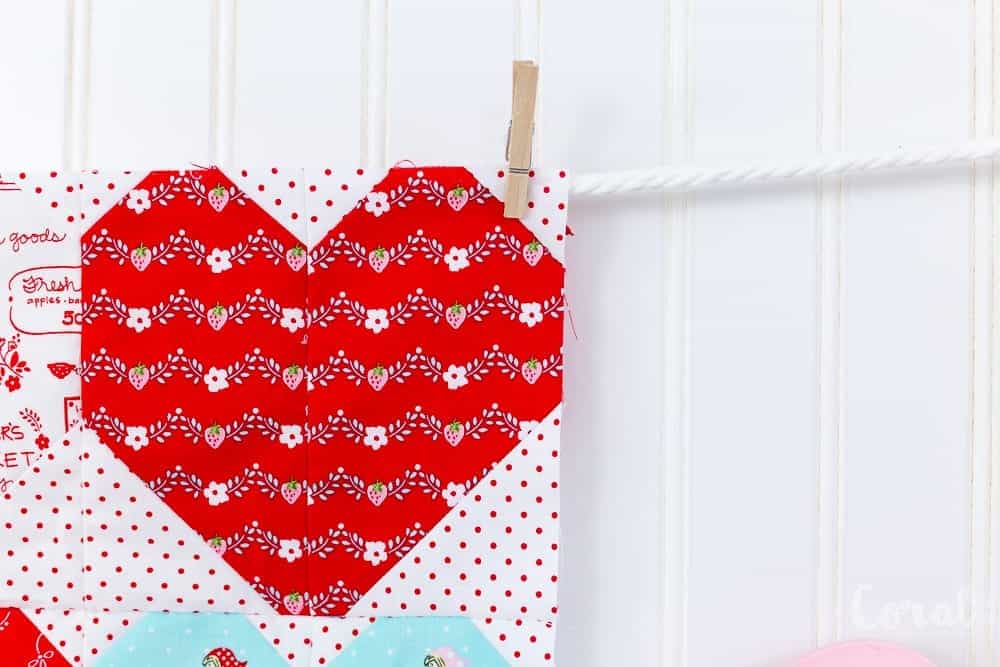
 I’m totally bringing the red and aqua trend back!  Do you remember back a few years ago where you couldn’t go anywhere without seeing these two colors all over the internets?  Well, they are back because red and aqua make such a punch!  I dug way down deep into my Tasha Noel fabric stash and pulled some prints from some of her various collections.  You can see some of the other projects I made with her collections here, here , here, and here. Let me tell you it was painful cutting into some of Tasha Noel fabrics.  Especially the ones that are no longer available. like the country girls line (the little red and white floral print).I also was hoarding the red swiss dot, because…its’s swiss dot!

cricut-quilting
cricut-quilt
valentines-day-quilt-pattern

Couldn’t you just make everything with swiss dot?!  It added so much charm to the binding of this quilt.I cut the Valentine’s day quilt pattern out with the Cricut Maker and loved how easy it was!  It is so easy to quilt with Cricut, it cut the little squares so precise, especially the tiny half square triangles. I made a Free Cricut Maker Quilt Pattern with SVG files for you with this heart block quilt pattern so you can easily cut and make your own Cricut maker quilt!

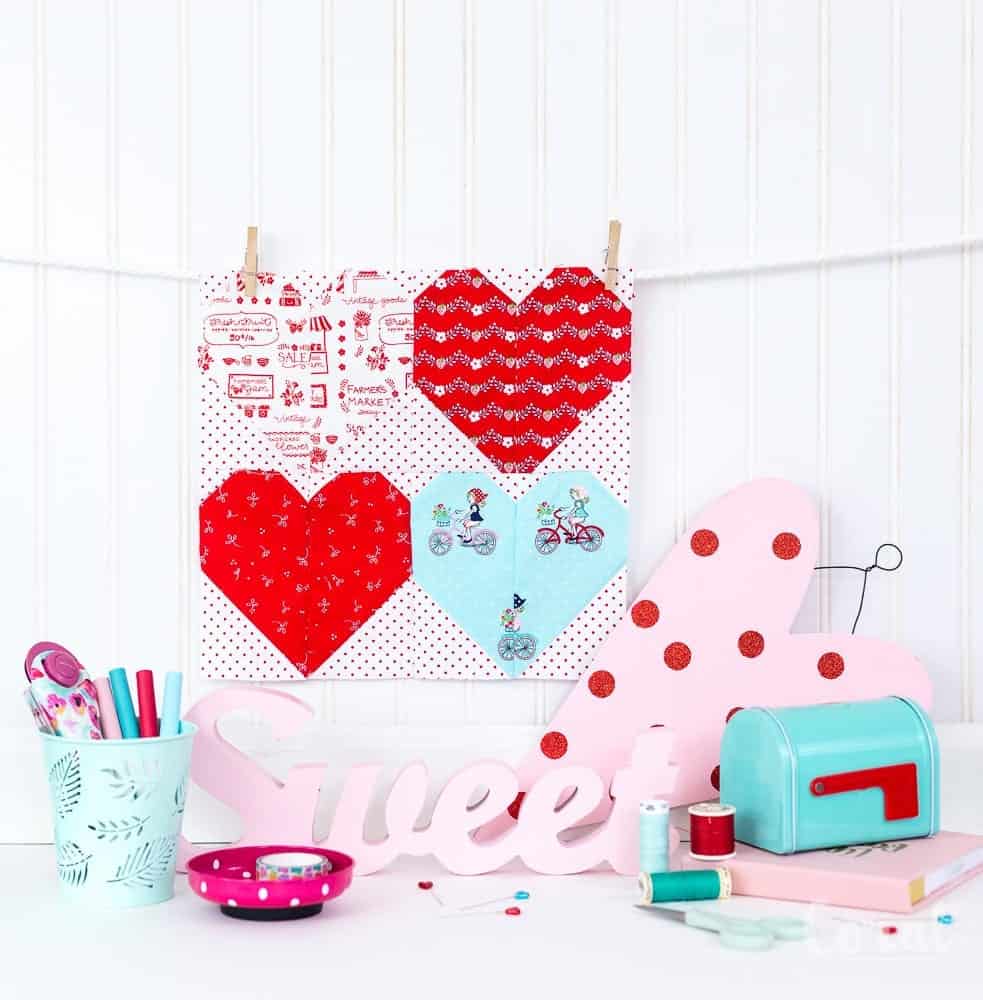
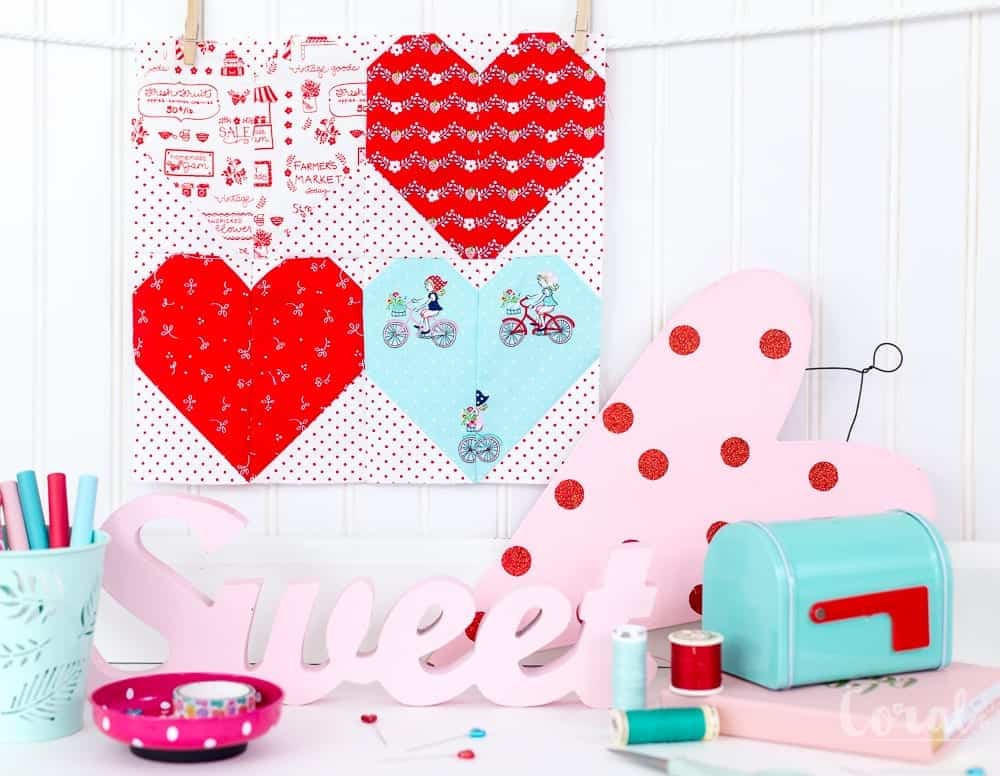
Fabrics pictured above clockwise from left to right – 1. Vintage Market Text Red  2. Vintage Market Vine Red 3. Country Girls Red Floral (sold out) 4. Vintage Market Bike Ride Aqua

quilt-with-cricut

Here is what you will need to make the

Cricut Maker Quilt Pattern – Valentines Day Quilt Pattern

Cricut Maker Heart Quilt SVG (Available in the Resource Library)

Mini Heart Quilt Block Pattern and Tutorial

4 10 x 10 scraps of fabric

1 fat quarter of background fabric

Cricut Washable Pen

Cricut Maker

Cricut Cutting Mat


Find the Mini Heart Block SVG in the Resource Library

Quilt With Cricut Valentine’s Day Quilt Pattern for the

Cricut <3 Be Mine <3 Valentine’s Day Blog Hop

Monday 1/29 Sweet Red Poppy * Amber Simmons * Sew Sophielynn

Tuesday 1/30  Coral + Co. * Patchwork Posse

Wednesday 1/31 The Intrepid Thread

Thursday 2/1  Heather Handmade * Paisley Roots * Pattern Revolution

Friday 2/2  That’s Sew Kari * Maytime Moms * Swoodson Says 

Crafts, Cricut, Free Quilt Patterns, Holiday, Holiday, Holiday, Quilt Patterns, Quilts, Valentines Day free quilt, hearts, mini quilt, valentines day

Valentines Day Hoop Art – with Free Cut Files

Jan 24, 2018 · Leave a Comment

hoop-art-project-ideas-coral-and-co
valentines-day-hoop-art-project-idea-free-cut-files-coral-and-co

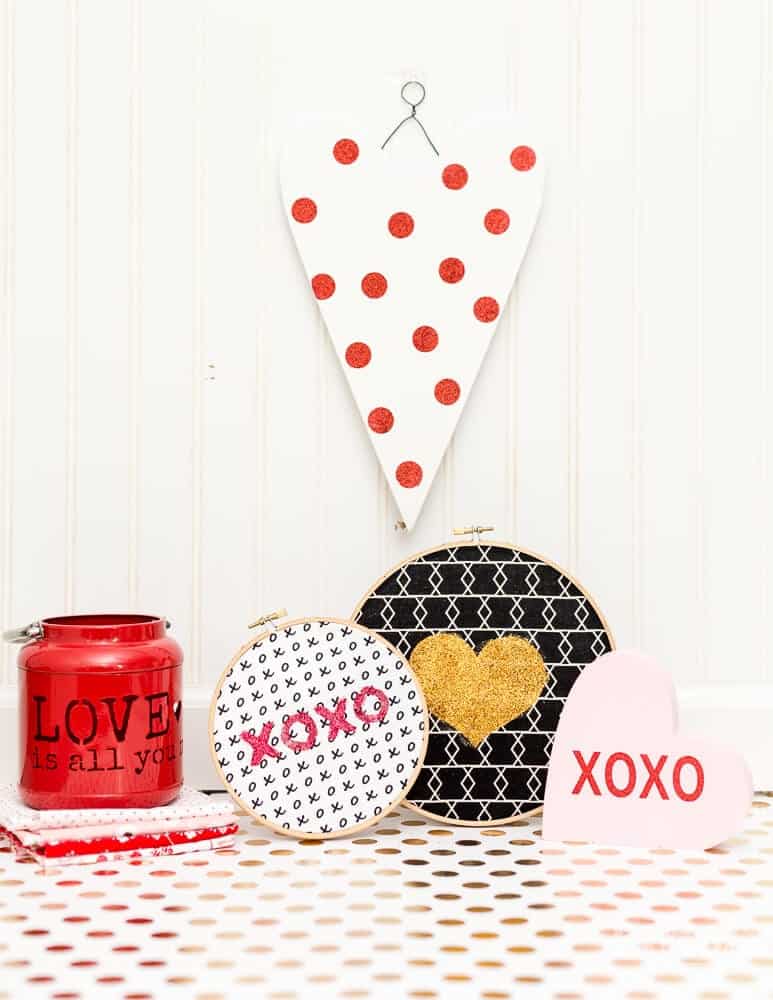
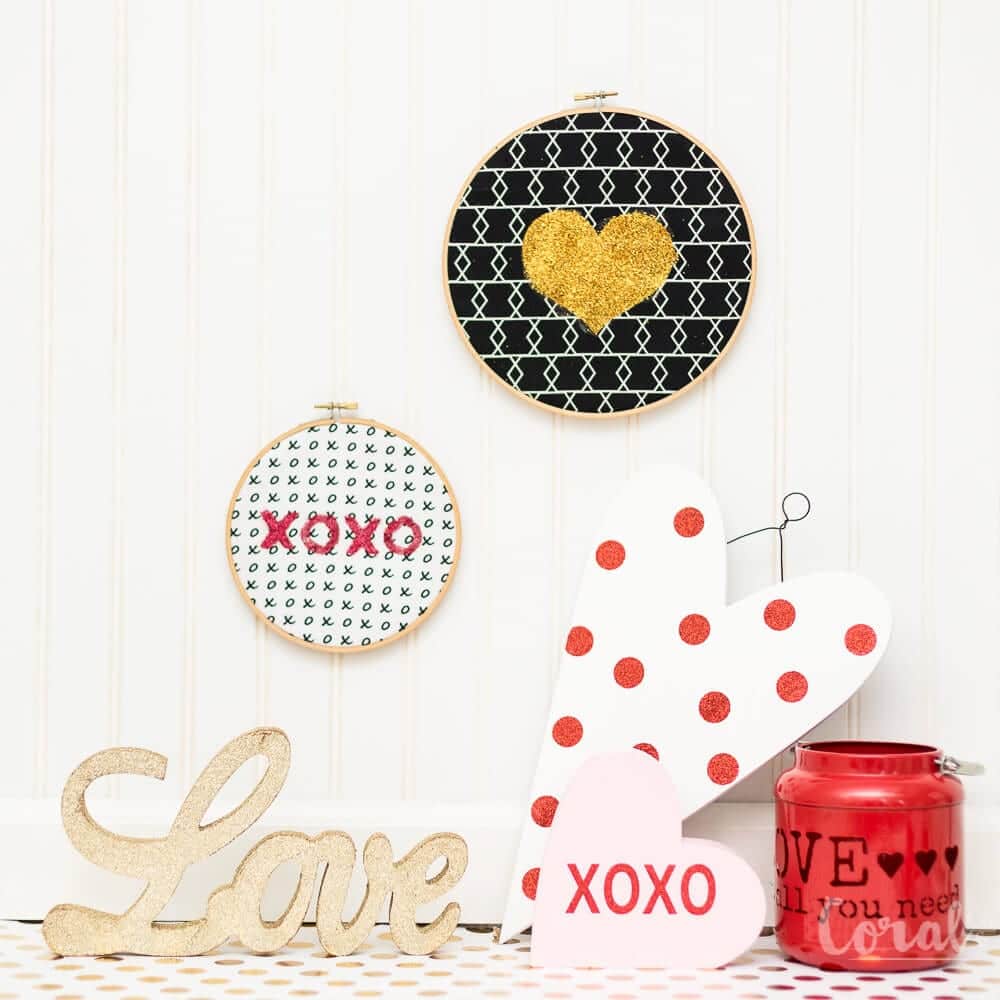
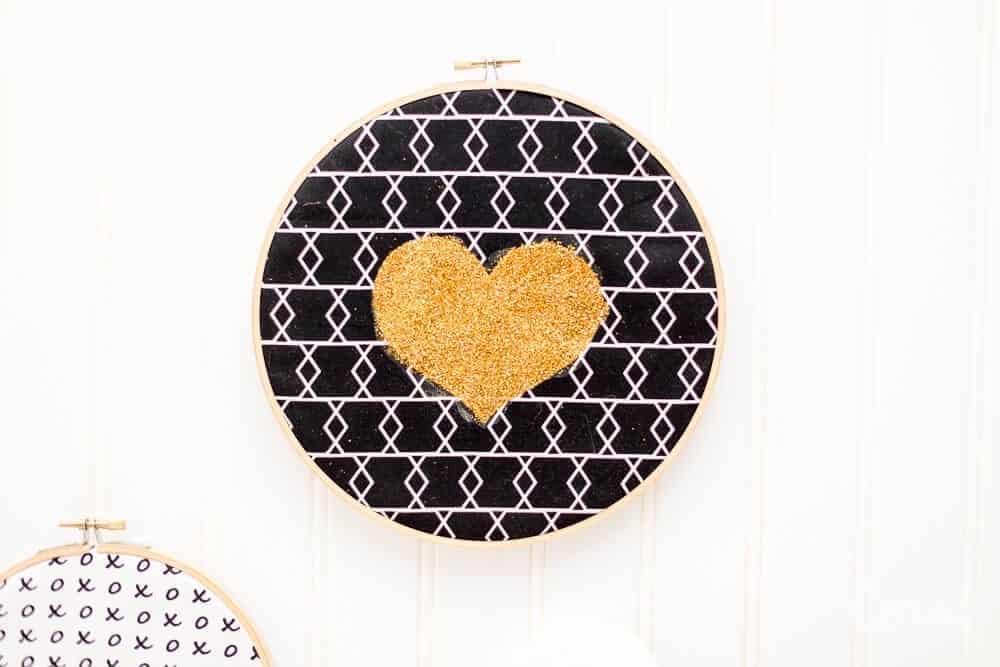
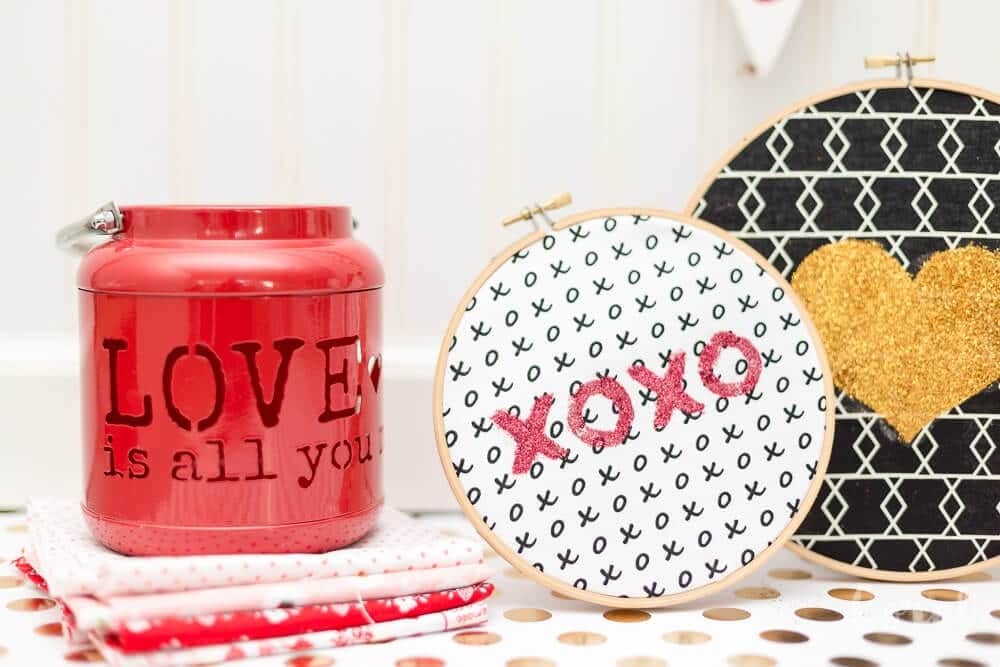
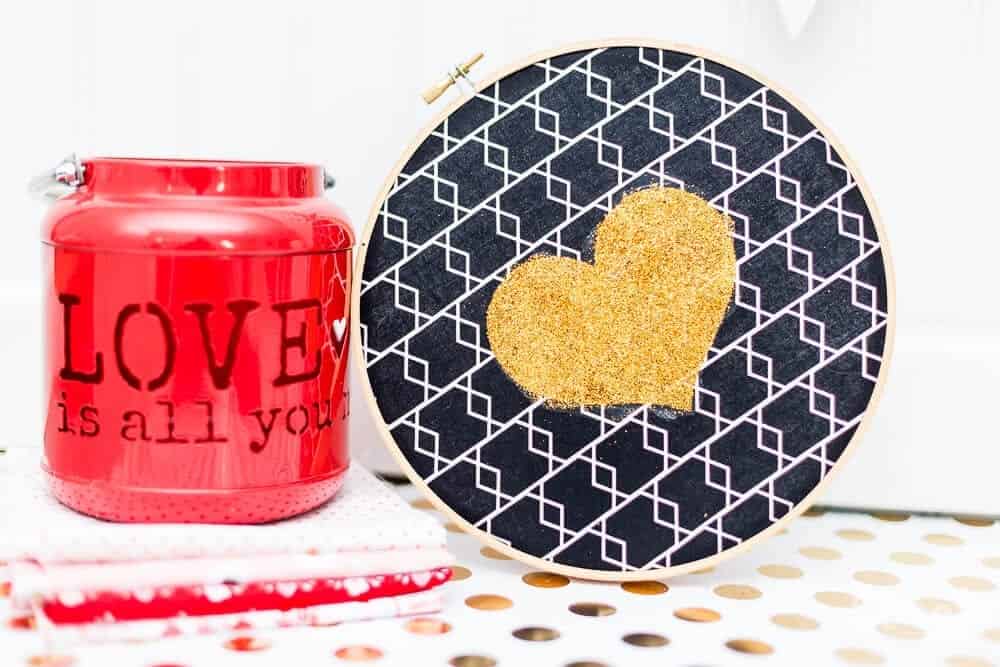
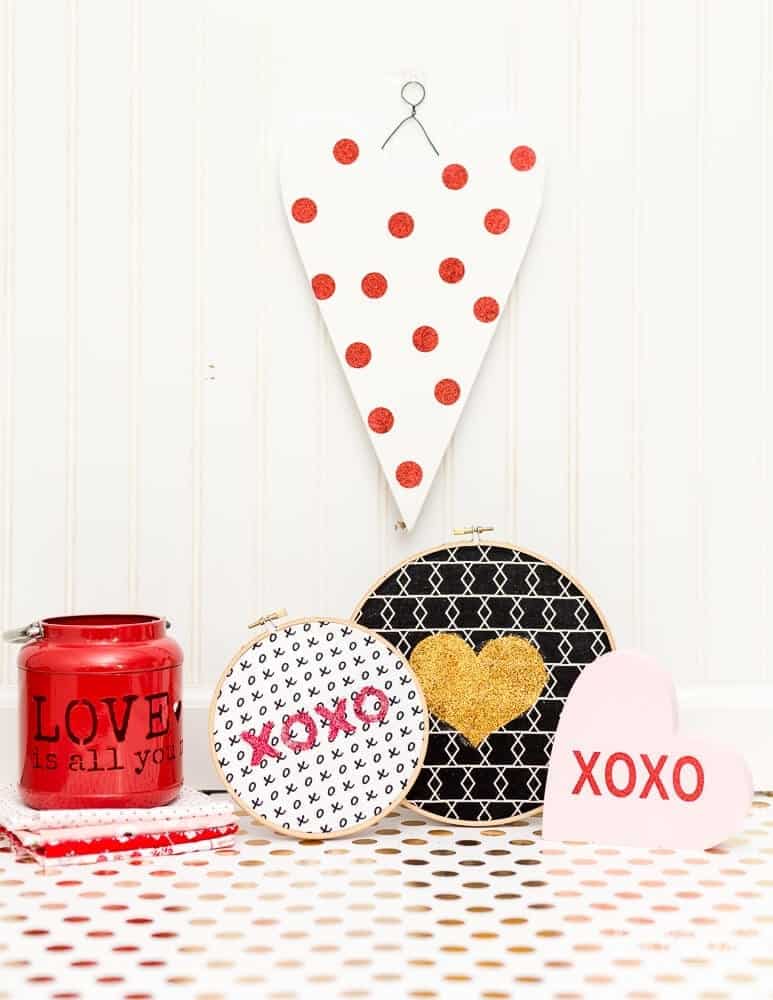
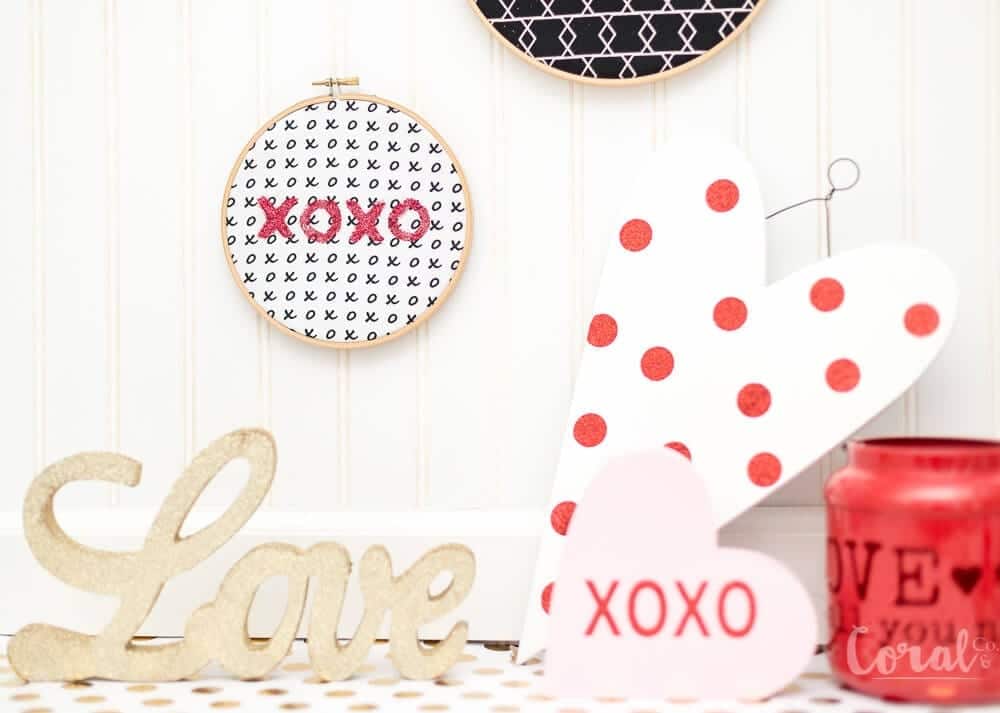
Valentines Day is just around the corner and I’m all craft happy with x’s and O’s and of course lots of hearts.  I also love the look of hoop art so I thought a little glitter was in order for some easy Valentines Day decor.  I have an easy Valentines Day hoop art tutorial with free svg cut files for the template.

valentines-day-hoop-art-stencil-by-coral-and-co
valentines-day-glitter-art-tutorial-coral-and-co

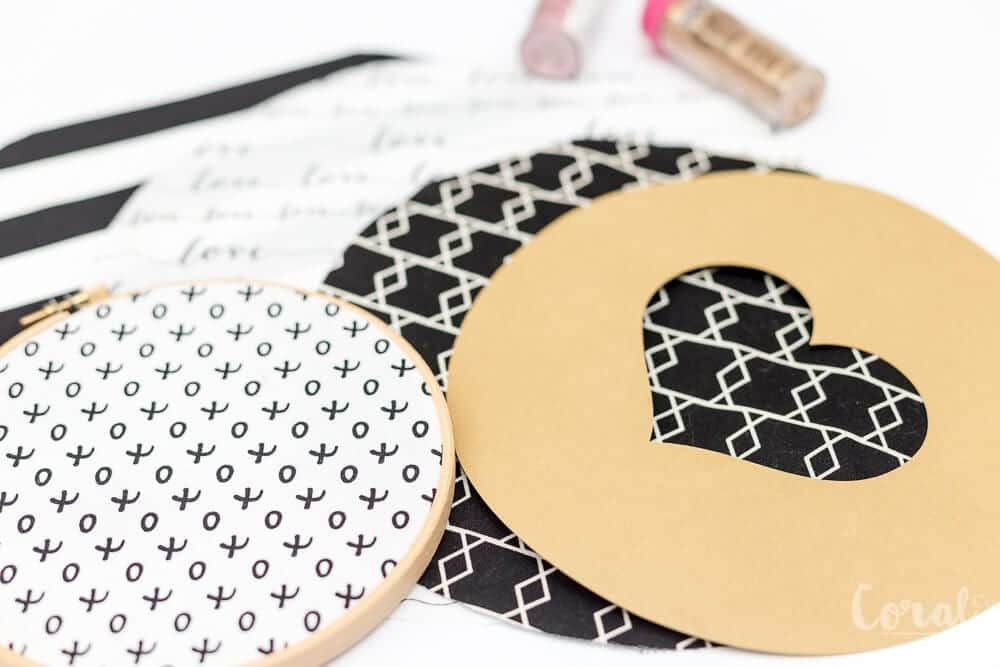
You can use these to apply the glitter or you can reverse them and use them to apply iron on.  I will make a tutorial doing it this way a little later.  I also made it super easy to center them by making a circle template, which you can adjust to the correct size of the embroidery hoop that you are using.

If you follow me on instagram you will have heard me talk about how much I love all things hearts.  So naturally Valentines Day is one of my favorite holidays to sew for.  Some of my favorite Valentines Day projects are my heart block mini quilt, these dresses I made for the girls last year,  this patchwork t-shirt applique, and my favorite geranium dress ever!

Valentines Day Hoop Art Supplies Needed

Embroidery Hoops – I used an 8in and 6in for these, but you can use any size you have

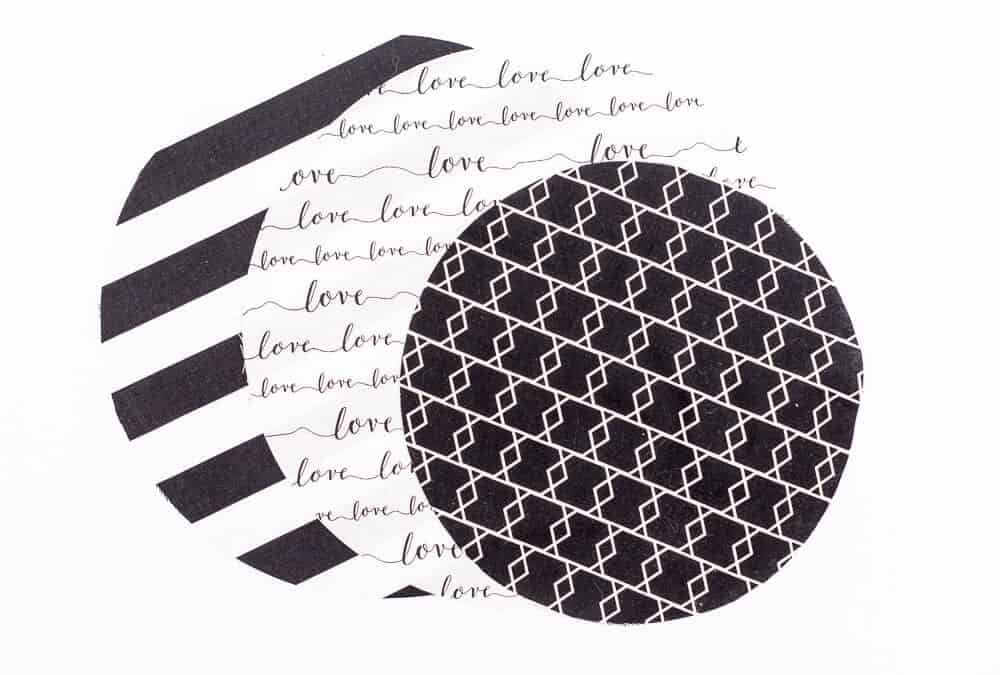
Fabric scraps or fat quarters (love fabric,  stripe fabric, xo fabric, I think the black one is Riley Blake but I can’t remember)

Fabric glitter

Fabric glitter glue

Heart SVG cut file (you can find at the bottom of the post)

XOXO cut file (you can find at the bottom of the post)

Card stock or Stencil Vinyl and Vinyl Transfer Tape

embroidery-hoop-fabric-circle-cut-files

DIY Valentines Day Hoop Art Glitter Tutorial

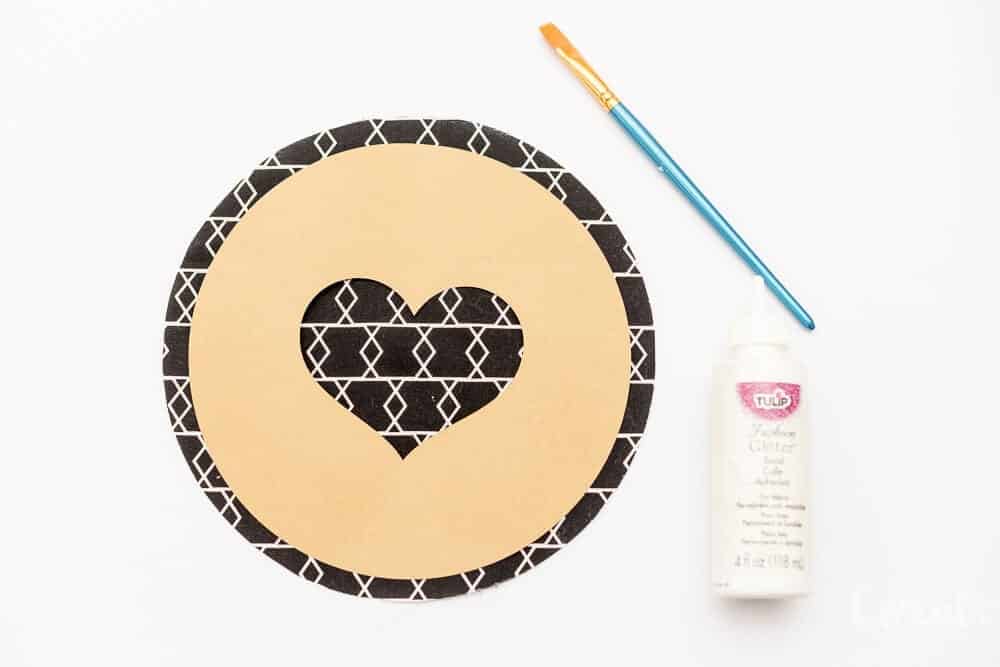
  1. Print the heart template on cardstock or adhesive vinyl.  If using vinyl you will need to print it mirrored.
  2. Cut fabric circle 2 inches larger than your embroidery hoop.
  3. Place stencil over the fabric circle.  If using cardstock, you can use a glue stick to help hold it down.  If using adhesive vinyl rub stencil down firmly on fabric.
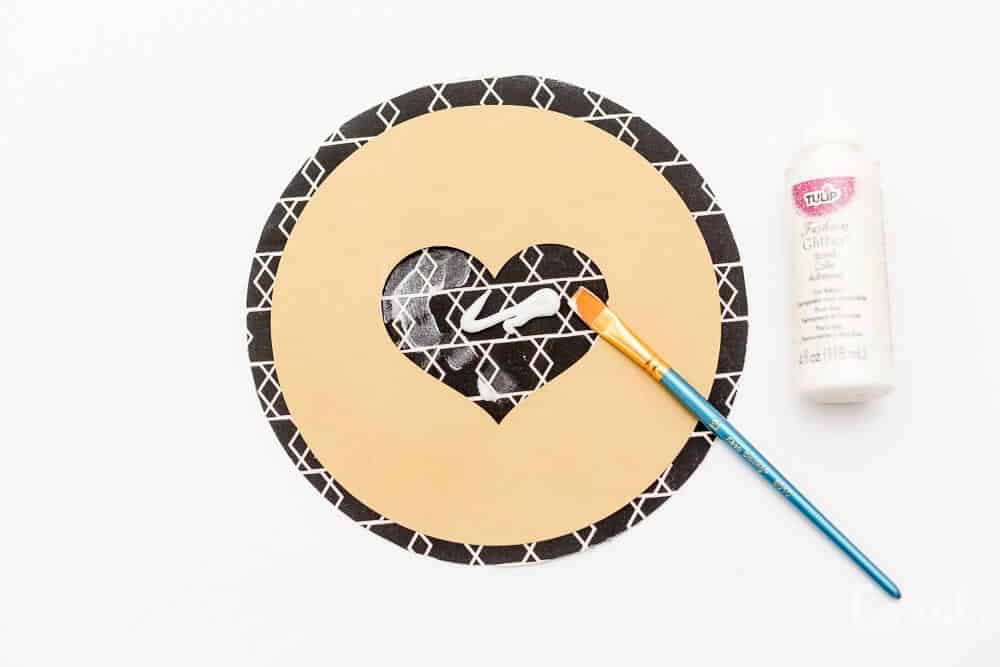
  4. Using a paint brush spread glitter bond fabric glue on heart.  Be sure to press down firmly on the heart edges as applying to prevent glue bleeding under.
  5. Spread generously, and remove excess.
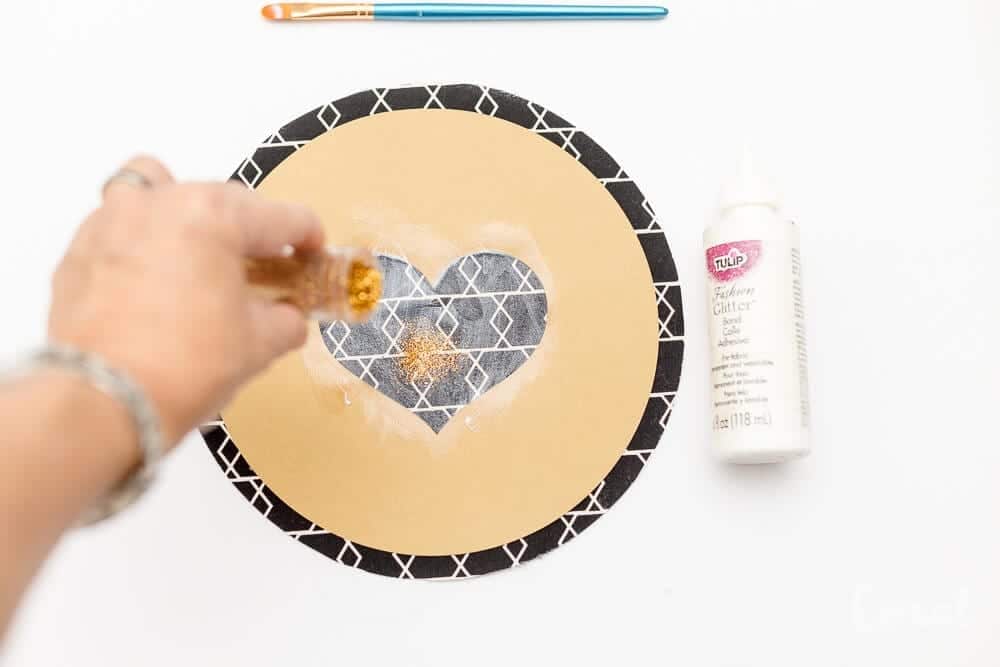
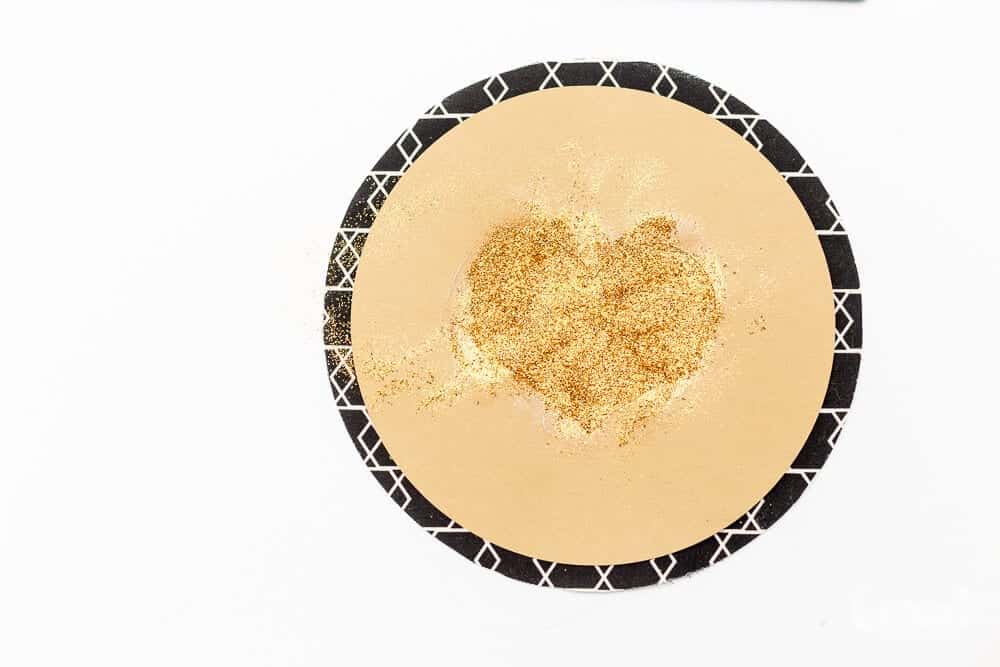
  6.  Sprinkle glitter over area where glue has been applied, being sure to coat evenly.
  7. Remove stencil.  Use a wet paper towel to remove any glue that has bled under.  You can use the tip of a pair of sharp scissors to scrape away any uneven edges.

Place in hoop and decorate!  You can find the templates at the end of the post.

Valentines Day Hoop Art Templates

Find the Hoop Art Circle Templates in the Resource Library


Crafts, Cricut, Holiday, Holiday, Valentines Day hoop art, valentines day

Reader Survey – Here’s What You Said

Jan 22, 2018 · Leave a Comment

reader-survey-results-coral-+-so

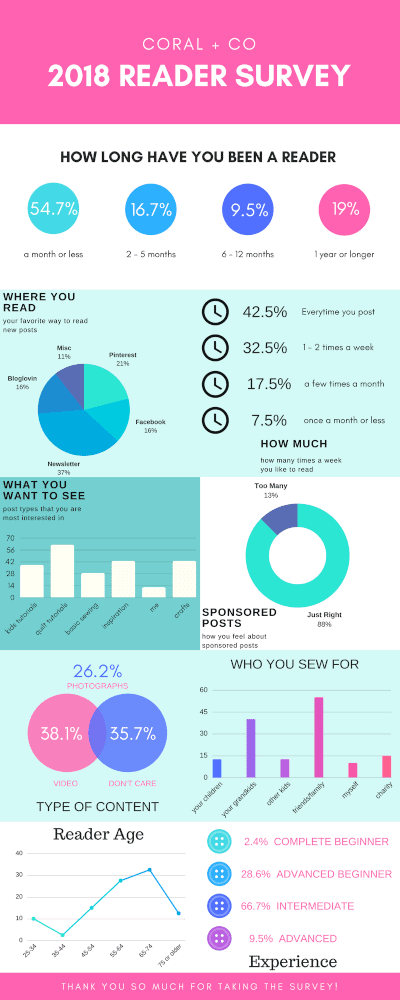
reader-survey-results-coral-+-soI asked and you answered!  And I want to thank all of you who took the time to answer!  And to show my gratitude, or just because I am maybe obsessed with pretty things, I made a fun infographic to share the results with you.  I may now be addicted to this infographic thing!  Insert hilarious emoji.

So here is what you said!  Most of you are newer readers!  This doesn’t surprise me since it is relatively recent that I have been asking that you sign up for my newsletter in order to download my free patterns.  I am so happy that you signed up and I hope you stick around!  If you’ve been reading longer, then thank you!

When asked where you had first heard about Coral + Co, the most popular answers were Pinterest or Facebook, which is probably where I find a lot of new websites as well.  Several of you had found my blog from another site, or didn’t remember where you saw it in the first place.

You also said that you most of you get new post from my newsletter which is great!  Its so great to know that you guys like having a news delivered to your inbox.  A lot of you also found my new posts on Pinterest, which is also awesome since Pinterest is where I find a lot of stuff!  Facebook and Bloglovin came in about equal.

I was curious how often you liked to visit Coral +  Co and most of you said every time I post, followed by 1 -2 times a week.  This is super helpful!  I am planning on posting two times a week this year, but of course don’t want to add to the information overwhelm that we all deal with in the digital age.

I was really curious to hear about the type of posts that you were most interested in seeing!  I love to sew all kinds of things including both clothing and quits and wasn’t sure if apparel readers and quilting readers enjoyed both or were interested in only one.  More quilt tutorials was requested the most, but you also wanted to see more kids clothing.  Yay!  This makes me happy since I love to sew both.  I was also surprised to see that you would like to see more sewing inspiration and crafts.  I haven’t made a whole lot of crafts recently, but I would definitely like to add some!

I also asked what your favorite posts were and was surprised that your answer was sewing inspiration and other things that I sew.  My most popular posts are my Baby Hat Sewing Pattern and my Knot Bow Headband Pattern, so I was expecting kids clothing to be the favorite.  But I love seeing that you just want to see more sewing!  Your second favorite posts were quilting tutorials, which I will be making more of this year as well.
coral-and-co-reader-survey-infographic


I also wanted to hear what you thought about sponsored posts.  Most of my partnerships are with sewing and fabric companies that I am already a fan of and would use anyways, but occasionally I do sponsored posts with companies in other industries such as these pom trim coasters.  I always try to make these relate- able to sewing and crafting and have useful information or projects.  I was overwhelmed by how supportive you all were of sponsored posts;  eighty-eight percent of you said the amount I did was just right.

I’ve been thinking about diving into video content and wanted to know if you preferred video over photo tutorials.  Most of you preferred videos over pictures, but quite a few of you didn’t have a preference either way.  I’m glad that so many of you enjoy photos or don’t mind either way since I love taking pictures, but hope to start making some video tutorials for you in the future as well.

I think my biggest surprise is that I always pictured my readers just like me.  How silly, of course you are not just like me.  I pictured most of you sewing for your own kids like I do, but I was amazed at how many of you sew for lots of other people.  The most popular response was friends and family, followed by grand-kids.  But quite a few of you also so for charity, which is so amazing!!!!

When I asked about your age range, I was the most surprised find that people in my age range (I am 39) is the actually the smallest demographic.  Like I said, how silly it was to think you are all like me!  Most of my readers are older than me, which shouldn’t surprise me since people in this age range probably have more time to sew!  I know that squeezing my sewing, blogging, house cleaning, errand running, and whatever else in the few short school hours is definitely a challenge.

I always figured that most of my readers were new to sewing and were beginners, but I was excited to see that most of you are intermediates!  This is fantastic, since this tells me that a lot of you are super passionate about sewing and love it as much as I do!  Many of you are advanced beginners as well, which means that you have caught the sewing bug!  Hooray!

When I asked what you liked about Coral + Co and what keeps you coming back for more, I was happily surprised that most of you liked my use of color, style, and fresh look.  This is such a compliment!  So thank you!!!  You also liked my inspiration and tutorials, and told me that my tutorials were explained in just the right detail.  I appreciate this!  I work very hard to make sure everything can be easily understood.

When I asked what you would like to see in the future, quite a few of you told me to just keep doing what I’m doing!  I am so glad you all like the direction of the blog.  You also asked for more tutorials, quilting templates, and Cricut Maker projects.  One reader asked to learn about smocking (which I have never done, but it would be fun to learn), and some of you wanted to see more crafts and more information about fabric.

This is the first time I have done a reader survey and I am so thankful for all of you that took your time to answer and help me understand how well I am doing what I do!  Thank you for being a reader and I am so excited to share with you all the great projects I have in the works for this year.  You all are truly wonderful!

block party

Woven Knotted Bow Headband Pattern with SVG Cut Files for Cricut Maker

Jan 17, 2018 · 17 Comments

woven-knot-bow-headband-pattern

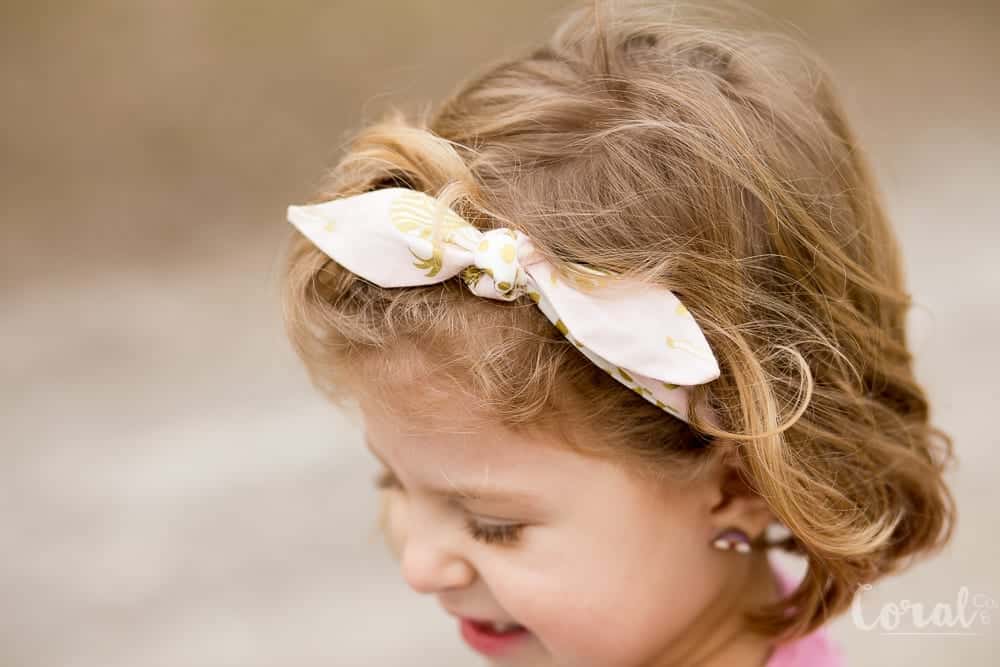
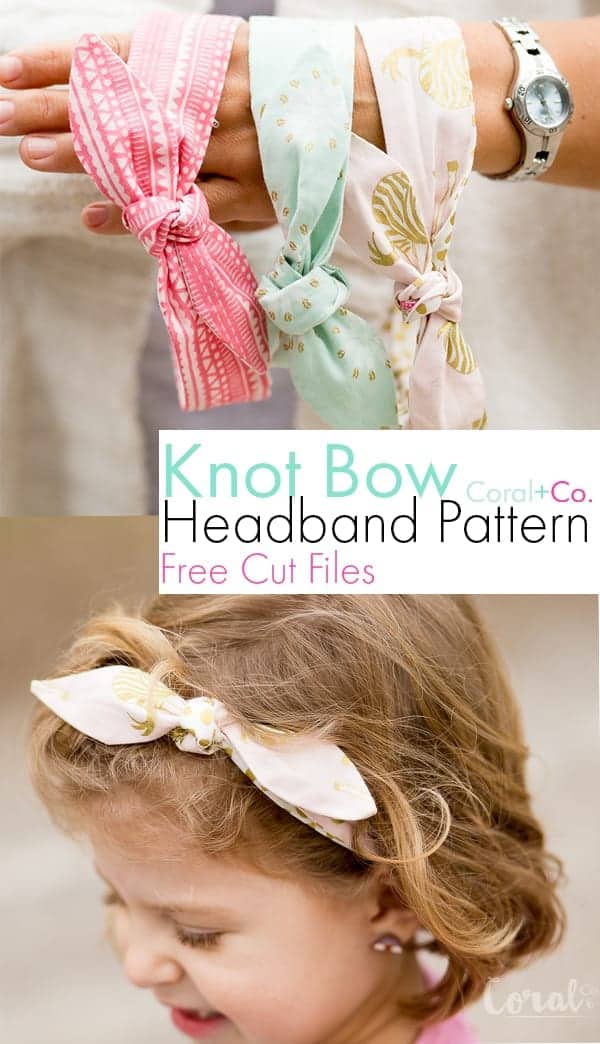
I don’t know if you can tell, but I can’t get enough of these knotted bow headbands so when Cricut came out with the new Cricut Maker, I KNEW that this would be the PERFECT pattern for it.   So I sat down and designed a Woven Knotted Bow Headband Pattern with svg cut files for the Cricut Maker.

knotted-bow-headband-pattern-svg-cut-files-for-cricut-maker

Ok, confession.  I have had this post halfway done for several months.  Actually it was pretty much all done except for the pictures showing the finished look.  I really meant to have this fun little pattern out to you all but thanks to my friend #GoAwayIrma Hurricane Irma, which I wrote about here, we had a little bit of delay in just about everything blog related.  But the good news is I’m soooo back and ready to pile on the patterns and tutorials for y’all!
My previous Knot Bow Headband Pattern is made with knit fabric with is great, its super stretchy and comfy, but there are SO many more fabric options with woven fabric.  So I decided that a Woven Knotted Bow Headband Pattern would be a great addition, because who doesn’t need options???  Amiright?!  I also decided that this was the perfect occasion to snap some picks of my toothless girl.  Love that smile!

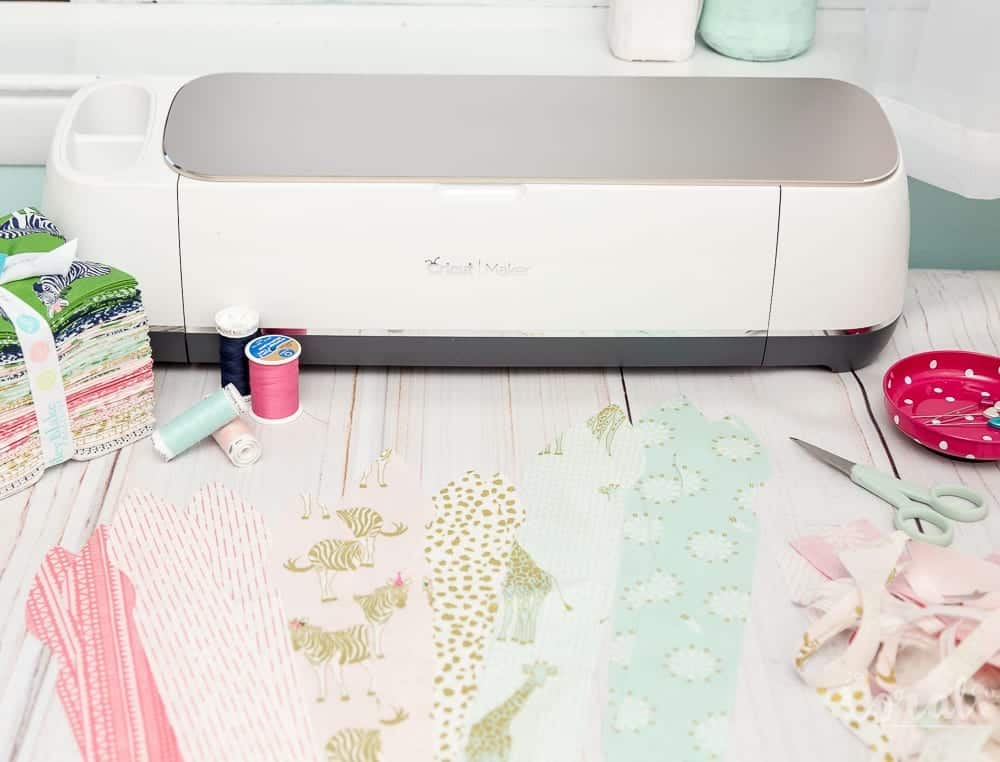
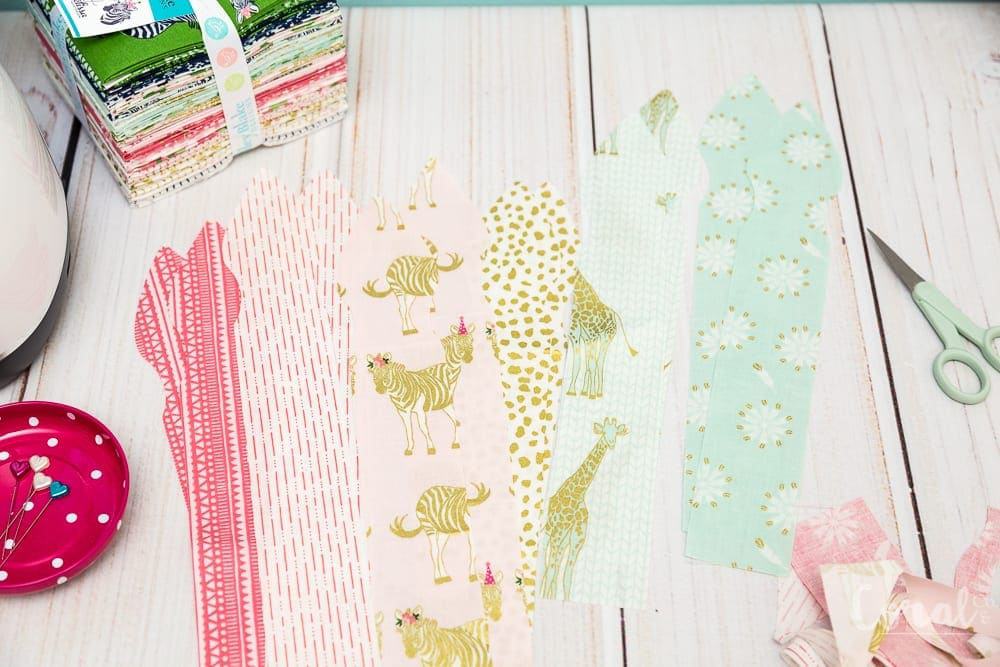
I had a fat quarter bundle of this gorgeous Safari Party Fabric line designed by Melissa Mortenson from The Polkadot Chair for Riley Blake Designs (you can see my Charm Square Quilt Tutorial made with this fabric as well) that I was just itching to make more things with.  I’m totally a sucker for all the pinks, blues, and golds, plus who doesn’t love zebras?  My kiddos most definitely do!

Since there were so many pretty fabrics to choose from I decided to make these Knotted Bow Headbands reversible, but that is optional.  You can make them all from one fat quarter if you like.  These are pretty much the quickest and greatest sewing project because they are super fast (always my kind of project) and hardly take any fabric at all.  Cricut also has these fun coordinating fat quarter bundles that would be perfect for this project.  Here are a couple that I like below:

What you will need for the Knotted Bow Headband Pattern

  1. 1-2 fat quarters Safari Party Fabric depending if you want it to be reversible or not.  You can find the full fat quarter bundle here.
  2. 3 – 4 inches (3 inches for smaller sizes 4 inches for larger sizes) 1/4 inch elastic
  3. coordinating thread (I like gutterman for sewing anything apparel or that will be washed and shrunk)
  4. pins (here are my favorite heart head pins)
  5. Cricut Maker (*optional – you can make this pattern by using my Free Knot Bow Headband Pattern and adding enough elastic to fit head size)
  6. 12″ x 24″ Fabric Grip Mat
  7. Knotted Bow Headband Pattern SVG Cut Files (See the bottom of the post)

***Check out these posts for some great Tips to Use The Cricut Maker and Cricut Hacks Every Crafter Needs to Know

Knotted Bow Headband Pattern Cricut Maker Instructions

 Step 1. Load the Knotted Bow Headband Pattern SVG File into the Cricut Design Space Software.  You can see more detailed instructions in this tutorial.

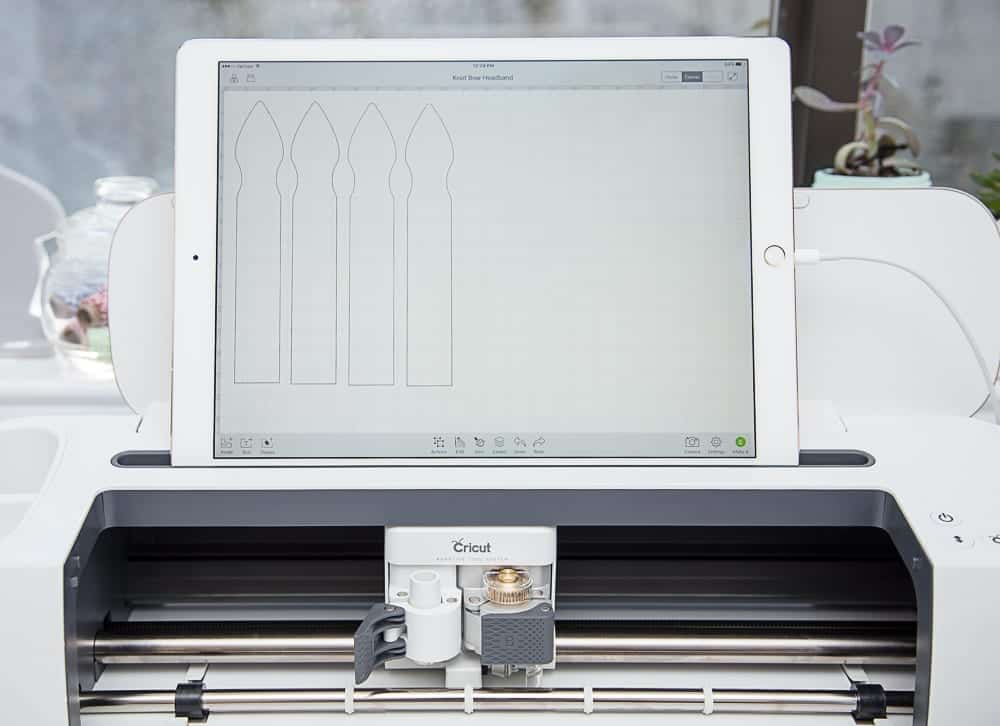
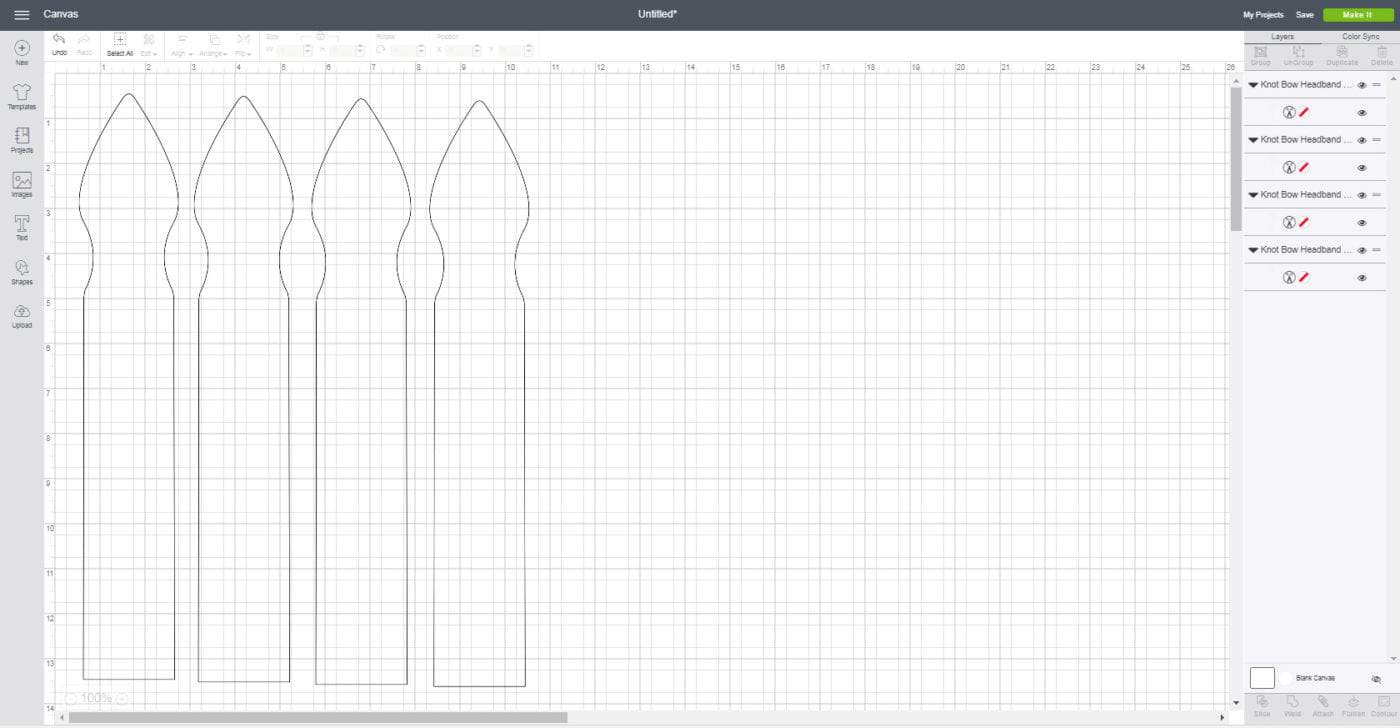
Step 2.  Duplicate either the Knotted Bow Headband either 1 time or 3 times depending on how many you are going to cut from each fabric piece.

***For example – if the headband is going to be all the same fabric you will need to duplicate it 3 time so you have a total of 4 headbands showing like below.

If you are going to make it reversible you will need to only duplicate it 1 time and repeat the whole process a second time with your second cut of fabric.

Step 3.  Once you have either 2 or 4 headbands lined up in design space you will click MAKE IT in the lower right hand corner.

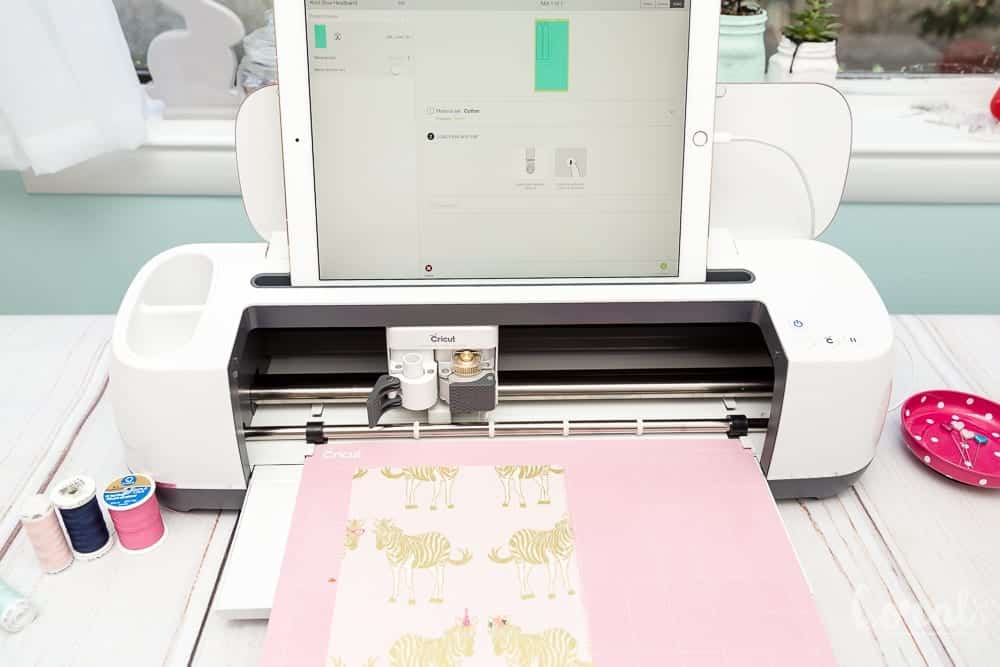
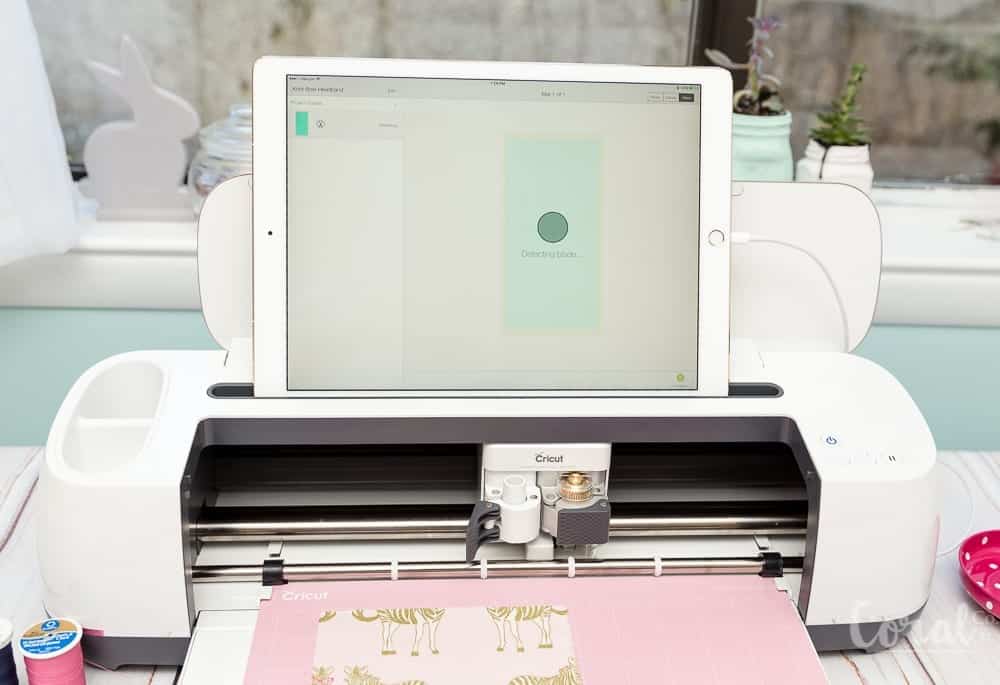
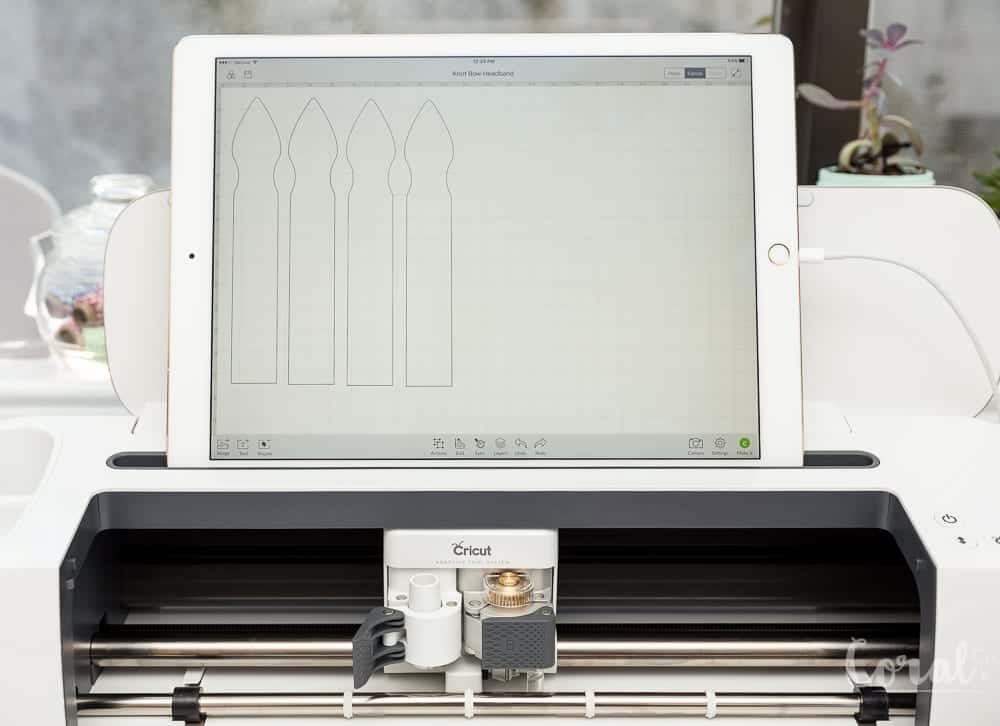
*** Tip – I used my ipad to connect to the Cricut Maker using the Cricut Ipad App. I was far easier than lugging the Maker to my computer is probably one of my favorite features (besides cutting fabric – duh!) of the Cricut Maker.


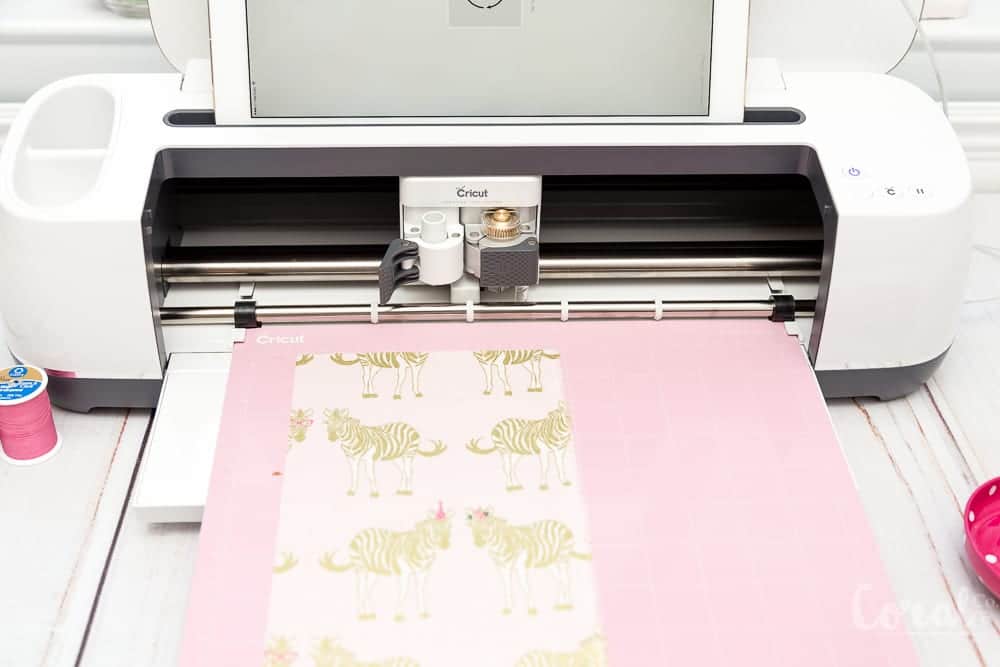
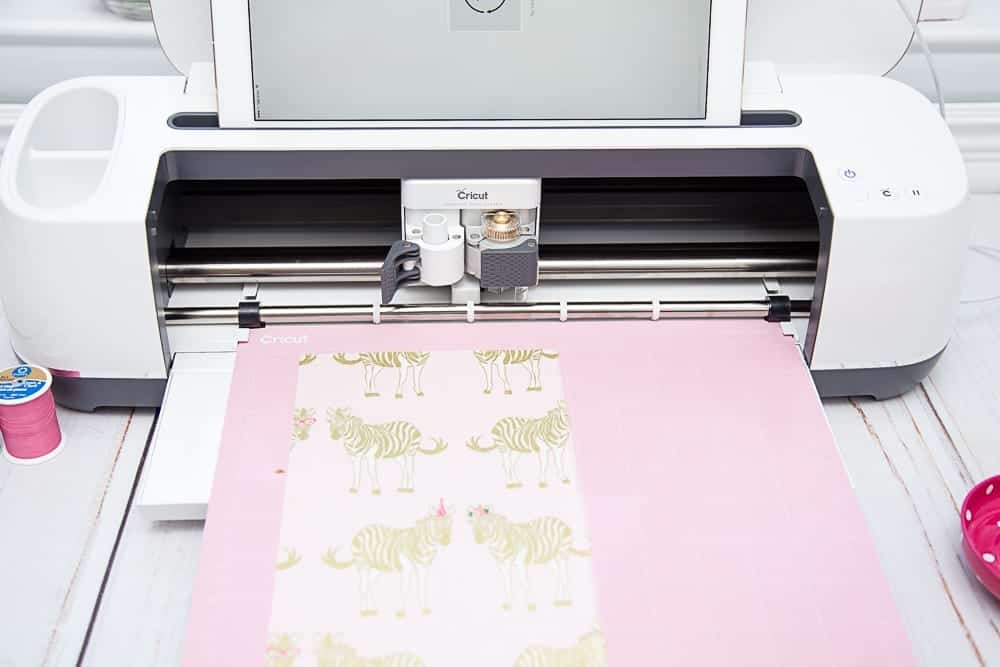
Step 4.  Place your cutting mat with you piece of fabric pressed firmly on it into the cutting mat tray.

Step 5.  This step will tell you it is sorting the projects int mats by color (or cuts for the same fabric).  When it says *At least one of your images is larger than 11.5″ in height or width. Please click Ok to continue with a larger mat or click Cancel to go back to the canvas to reduce the size.  Click Continue.  This is okay because you are using a longer mat.

You will need a larger mat (12×24 inch mat) for the larger sizes of the knot bow pattern.

Step 6.  Choose the correct fabric type.  For this project you will choose medium weight cotton.

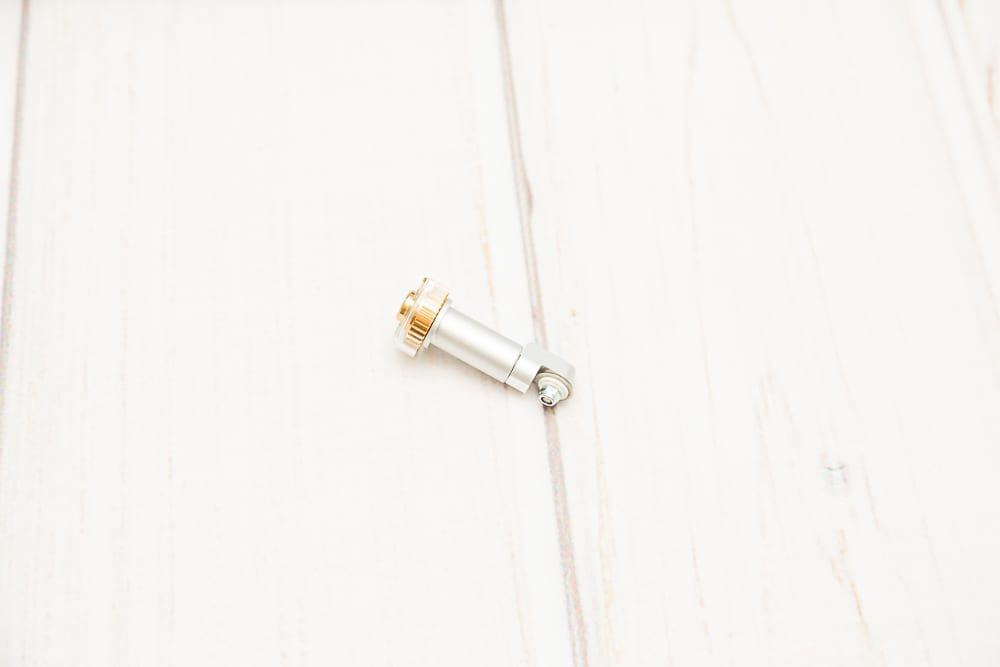
Step 7.  Cricut Design Space will check for and confirm that you have the rotary blade installed in order to cut the fabric.

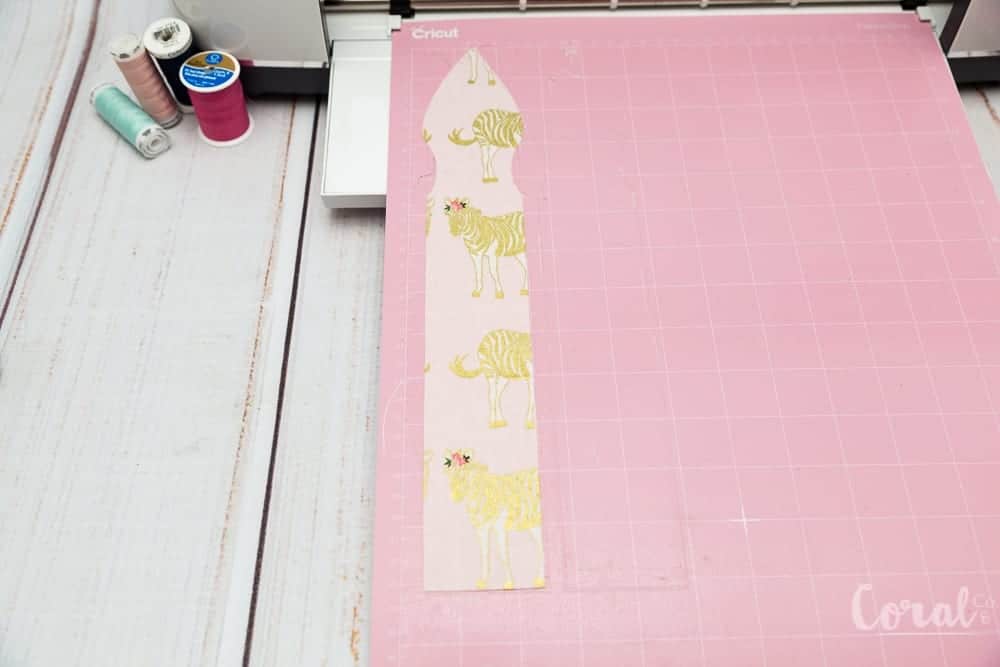
Step 8.  Cut the Knotted Bow Headband Pattern with Cricut Maker.  Peel off surrounding fabric.  Then carefully remove the knotted bow headband pattern piece.

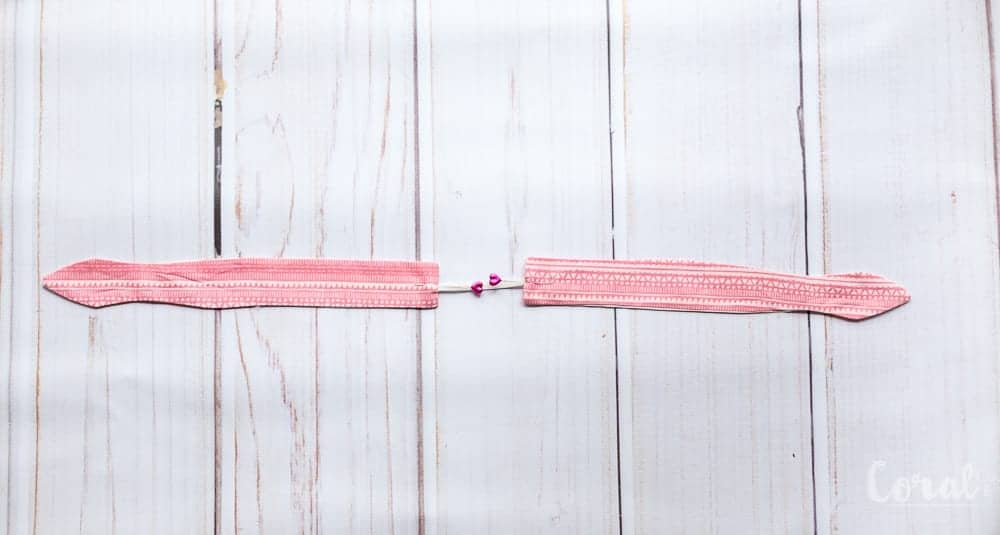
You will now have 4 Knotted Bow Headband Pattern pieces to make one knotted bow headband.

Step 9. Cut a 3 – 4 inch strip of 1/4 inch elastic.


Knotted Bow Headband Pattern Sewing Instructions

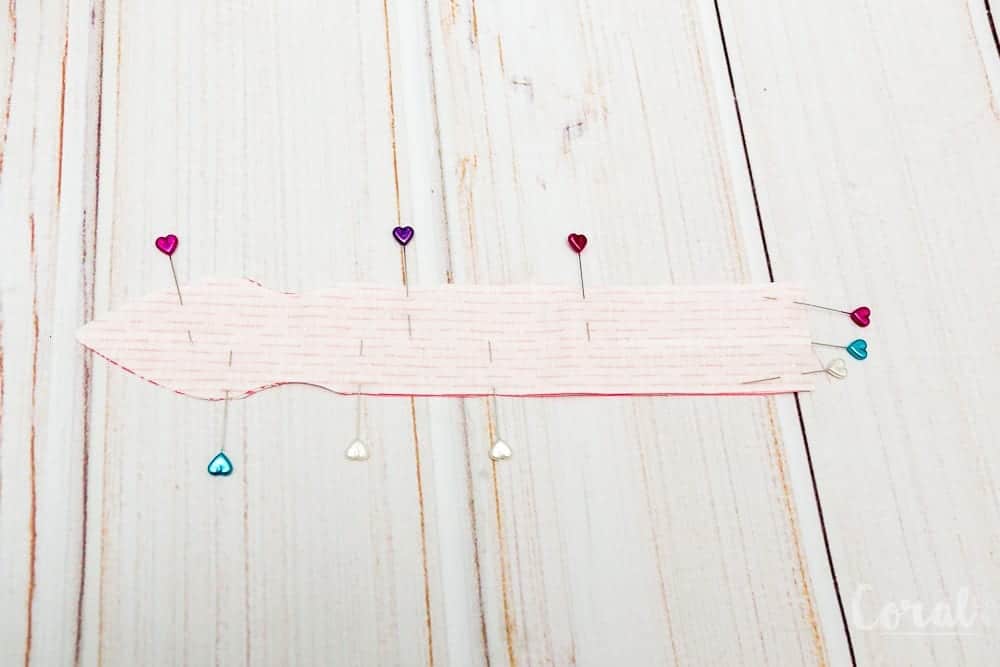
Step 1. Place both Knot Bow Headband Pattern pieces right sides together (RST).  Pin to hold together.

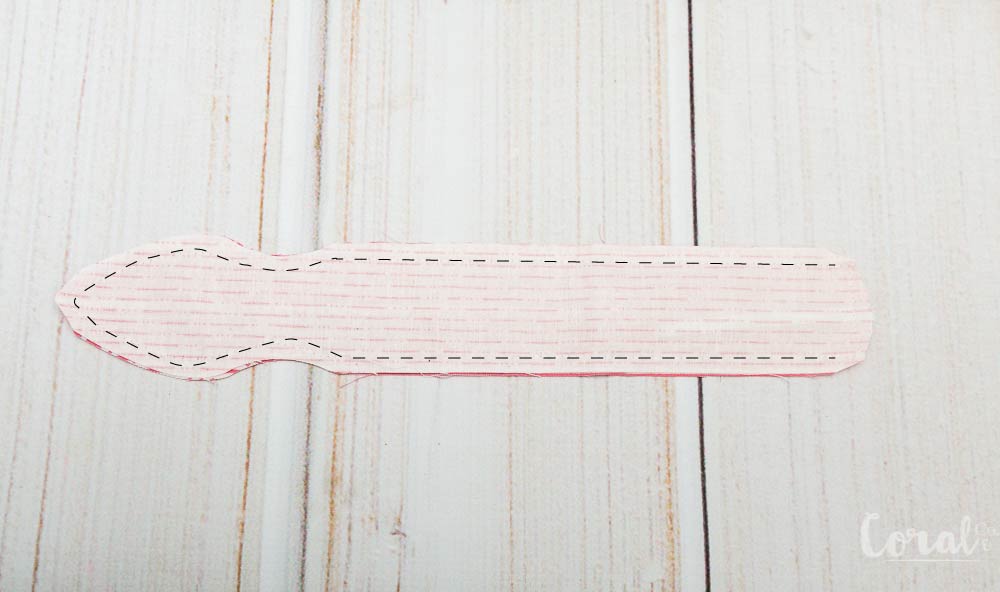
Step 2.  Starting at one side of the short end of the Knot Bow Headband Pattern piece sew a straight stitch 1/4in from the raw edge, going all the way around the headband, stopping at the opposite side.  Trim the point at the top to reduce bulk when turned.

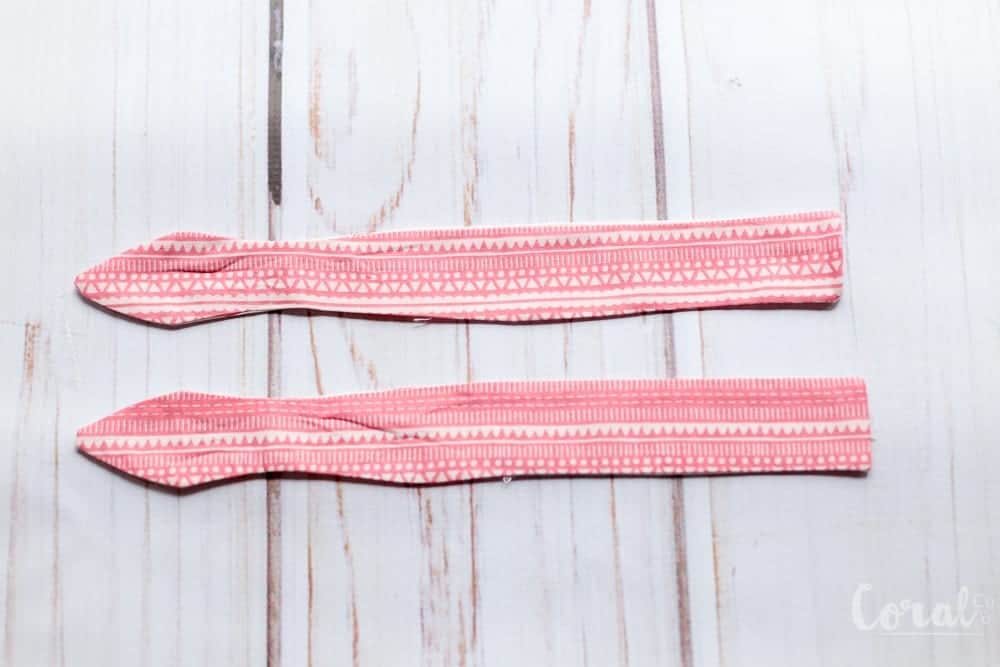
Step 3.  Turn Knotted Bow Headband pattern pieces right sides out.

Tip – *If you are having trouble you can use a pencil to help push it through.

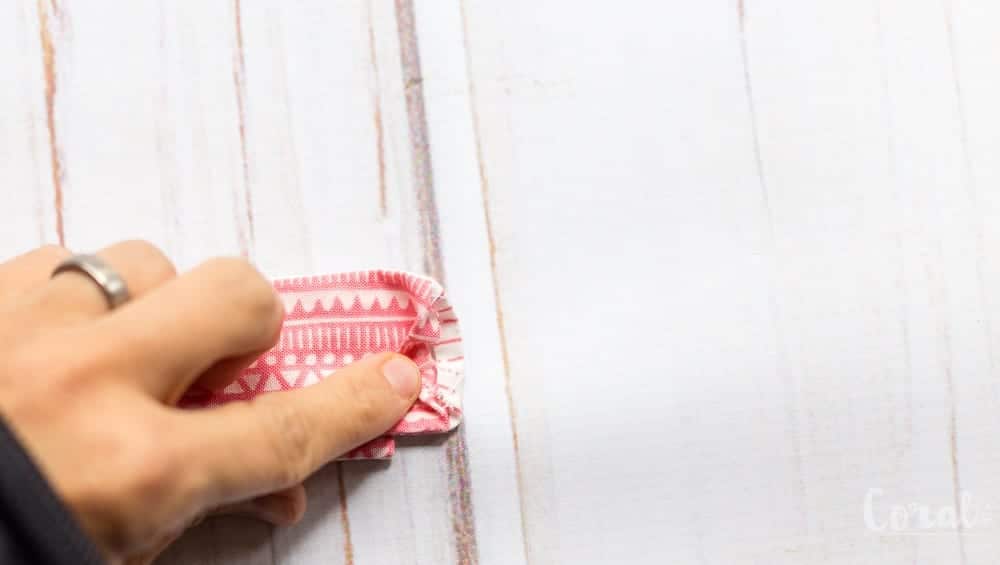
Step 4.  Fold raw fabric edges under 1/4in and press.

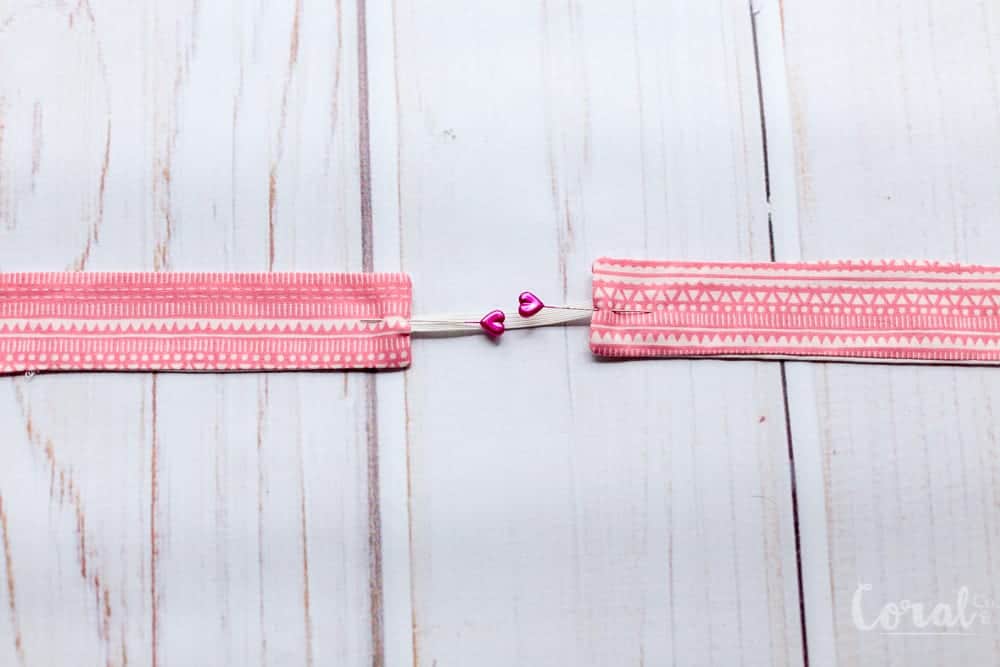
Step 5.  Sandwich 1/4in ends of elastic into the folded under raw edges of the knotted bow headband pattern pieces.

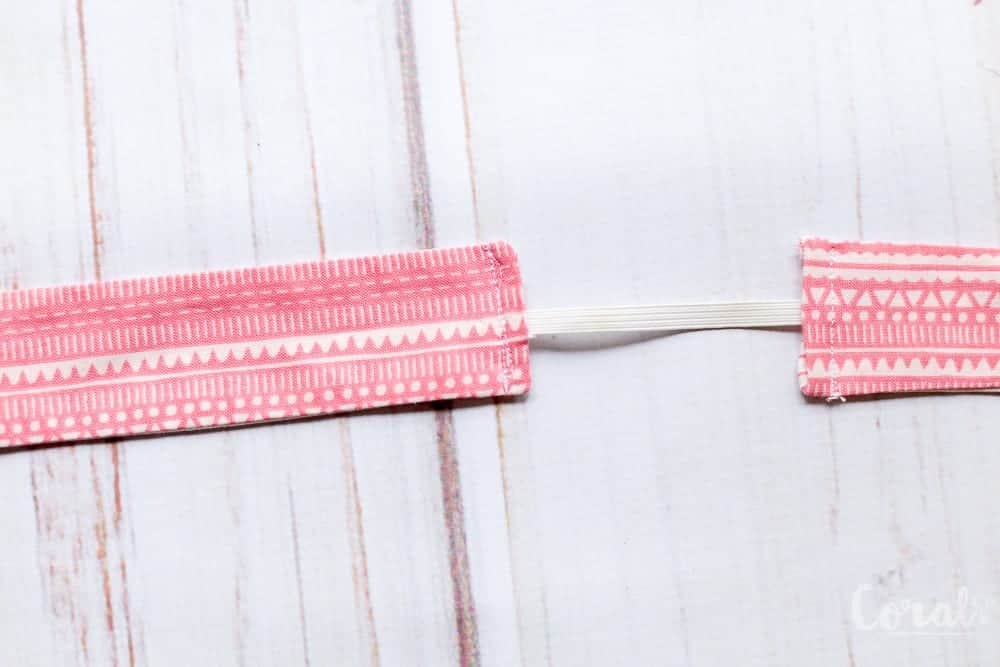
Step 6. Sew a straight stitch 1/4 – 1/8in from the folded under edge down the short side of the Knotted Bow Headband.

knotted-bow-headband-pattern-svg-cut-files-for-cricut-maker

You are all done!  And now have some adorable headbands for your cutest girl!

You can find all the Knotted Bow Headband Patterns by size below.

Here are all the instructions listed together so you can find them easily –

Knotted Bow Headband Pattern Cricut Maker Instructions

Step 1. Load the Knotted Bow Headband Pattern SVG File into the Cricut Design Software.  You can see more detailed instructions in this tutorial.

Step 2.  Duplicate either the Knotted Bow Headband either 1 time or 3 times depending on how many you are going to cut from each fabric piece.

***For example – if the headband is going to be all the same fabric you will need to duplicate it 3 time so you have a total of 4 headbands showing like below.

If you are going to make it reversible you will need to only duplicate it 1 time and repeat the whole process a second time with your second cut of fabric.

Step 3.  Once you have either 2 or 4 headbands lined up in design space you will click MAKE IT in the lower right-hand corner.

*** Tip – I used my ipad to connect to the Cricut Maker.  I was far easier than lugging the Maker to my computer is probably one of my favorite features (besides cutting fabric – duh!) of the Cricut Maker.

Step 4.  Place your cutting mat with your piece of fabric pressed firmly on it into the cutting mat tray.

Step 5.  This step will tell you it is sorting the projects int mats by color (or cuts for the same fabric).  When it says *At least one of your images is larger than 11.5″ in height or width. Please click Ok to continue with a larger mat or click Cancel to go back to the canvas to reduce the size.  Click Continue.  This is okay because you are using a longer mat.

You will need a larger mat (12×24 inch mat) for the larger sizes of the knot bow pattern.

Step 6.  Choose the correct fabric type.  For this project, you will choose medium weight cotton.

Step 7.  Cricut Design Space will check for and confirm that you have the rotary blade installed in order to cut the fabric.

Step 8.  Cut the Knotted Bow Headband Pattern with Cricut Maker.  Peel off the surrounding fabric.  Then carefully remove the knotted bow headband pattern piece.

Step 9 Cut a 3 to 4-inch strip of 1/4in elastic (3 inches for smaller sizes 4 inches for larger sizes).

Knotted Bow Headband Sewing Instructions –
Step 1. Place both Knot Bow Headband Pattern pieces right sides together (RST).  Pin to hold together.

Step 2.  Starting at one side of the short end of the Knot Bow Headband Pattern piece sew a straight stitch 1/4in from the raw edge, going all the way around the headband, stopping at the opposite side.  Trim the point at the top to reduce bulk when turned.

Step 3.  Turn Knotted Bow Headband pattern pieces right sides out.

Tip – *If you are having trouble you can use a pencil to help push it through.

Step 4.  Fold raw fabric edges under 1/4in and press.

Step 5.  Sandwich 1/4in ends of elastic into the folded under raw edges of the knotted bow headband pattern pieces.

Step 6. Sew a straight stitch 1/4 – 1/8in from the folded under edge down the short side of the Knotted Bow Headband.

You can find the Knotted Bow Headband SVG File in the Resource Library.
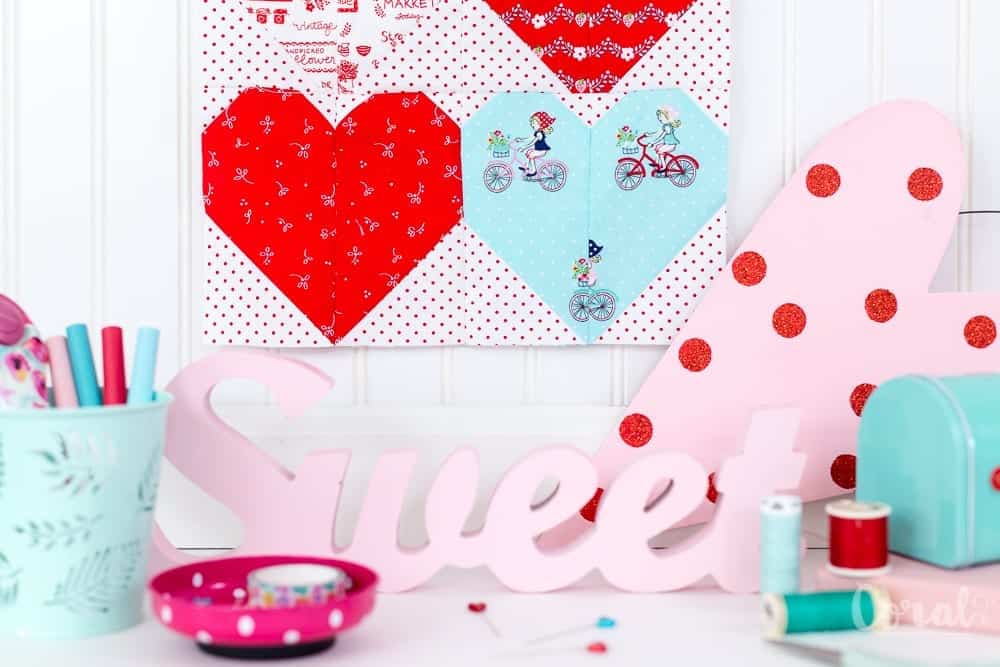


Pin the Knotted Bow Headband Pattern with Free Cut Files for later!


This is a sponsored conversation written by me on behalf of Cricut. The opinions and text are all mine.


Baby Sewing, Beginner, Crafts, Cricut, Free Patterns, Kids, Sewing cricut

I want to hear from you! Tell me what you think on my reader survey <3

Jan 10, 2018 · 2 Comments

I love to sew.  I make things for my kids, my friends and family, and myself.  But I also make things for you!  I love to put together easy tutorials and patterns for you to sew.  I like to provide inspiration as well, I know how well seeing things others made really gets me dreaming up a new project.  I want to know who you sew for and what you like to make, all in attempt to make more of what you love <3 <3 <3  So I have put together a reader survey that I would be incredibly grateful if you took a minute to fill it.  It is pretty short and would mean so much to me!

block party

Gratitude. Looking back at 2017 and looking forward to 2018

Jan 2, 2018 · 1 Comment

2017 was one crazy year!  There were so many opportunities that came my way and I had several chances to meet some of my real life sewing friends, and talk about all things sewing and blogging.  I already shared my 10 best posts of 2017 but I thought I would take a minute and talk about all the great things from this last year and couple unexpected things that went on as well.

I started the year with the intention of doing a Calendar project where I take pictures every month of my kiddos with a monthly theme so I could put together a Calendar at the end of the year.  I wasn’t completely successful, I made it about half way through the year, but I really love the idea and how the photo shoots I took turned out.

I attended my first quilting traded show when Quiltcon East came to Savannah.  It was incredible getting to meet some of the designers and bloggers I have admired for quite awhile.  I wish I had gone for more that just one day, but next I will definitely get a hotel and take some classes.  Even Amy Butler was there!  I didn’t do a very good job documenting it, next time I totally will, but Caroline from Sew Can She (who is so cute and so sweet in person) did a great post on the happenings during the Quiltcon.  And I loved following along with Stephanie from Modern Sewciety’s podcast and Facebook live coverage during the event.  And the quilts there were simply stunning.  I can’t even begin to describe how amazing the quilts were.

I also got to check off a major item on my sewing blogger bucket list when the ladies at Project Run and Play asked me to compete in Season 13 of Project Run and Play.  They always host some super creative designers with gorgeous photography skills and it was pretty cool to compete with my sewing blogger friend Cassie from Pear Berry Lane.  I had to end the competition early due to a family emergency but I absolutely loved my first look and was bummed to not get to continue.  I would totally do it again in heart beat.

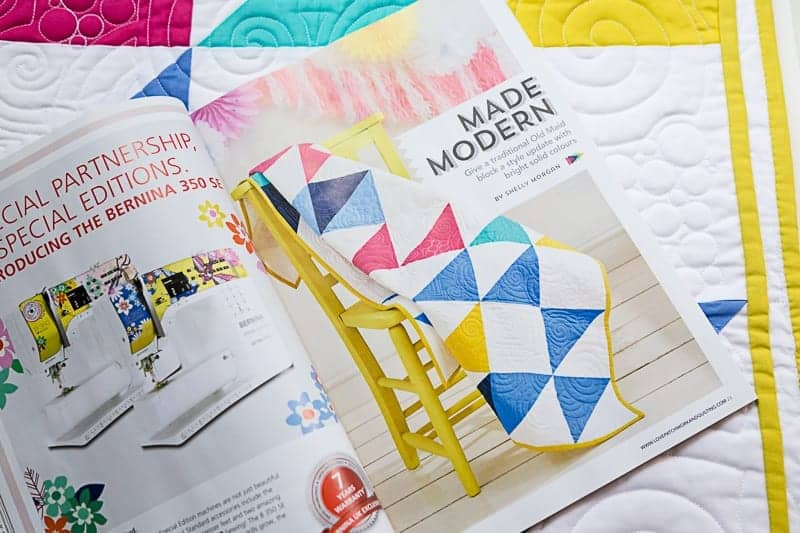
This year I got to see one of my creations in print!  How cool is that?!  I made a modern baby quilt and pattern that was featured in Issue 18 of Love and Patchwork Magazine.  I am hoping to have some more time this year to work on some quilt patterns for more magazines.  I have a few ideas that have been spinning around in my head.

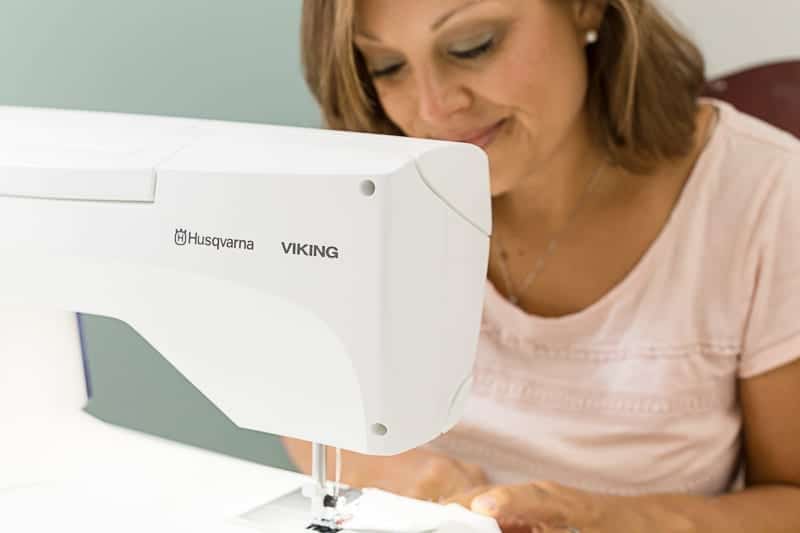
Another big deal in my world was becoming a brand ambassador for Husqvarna Viking. I have admired their sewing machines for years, and was squealing when they sent me a Viking Sapphire 965Q to sew on.  I can’t believe the difference sewing on a really good machine makes in a professional finish.

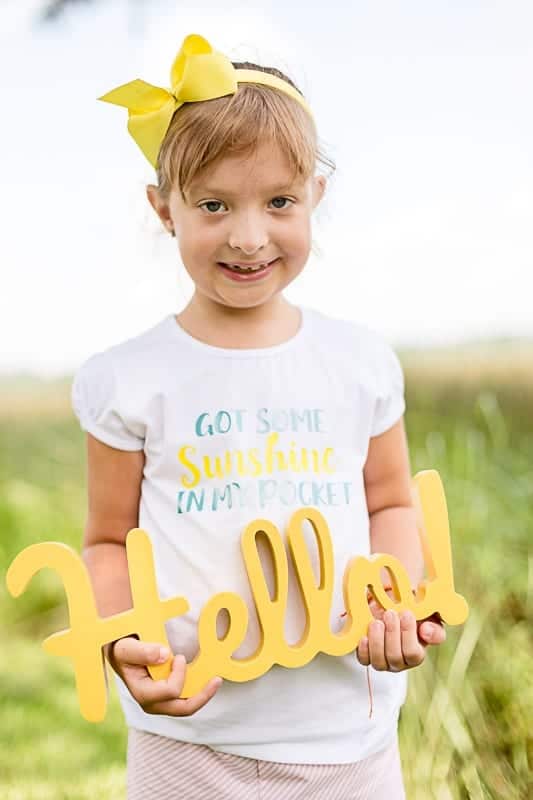
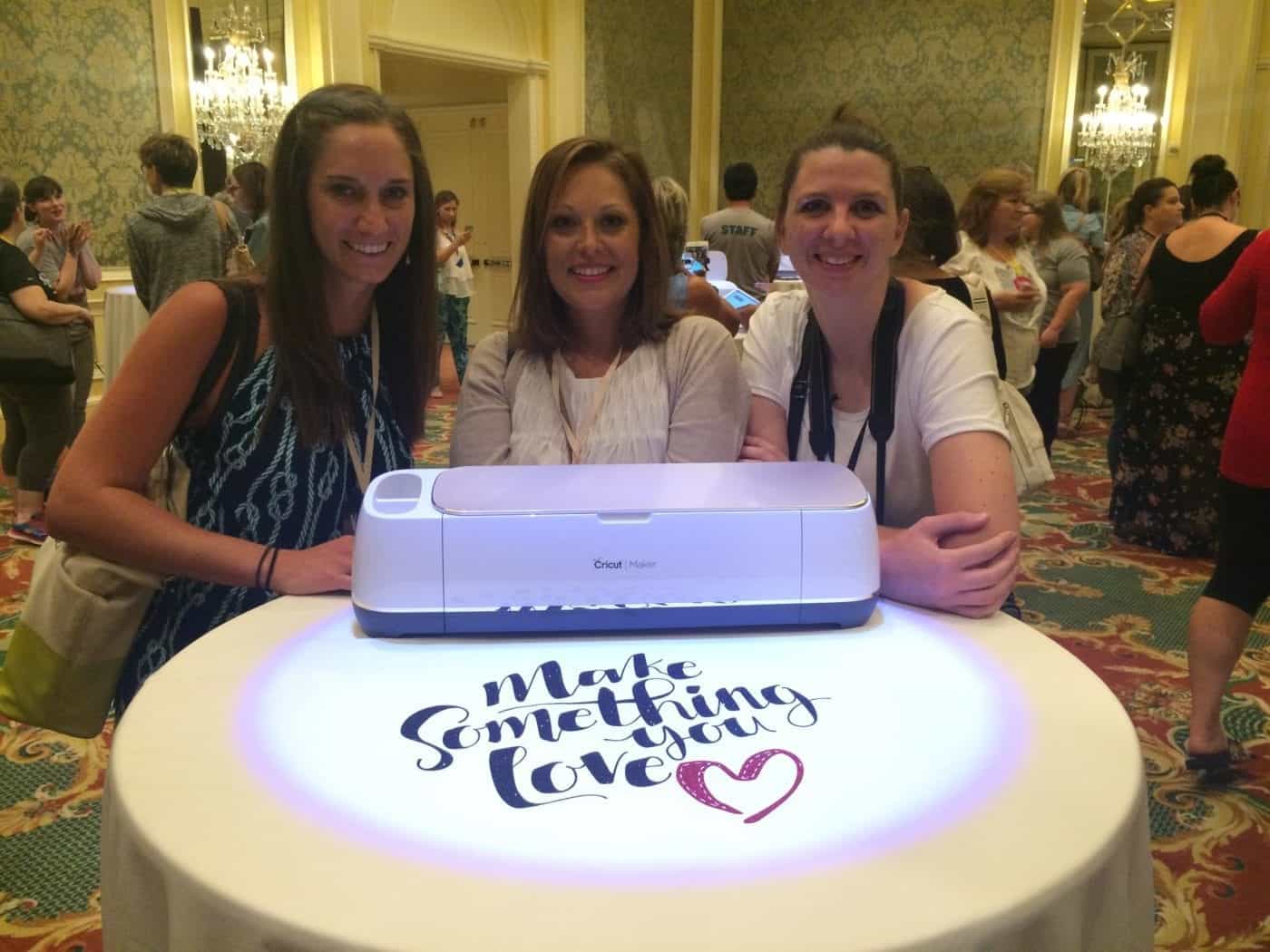
DIY-Trolls-Sunshine-in-my-pocket-t-shirt-cut-files-for-cricut-coral-and-coIn July I started working with Cricut, I had totally been wanting a Cricut machine and was pretty stoked to get to finally play with one.  I love all the things that you can make with one.  I was lucky enough to be invited to the Cricut Mountain Make-a-thon and got to see the reveal of the new Cricut Maker – which cuts fabric!  I also got a chance to mingle with a few sewing blogger friends and finally meet some in real life!  I really can’t wait to see some more of them again this year at a few more conferences.  Blogging is kind of solitary work so it is pretty exciting when we all get a chance to get together and dance on the ceiling chat.  Haha.

September started to get a little hairy when first we had a tropical storm followed by Hurricane Irma which did a pretty good number on the Island where I live.  We were lucky that we didn’t get any flooding at our house, just tree damage and no power for a week, but had to move for the second time this year because of it.  We spent most of October recovering from the storm damage and November moving.  Which is the worst during the Holidays.  I only had enough energy to unpack just my Christmas tree and stockings and let the rest sit in boxes.  Oh and did I mention we got a puppy too!  Of course I couldn’t let crazy ride, I had to take it to the next level.  Haha!  But the girls are so happy and he is the sweetest rescue dog ever, so now we have a houseful of animals and children running around but it makes life more fun.

During the last few months I had to quiet my mind.  I can get overwhelmed easily, so I took a break from instagram and deactivated my personal facebook (not my page) account for a few weeks as well.  It was nice because I didn’t feel the need to check in and scroll.  I know this isn’t the best strategy for a blogger, but sometimes it is better to regroup and come back refreshed.

Which I can happily say that I am and have been working on my editorial calendar for the new year and all the sewing projects and posts that I want to do this year.  2017 was a year way bigger than I could have imagined and I am ready to keep it going!  I have so many creative ideas buzzing in my head and I can’t wait to get them all out.  I also want to connect more with you guys and get to know more of what kinds of projects you want to make and what tutorials you would like to see!

I have been beyond blessed this last year and am so grateful to all of you who stop by Coral + Co and use my patterns.  Thank you for all your support.  Have a happy, healthy, and joyful New Year.

Free Tutorials

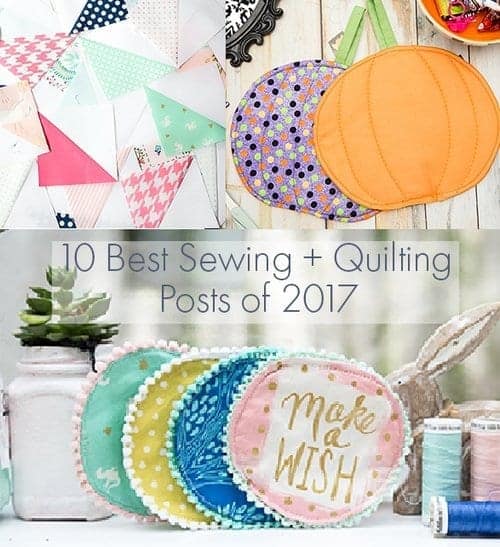
The 10 Best Sewing and Quilting Projects of 2017 at Coral + Co.

Dec 31, 2017 · 3 Comments

Top+10+of+2017-coral-and-co

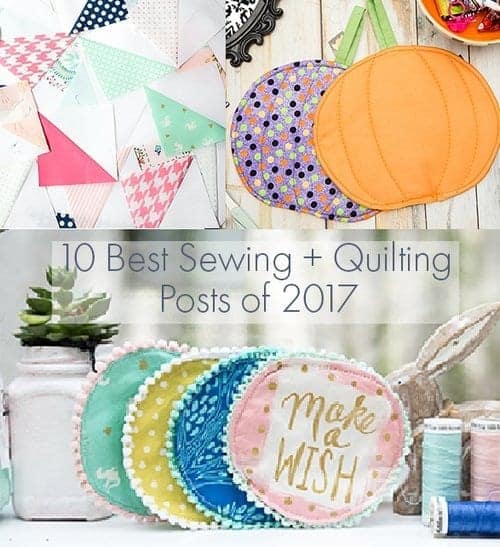
I can’t believe the end of 2017 is here and 2018 is right around the corner.  This year was really amazing and brought me so many opportunities to work with some great companies and sew up some really fun projects..  I thought I would take a minute to review the most popular posts of 2017 in case you missed them!

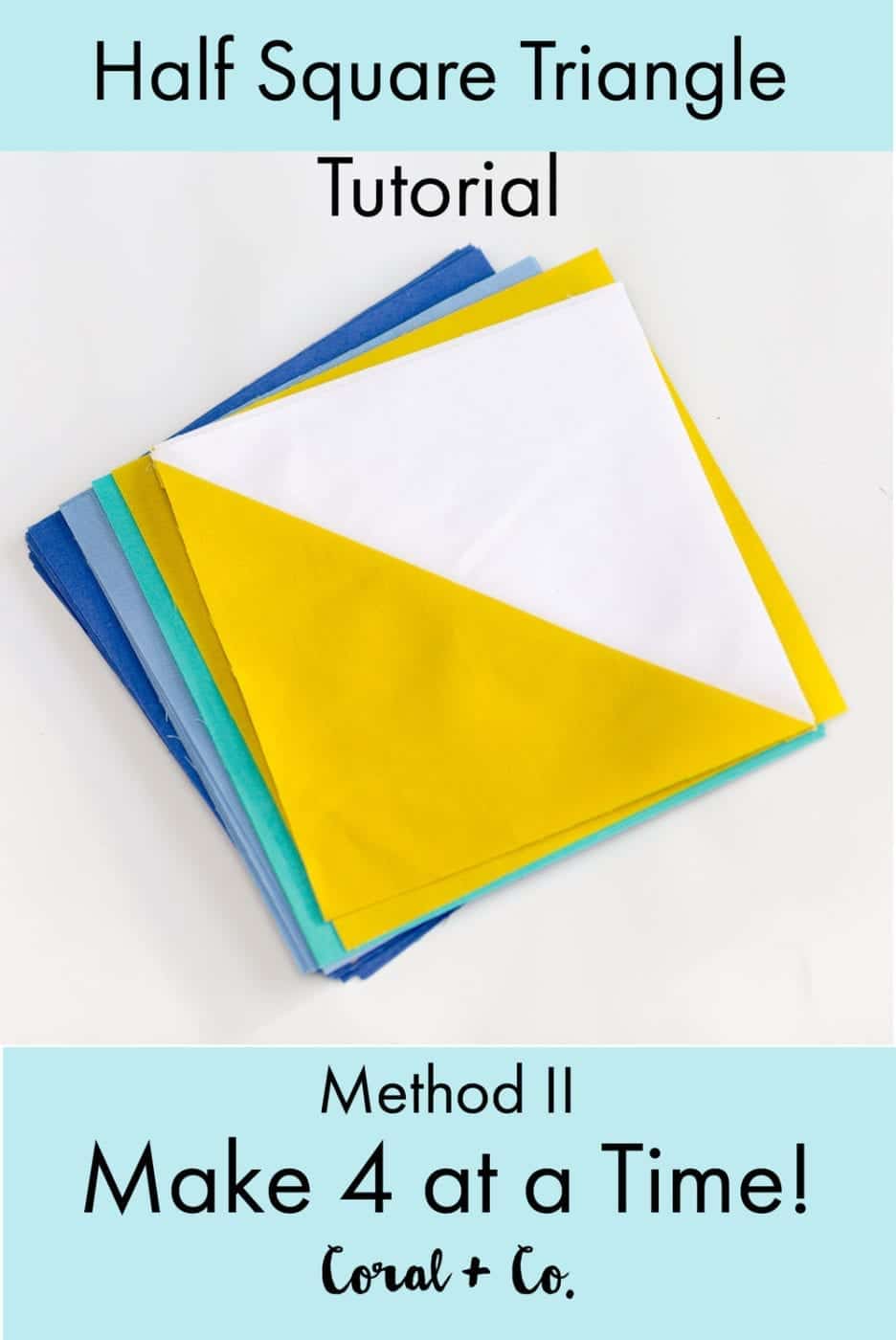
1.  Half Square Triangle Tutorial – Make 4 at a time!  

This year I spent some time delving into the basics of Half Square Triangles and all the ways to make them.  And surprisingly the top 4 posts of 2017 were all tutorials on how piece a Half Square Triangle.  The run away winner was how to make 4 at a time.  I like this method because it can make several at a time and is good for using charm squares or layer cakes.

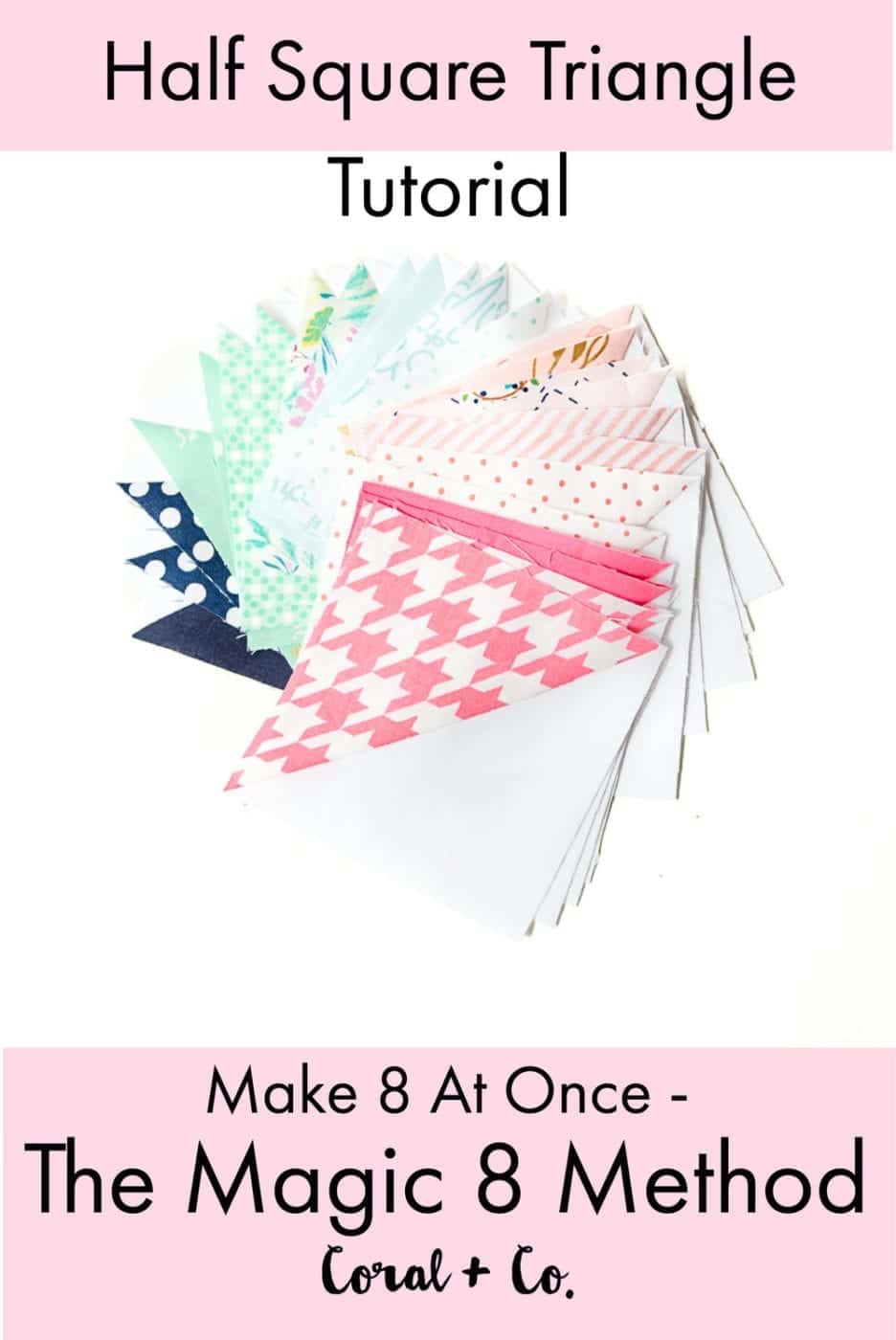
2.  Half Square Triangle Tutorial – The Magic 8 Method

Like the number one post of the year, this method can piece several at a time and is easy to use with square precuts.  This is my favorite method if you have lots of HST to piece using many of the same fabrics.  The only drawback to this method is that the fabric is cut on the bias and must be handled carefully so it does not stretch.

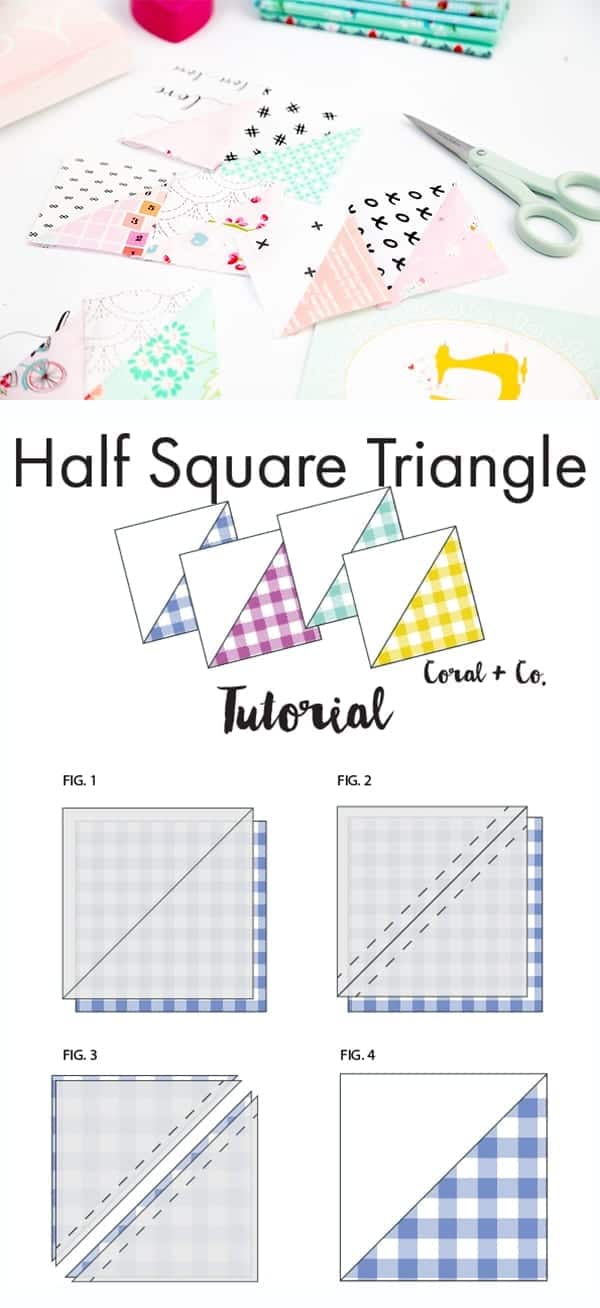
3.  Simple Half Square Triangle Tutorial

This is the most basic way to make a Half Square Triangle.  It only makes one at a time but is much easier for the beginner to handle because it keeps the fabric on grain instead of being cut on the bias, which is prone to stretch and distort.

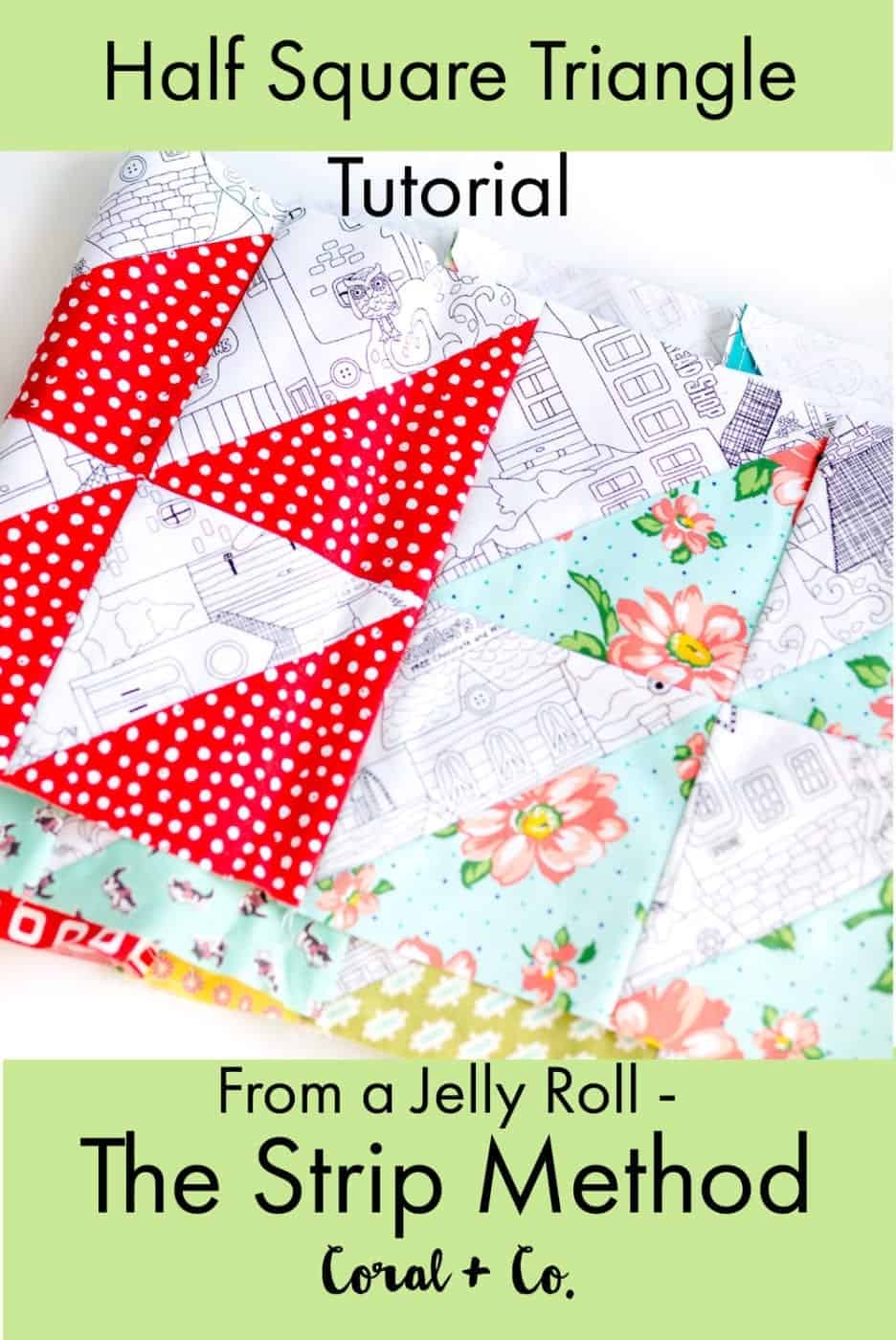
4.  Half Square Triangle Tutorial From a Jelly Roll – The Strip Method

This is a super cool method to make HST from long skinny strips of fabric.  And can be done pretty quickly although it you are making a big quilt you will be cutting for awhile 😉

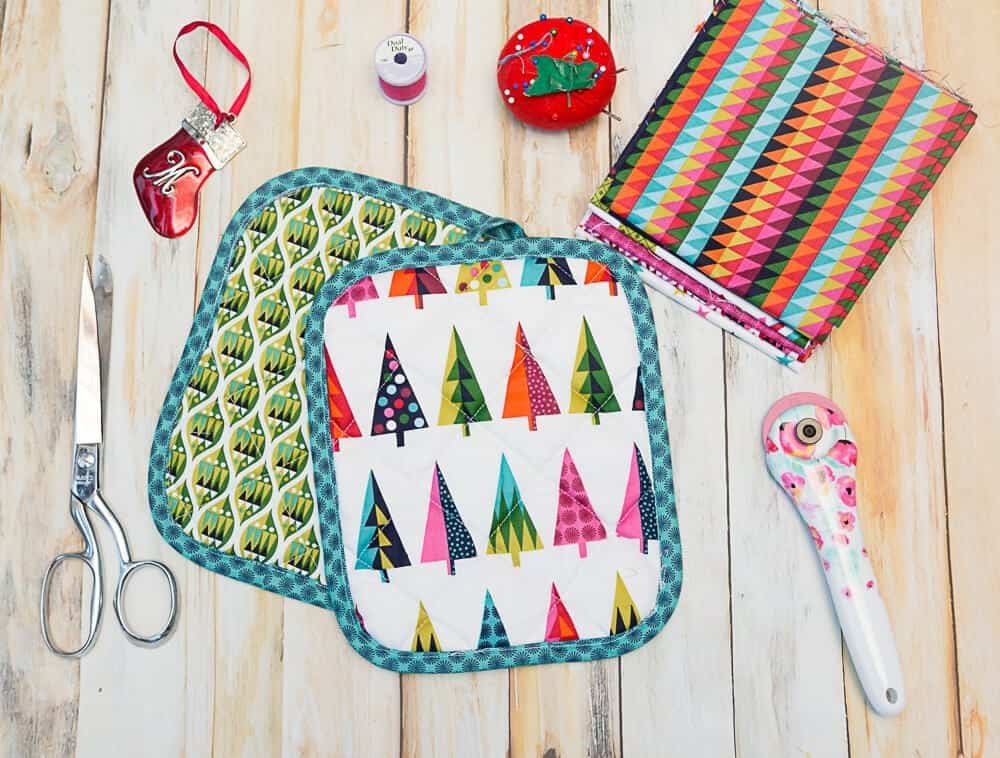
5.  Easy DIY Pot Holder Tutorial

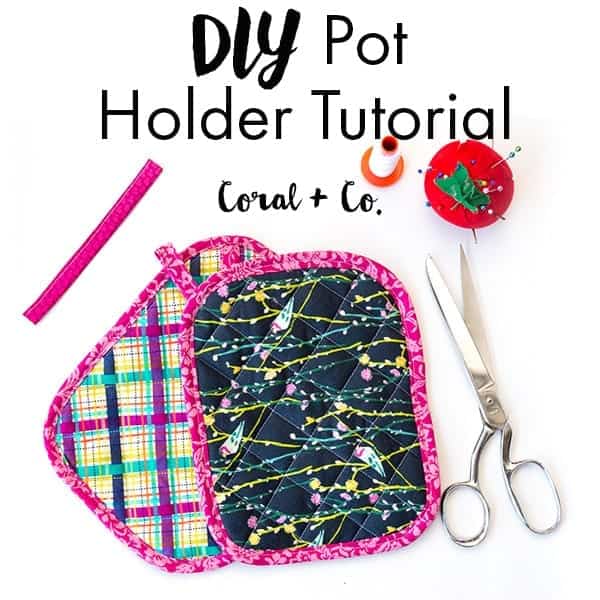
I used this tutorial to churn out a bunch of pot holders for Christmas gifts.  There are definitely other pot holder tutorials out there, but this simple tutorial was perfect for making them by the dozen!  And your friends will be totally impressed by how professional they look 😉

6.  Easy Safari Party Charm Square Quilt Pattern

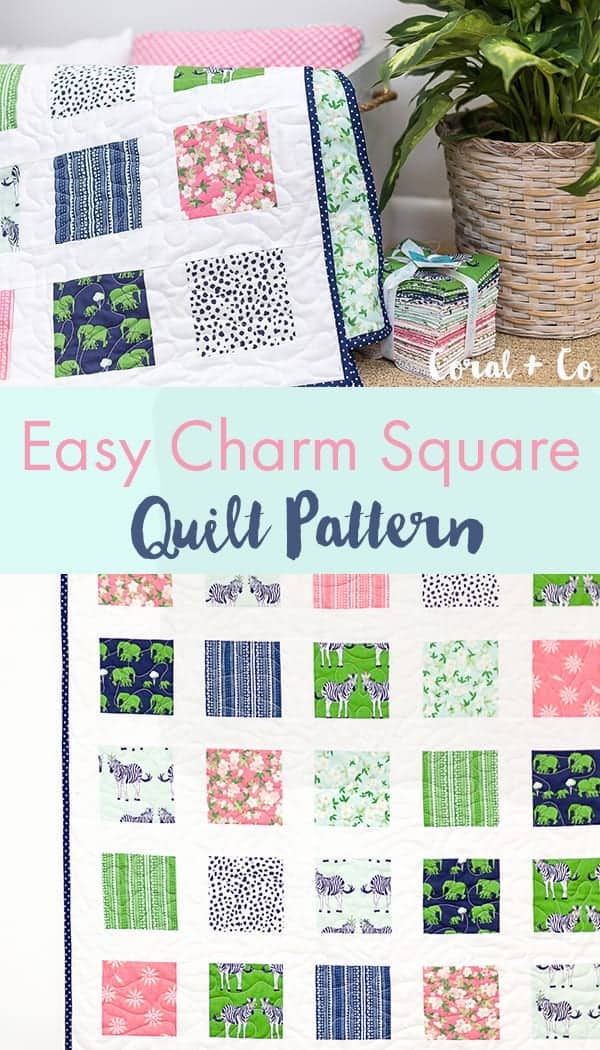
This was by far my favorite project of 2017.  First of all I adore Melissa from The Polka Dot Chair and her fabrics are always on my list of must haves.  And her Safari Party line was no different.  This quilt was so simple and turned out so well, my daughter was tickled to get a quilt with zebras and giraffes on it <3

7.  Mini Heart Block Quilt Tutorial

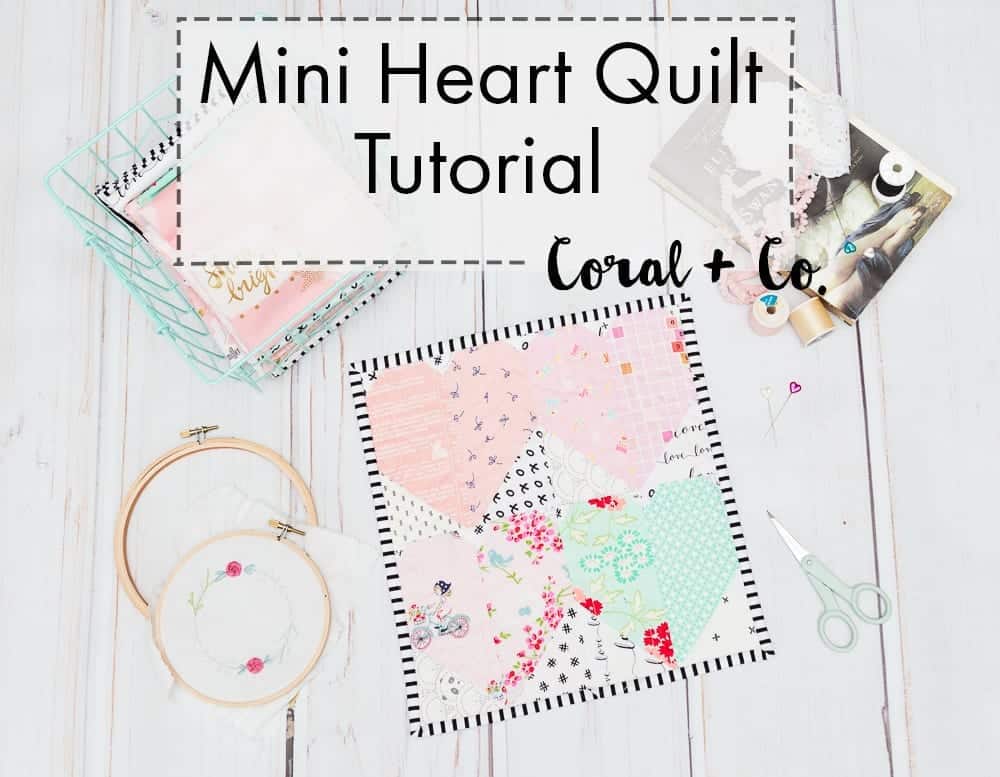
I absolutely LOVE hearts and this Mini Heart Block Quilt was so perfect for Valentines Day.  I actually loved it so much that It hung on the wall of my sewing room all year.  I will be making another one this year with a different color palette, which I can’t wait to see how it turns out.

8.  Easy Pumpkin Pot Holders For Halloween

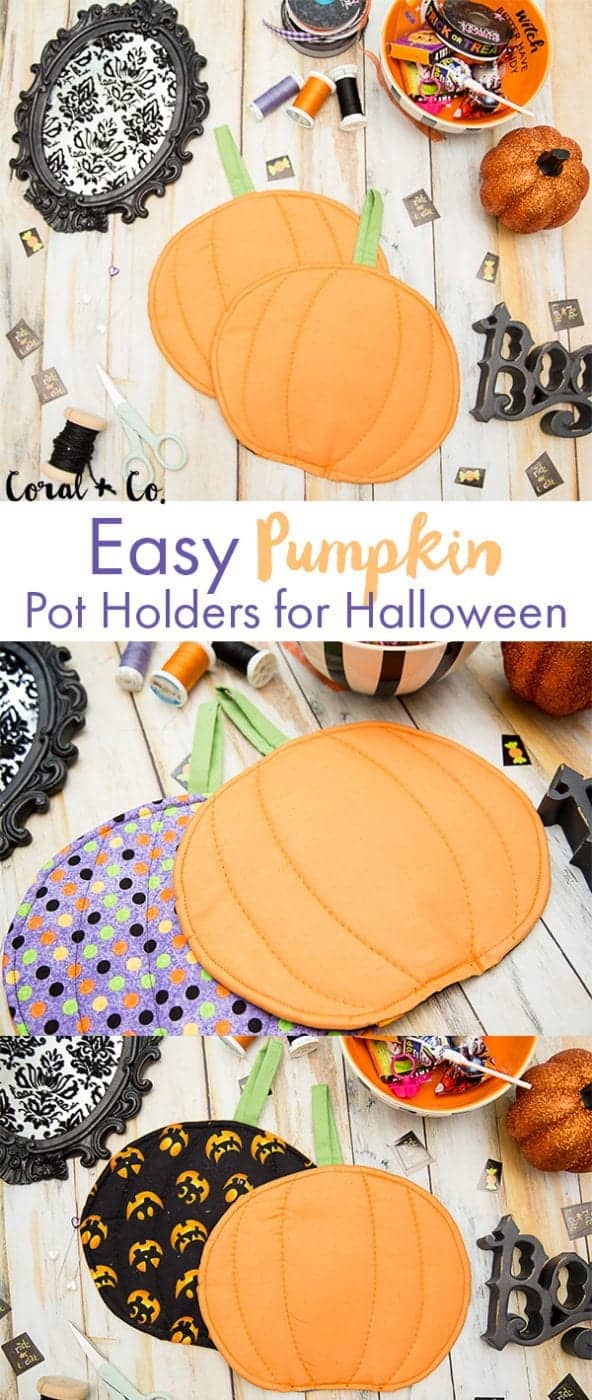
Halloween is always such a fun holiday to sew for.  Other than Christmas it is probably the holiday I decorate for the most.  These cute little pot holders were perfect for adding a little touch of Halloween decor to the kitchen and did double time as hot pads.

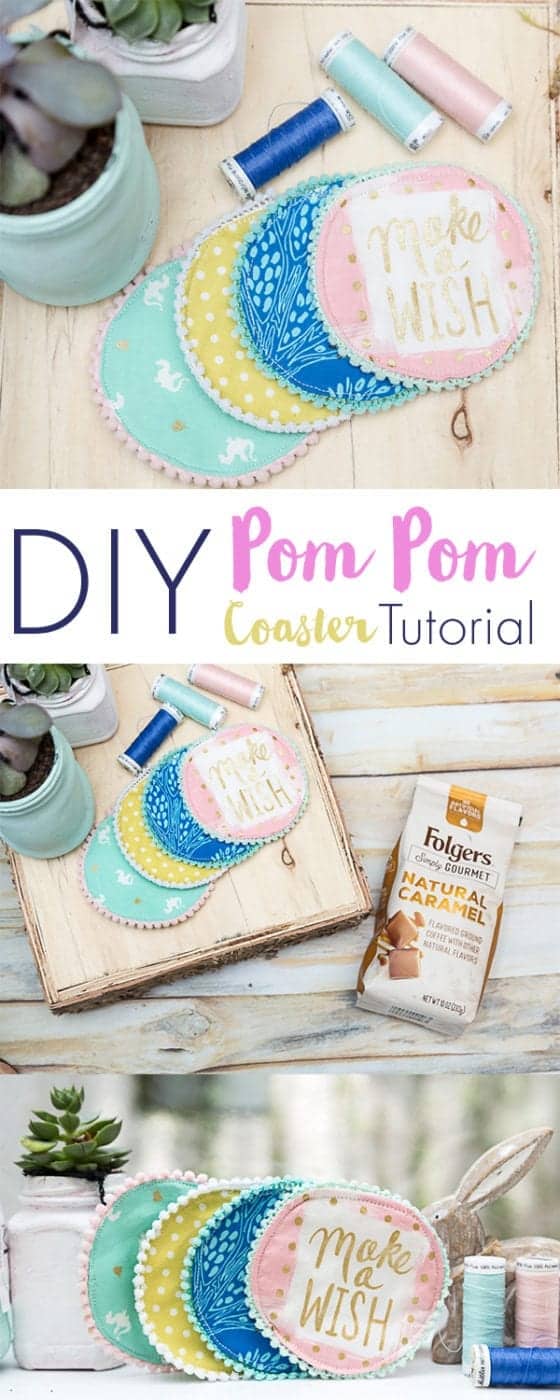
9.  DIY Pom Pom Coaster Tutorial

This had to be one of the easiest and cutest things I made this year.  Who doesn’t like to trim nearly everything with pom poms???!!!  Plus Sarah Jane fabric makes just about anything adorable.

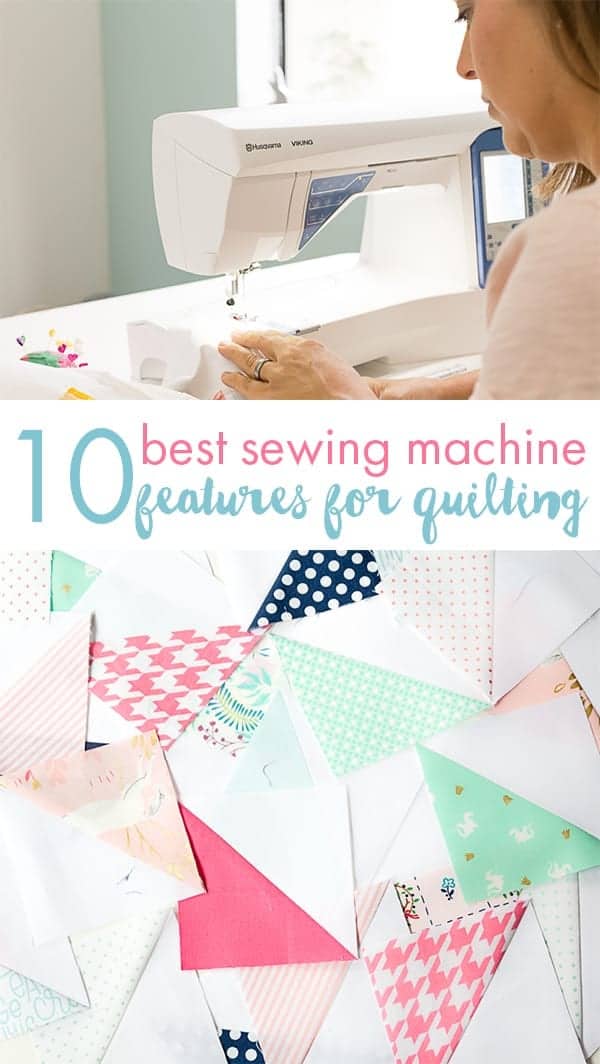
10.  The Best Sewing Machine Features for Quilting

If you are shopping for a new sewing machine with your Christmas cash be sure to check this one out.  I go over all my very favorite things on a sewing machine for effortless quilting.

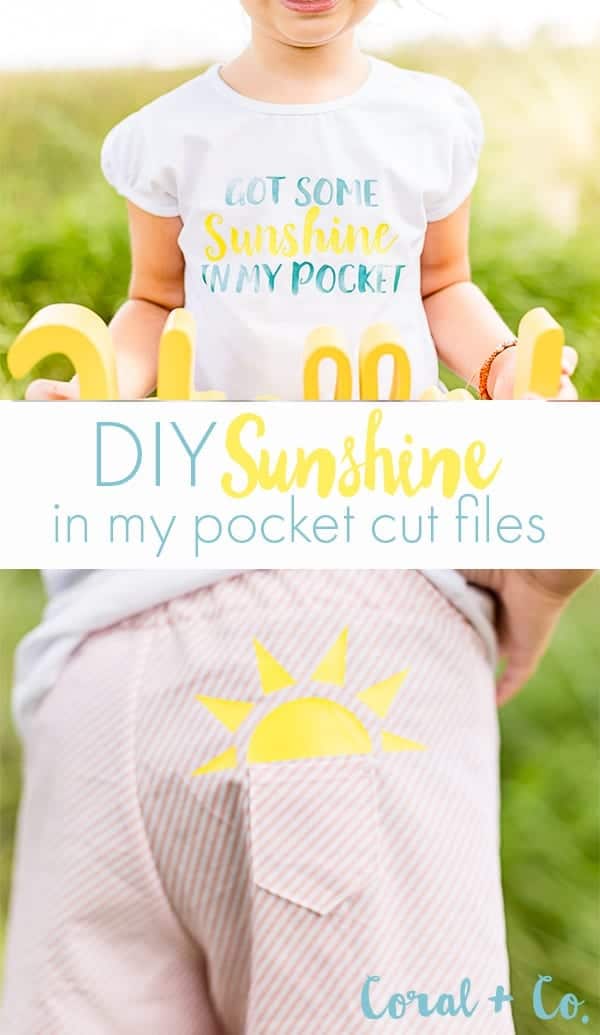
Honorable Mention – DIY Sunshine In My Pocket Cricut Cut Files

This post was just plain fun and getting to partner with Cricut was seriously pretty cool.  And if you couldn’t tell I spent the entire year with the Trolls soundtrack playing in my mind. HA!


Free Tutorials

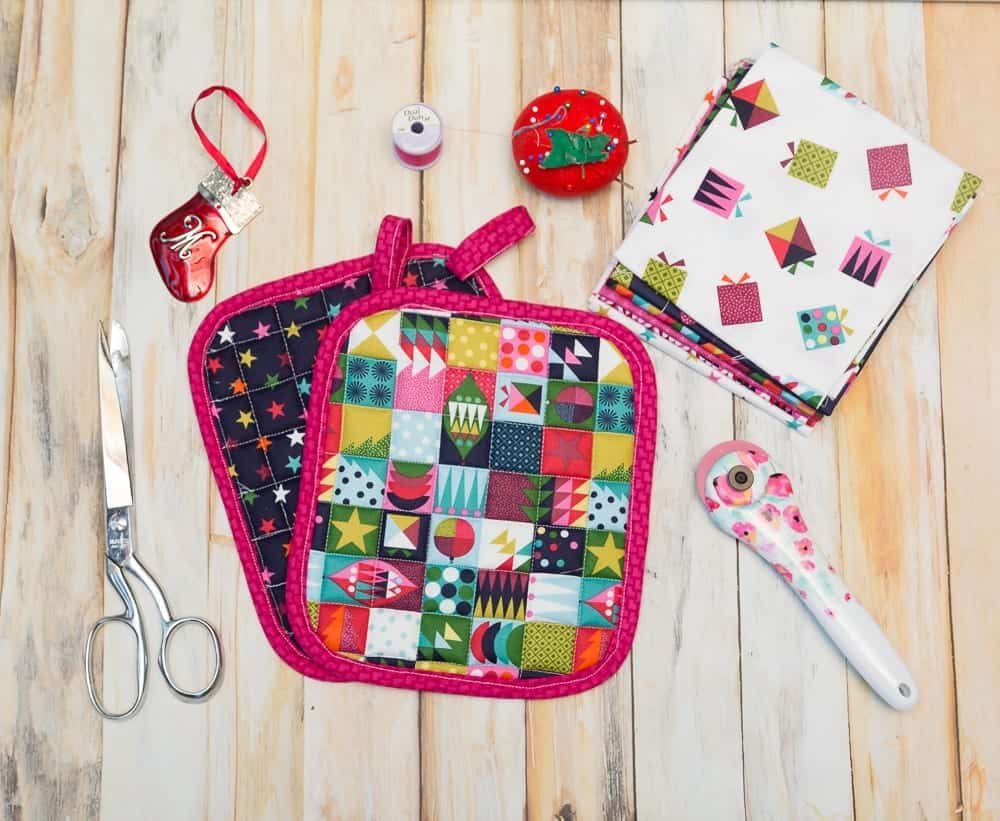
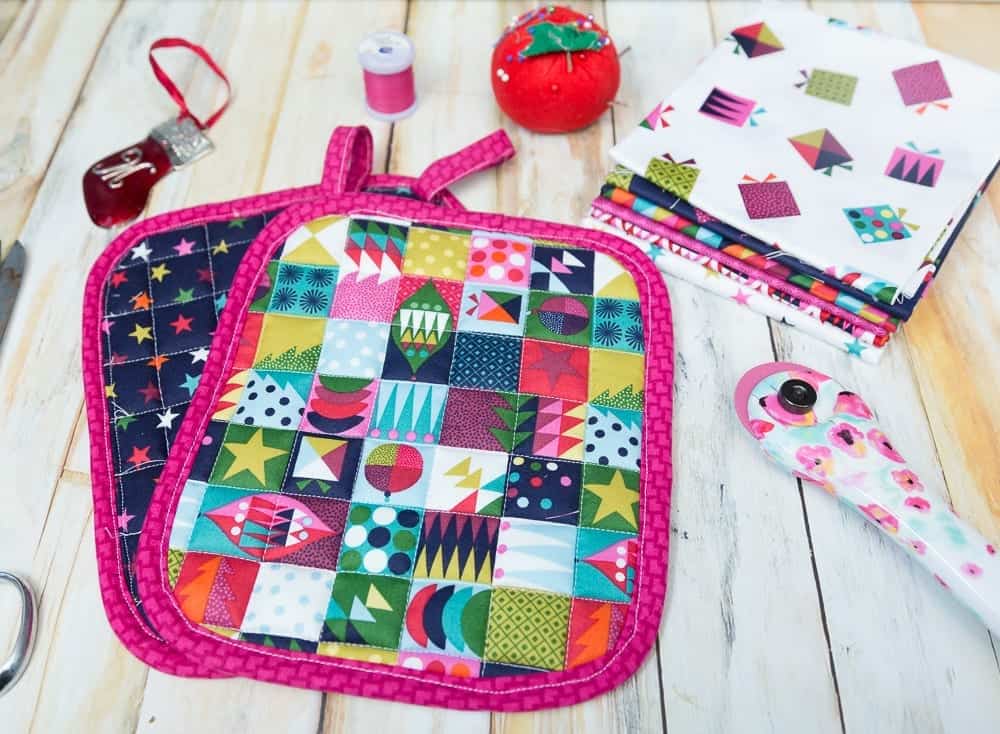
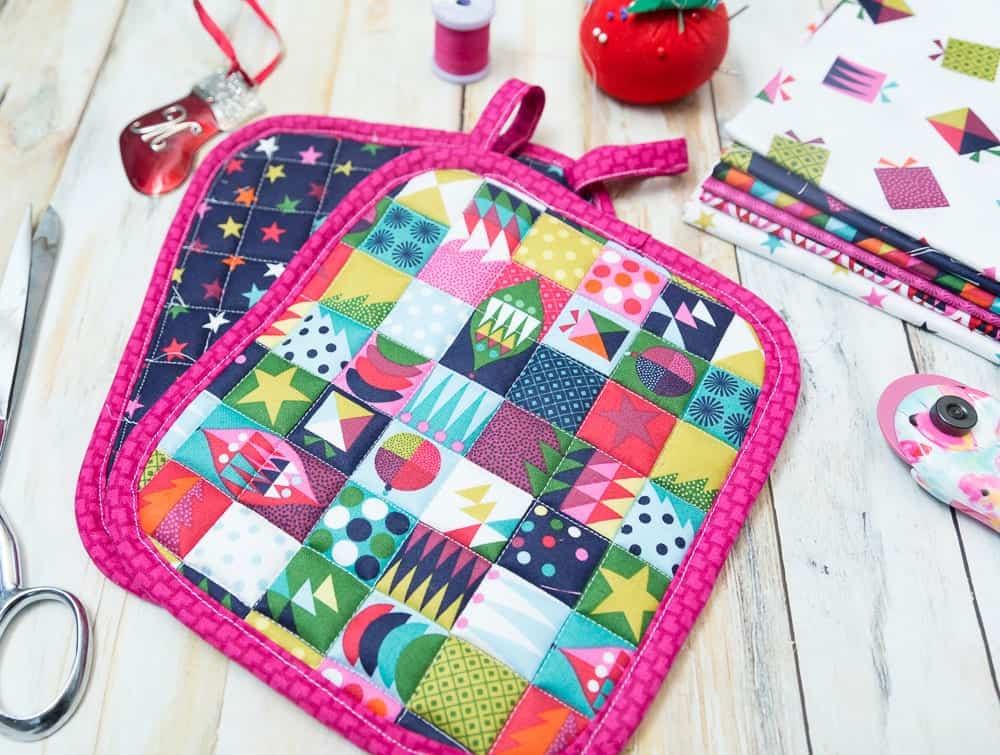
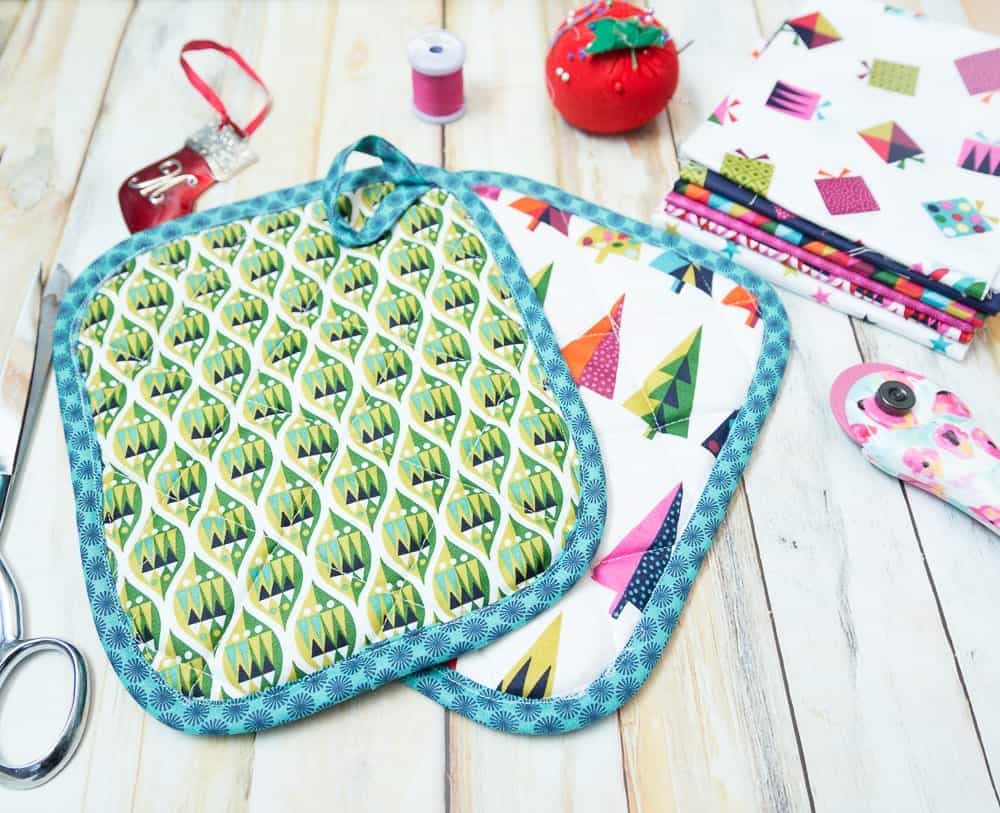
Quilted Christmas Pot Holders – An Easy Last-Minute Gift To Sew

Dec 30, 2017 · 1 Comment

diy-christmas-pot-holder-tutorial-coral-and-co

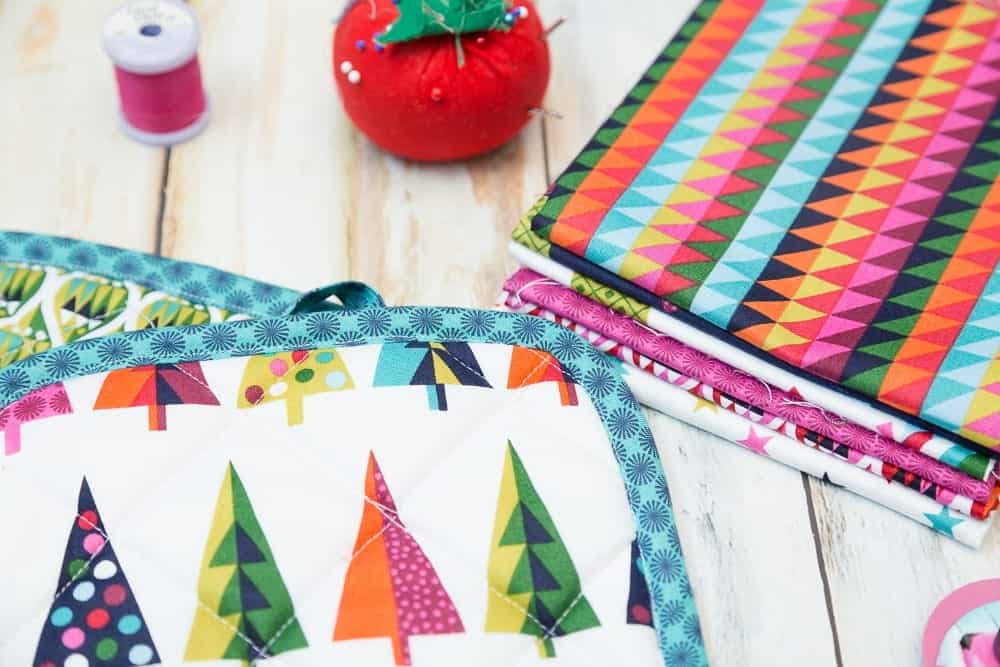
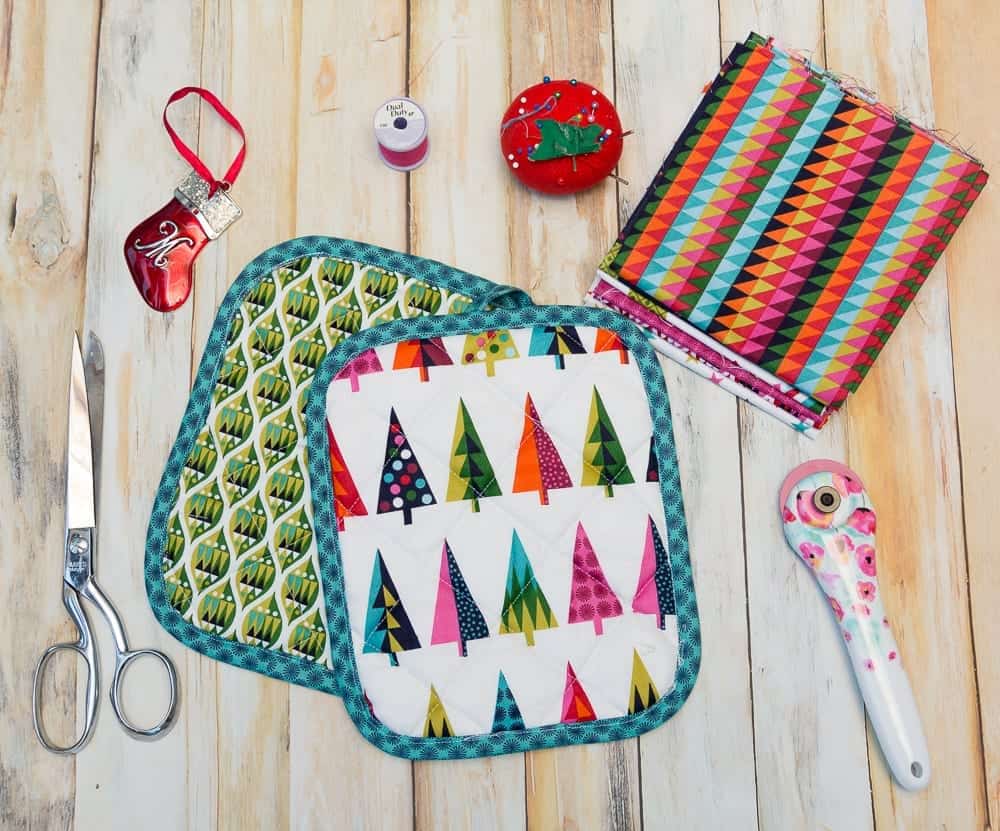
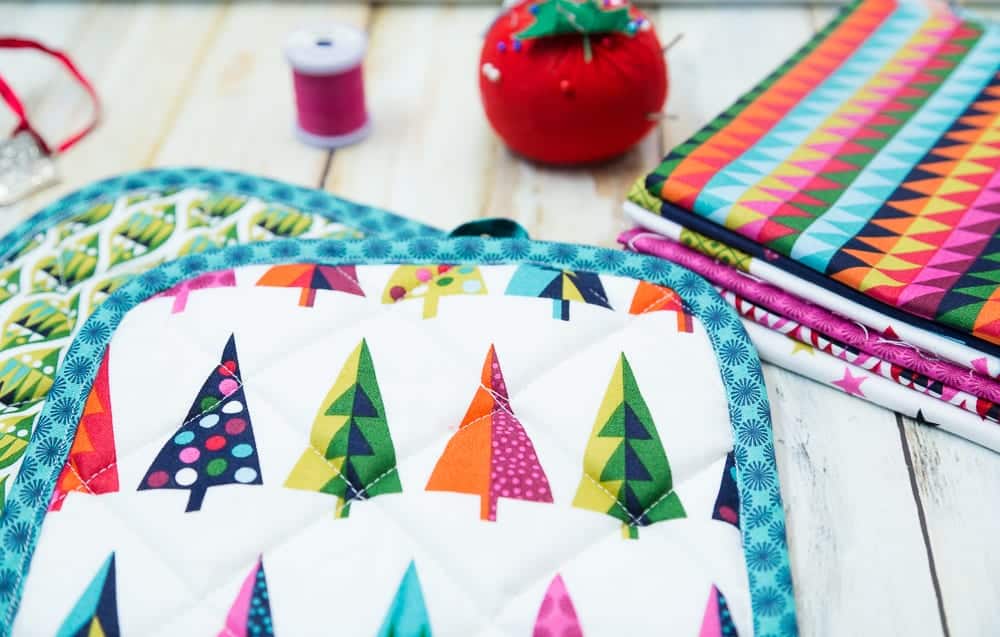
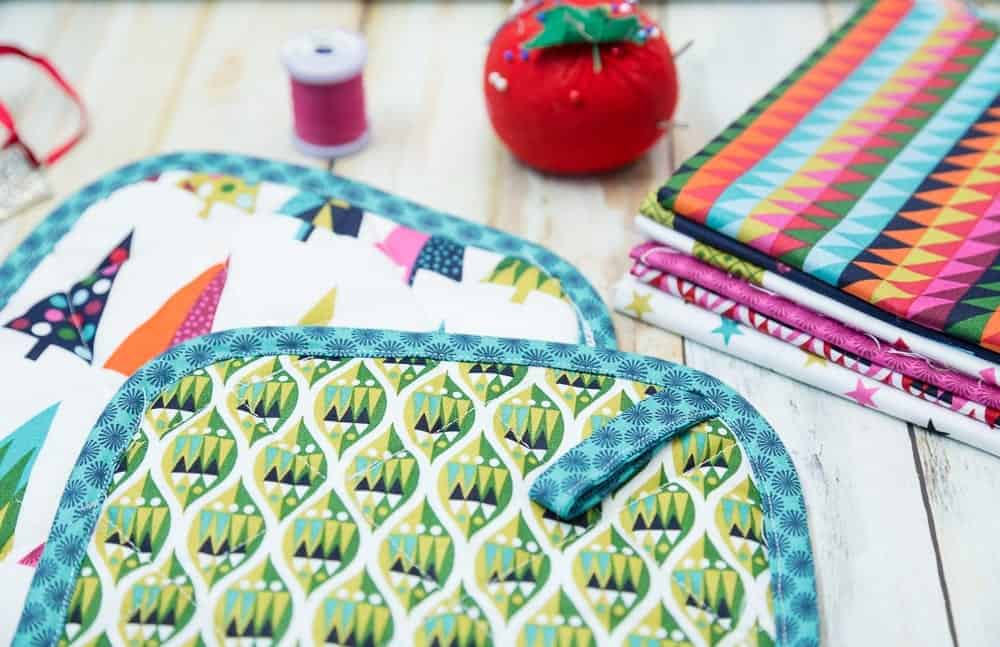
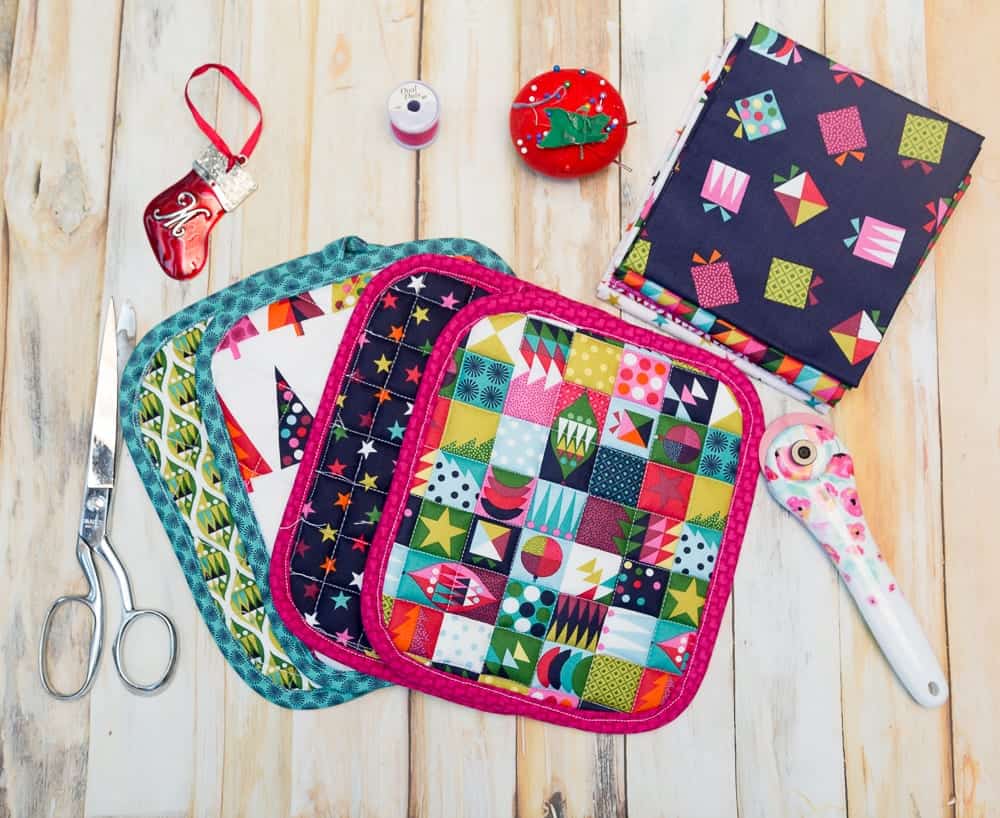
This year I sewed up a bunch of last minute pot holders for Christmas gifts for my kids teachers, girl scout leaders, dance instructor, and friends that I wanted to express gratitude for how much they do for us all year long.

 Yes, I realize that I am a little late posting them, but they were last minute after all!

  • Read also: 15+ Free Pot Holder Patterns, DIY Pumpkin Pot Holder Tutorial, Free Quilted Pot Holder Pattern

I even used them as stocking stuffers for a few family members.  They use just a little bit of fabric and friends are always impressed that you actually made them!

And if your like me, I always feel guilty buying something new for people when I have plenty of scrap fabric that I can use to make something thoughtful.

I used a fat quarter bundle that I bought last year made by Makower UK.   They always have really fun and festive Christmas and holiday prints.

 You can find my pattern for the   I like to add a little top stitching to pot holders because I think it adds a little more of a professional feel to them.  I really like how it turned out with the patchwork panel.

I’m not sure how I always end up doing some last minute Christmas sewing, but at least it is a good reason to catch up on all my binge watching while I am cutting and sewing away.

 I just started watching Twin Peaks, which I totally can’t believe I didn’t watch when I was younger ( I am a child of the 80’s after all), but after the remake and hearing everyone rave about it all the time I decided it was time to finally watch it.  They says its a cult classic right?

Since the cold days of winter are here and I will have more time inside to sew and binge TV I need to find some new shows to watch.  What do you like to watch while your sewing?


Pin Easy Quilted Christmas Pot Holder Pattern to Make Later!

Beginner, Christmas, Free Patterns, Holiday, Holidays, Home Sewing, Sewing christmas

Cricut Maker vs. Cricut Explore Air 2 – Which One Should You Buy?

Oct 2, 2017 · Leave a Comment

cricut-maker-vs-cricut-explore-air-2-which-one-should-you-buy

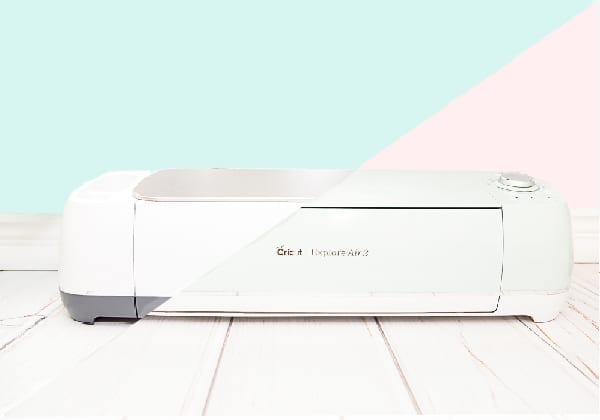
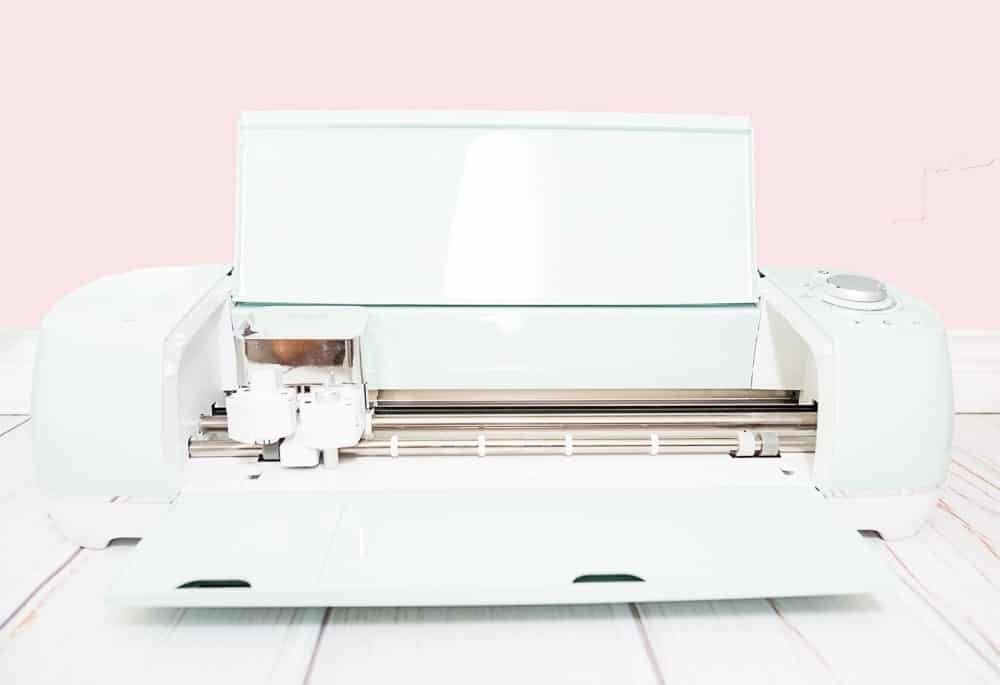
Eeek!  Have you heard, Cricut has come out with a new machine called the Cricut Maker?  But they also have the Cricut Explore Air 2 and you want to know which one you should buy?  Well I am here to give you all the details on the the Cricut Maker vs. Cricut Explore Air 2.  After this comparison of the Cricut Maker vs. Cricut Explorer Air 2 you should be able to decide which machine is right for you.

Cricut Maker vs. Cricut Explore Air 2

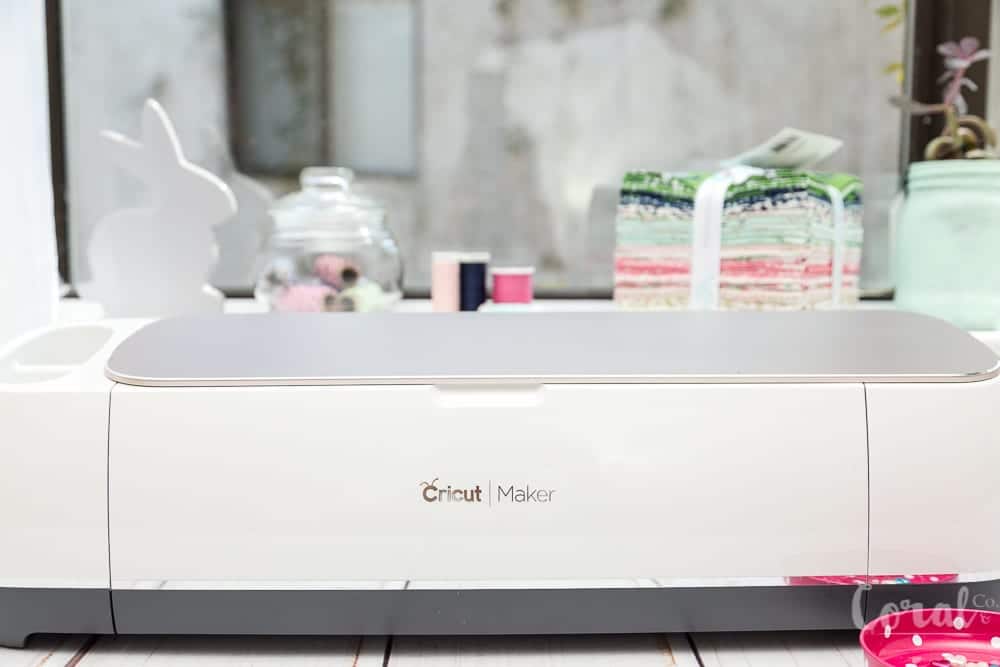
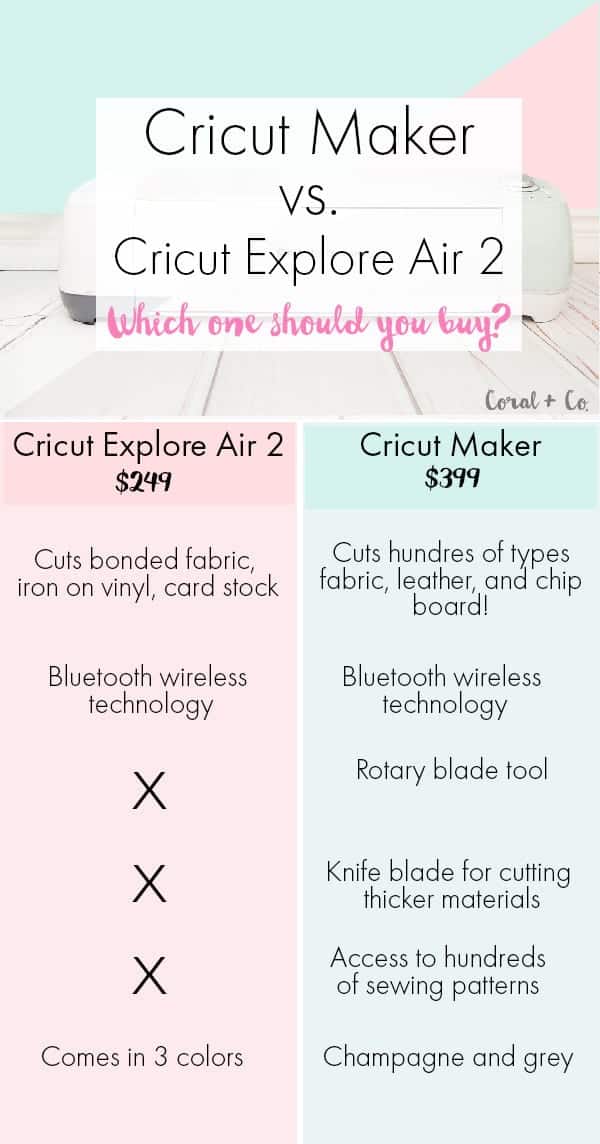
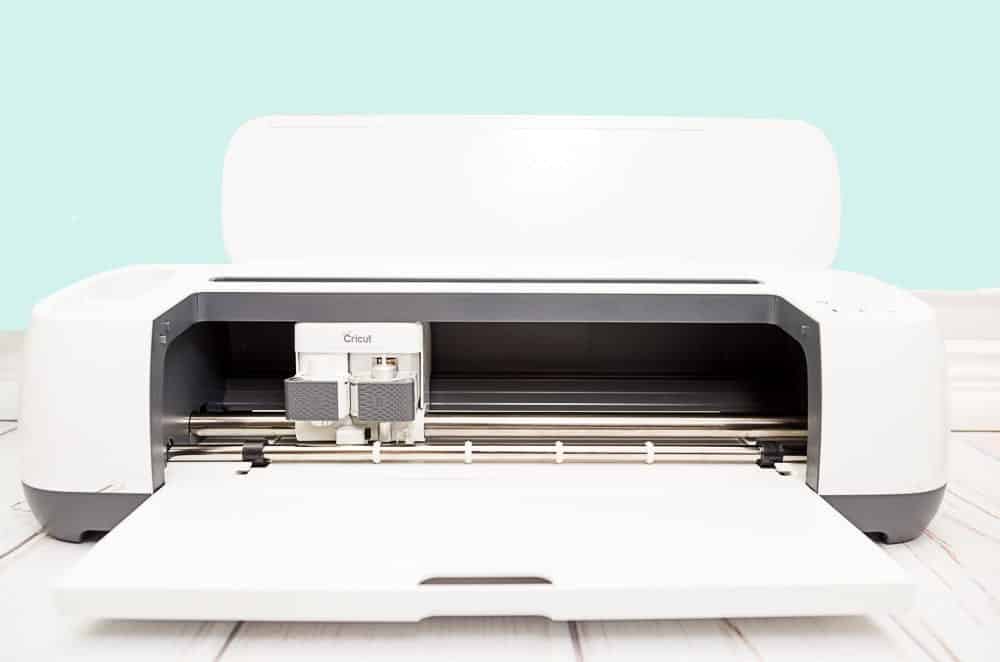
First off, the Cricut Maker is a totally revolutionary machine in terms of how cutting machines are made. While the Cricut Explore Air 2 is a newer and better version of the Cricut Explorer, with the Cricut Maker they went back to the drawing board and completely redesigned the cutting mechanism increasing the force available so it can now cut hundreds of type of fabric, chip board, and leather.  They have even taken it a step further and made two new cutting tools!  Can you guess what one of them is?  Yep you guessed it.  A rotary blade!  And they made the rotary blade head with brass to ensure that the machine can direct the force where it needs to while making small cuts without it wearing out.  They also made a heavy duty knife blade that will be able to cut both the leather and chip board.  I’m totally excited about being able to cut leather to make straps and bag label accessories.

Cricut Maker

  • Cost is $399
  • Cricut Maker cuts hundreds of types of fabric without bonding, leather, chip board, iron on vinyl, vinyl, cardstock
  • Cricut Maker has two new types of blades, the rotary blade and knife blade available for more cutting options in addition to the fine blade that comes with it.
  • Cricut Maker can cut digital sewing patterns available through design space.
  • Cricut Maker has a pen holder that can be used for making art and gift tags with fine point pens.  Also comes with a new washable fabric marker.
  • Comes with more storage space for holding accessories.  There are two cups on the left side of the machine and a deeper tray to hold blades and pens.
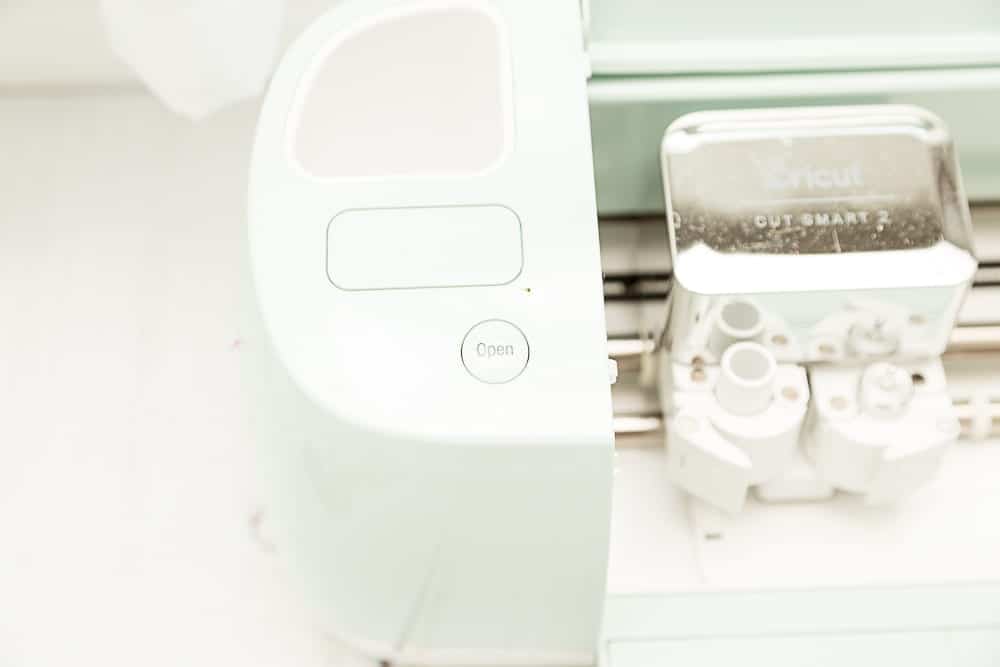
  • Cricut Maker does not have an open button, simply lift the lid.
  • The Cricut Maker also lacks a knob to choose your material, it syncs with your computer or tablet and choose your settings from there.
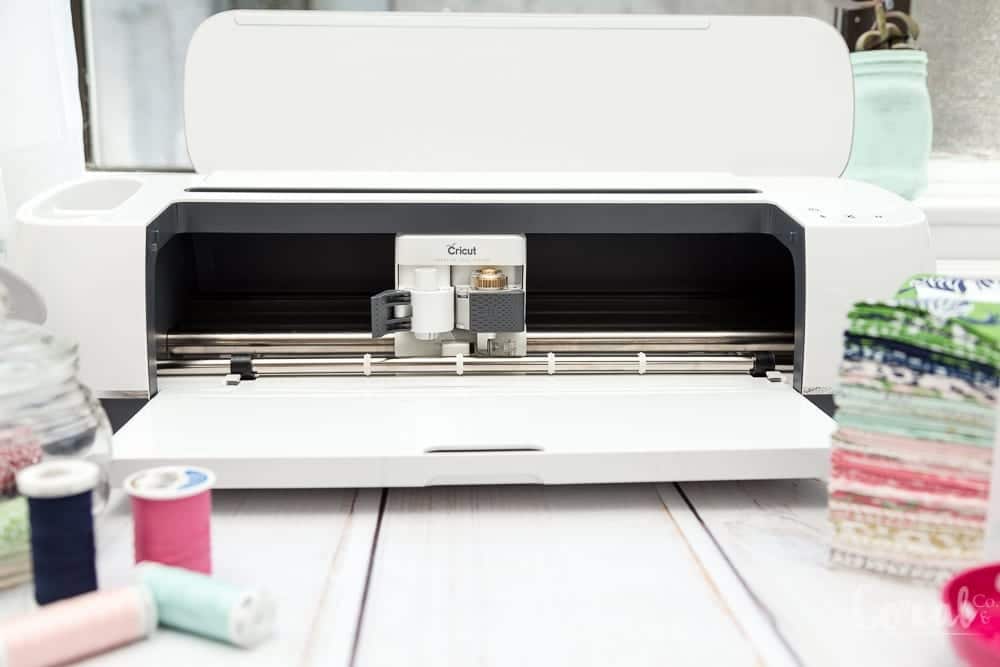
  • There is a slot on the top of the machine to hold your phone or tablet and a HDMI cable outlet to plug your tablet in, so you no longer need your computer to connect to your machine.
  • Comes in sleek white and grey color.

Cricut Explore Air 2

  • Cost is $249
  • Cricut Explore Air 2 cuts bonded fabric, iron on vinyl, vinyl, card stock, and several other crafting materials.
  • Explorer Air 2 comes with fine knife blade.
  • Cricut Explorer Air 2 has double tool holder for a pen that can be used for making art and gift tags with fine point pens.
  • Comes with storage space for holding accessories.
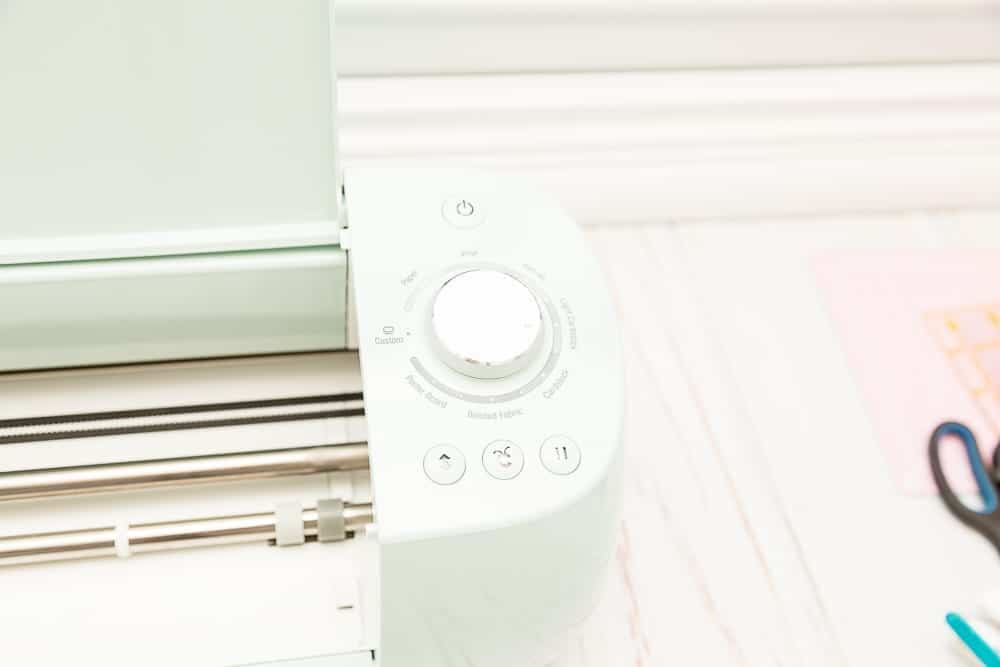
  • Cricut Explore Air 2 has knob on right side of the machine to select type of material for cutting.
  • Has access to design space for hundreds of different types of projects.
  • Works with Cricut Cartridges.
  • Comes in three different color options.

So which one is for you?  The Cricut Maker or Cricut Explore Air 2?  You might also like my post on using the new Cricut Easy Press.

This is a sponsored conversation written by me on behalf of Cricut. The opinions and text are all mine.


Crafts, Cricut cricut

How To Use The Cricut Easy Press and Free Books SVG for Library Bag

Sep 27, 2017 · Leave a Comment

How+to+use+the+Cricut+Easy+Press+

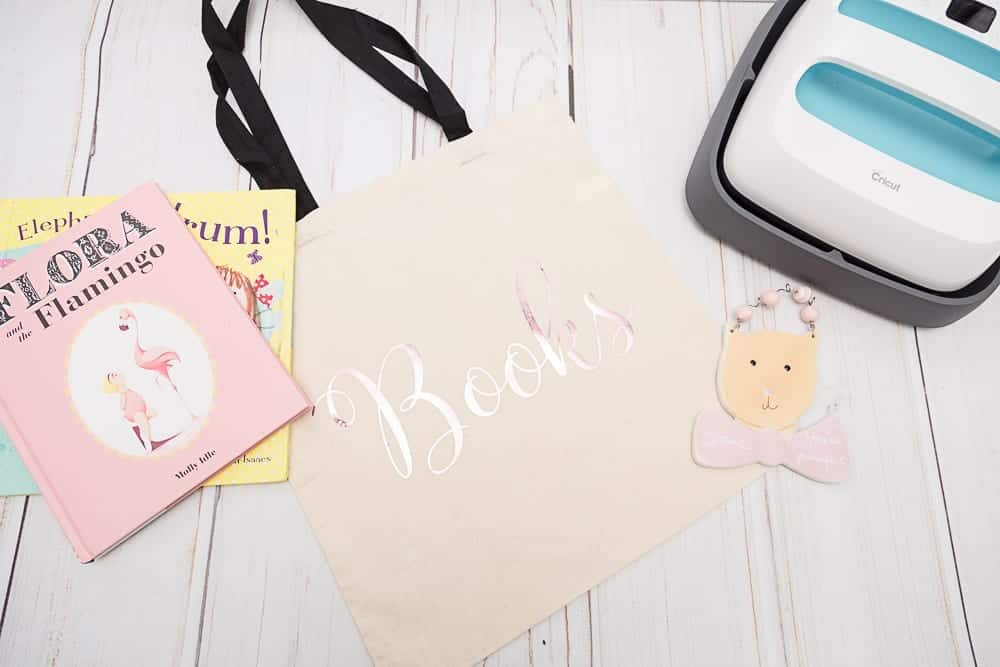
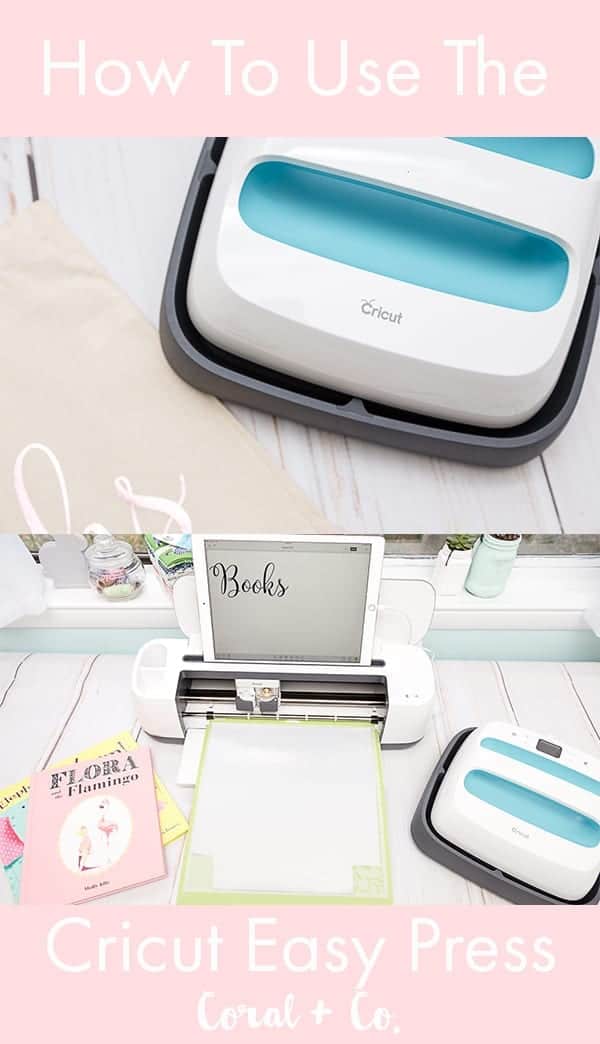
Have you seen the new Cricut Easy Press????  Do you want to know how to use the Cricut Easy Press? You totally need to!  Cricut has designed the perfect combination of a smaller heat press and a larger iron called the Easy Press.  Everybody who has used iron on or heat transfer vinyl has wished to have a bigger heating surface for pressing the iron on.  But do you really have room in your house for a big ol’ heat press?  With my gazillion sewing machines in my studio there is absolutely no room left for a heat press.  And my iron was kind of small for pressing iron on and never really seemed to set the iron on very well.  So when I saw the easy press I started salivating.  Seriously!

Just like the name it is SO easy!  It comes with a square holding dock so you have somewhere to put it while not using it.  No worries about burning your table.

Cricut also provides a handy little cheat sheet for what temperature to use and how long.  Simply look up your fabric type and type of iron on you are using and set your easy press to those settings and press go.  That’s it

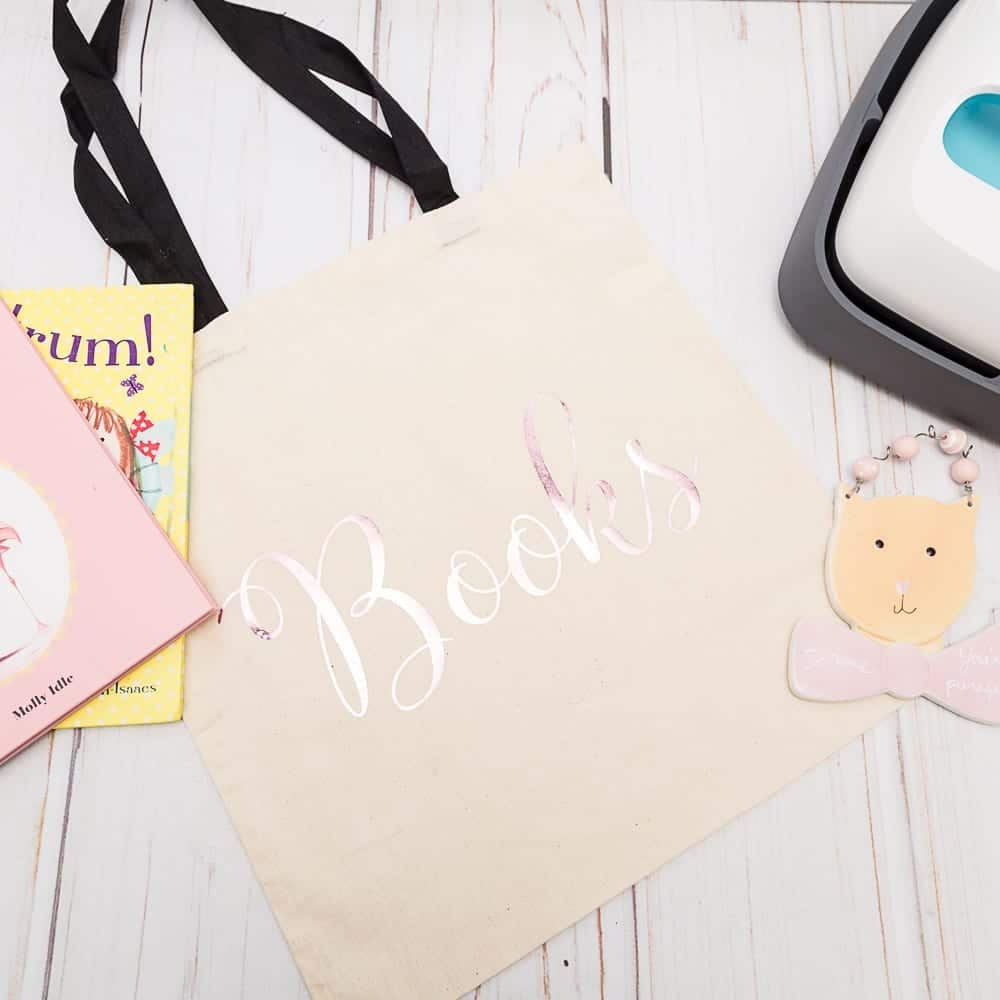
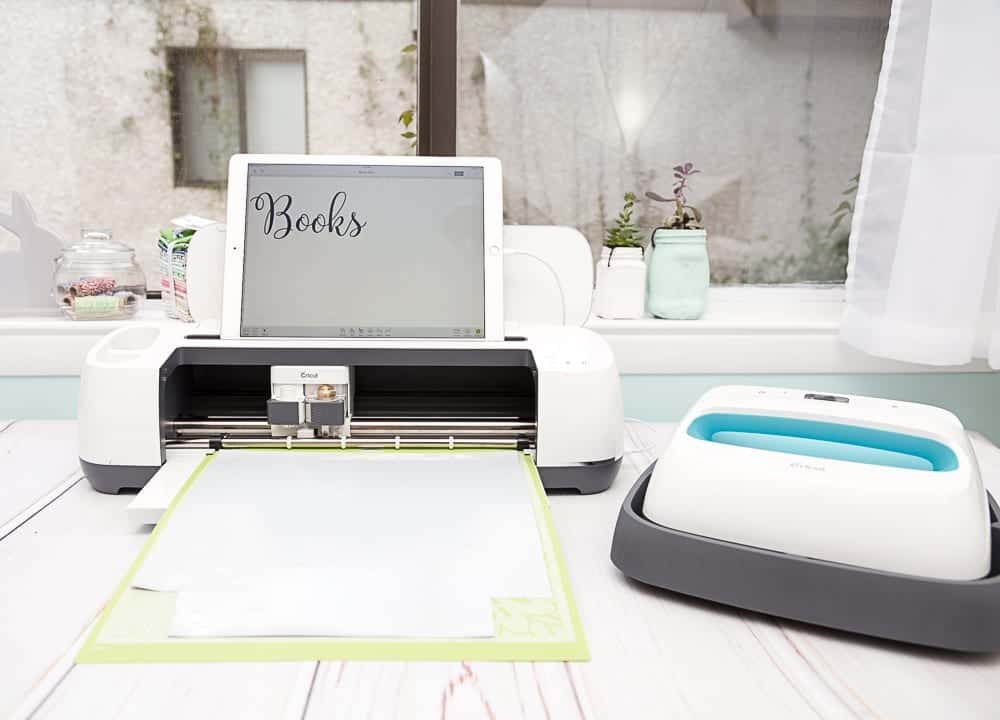
I’m going to show you exactly how easy it is to use the Cricut Easy Press plus I have a free svg for your library or book bag.

How To Use The Cricut Easy Press

What you will need –

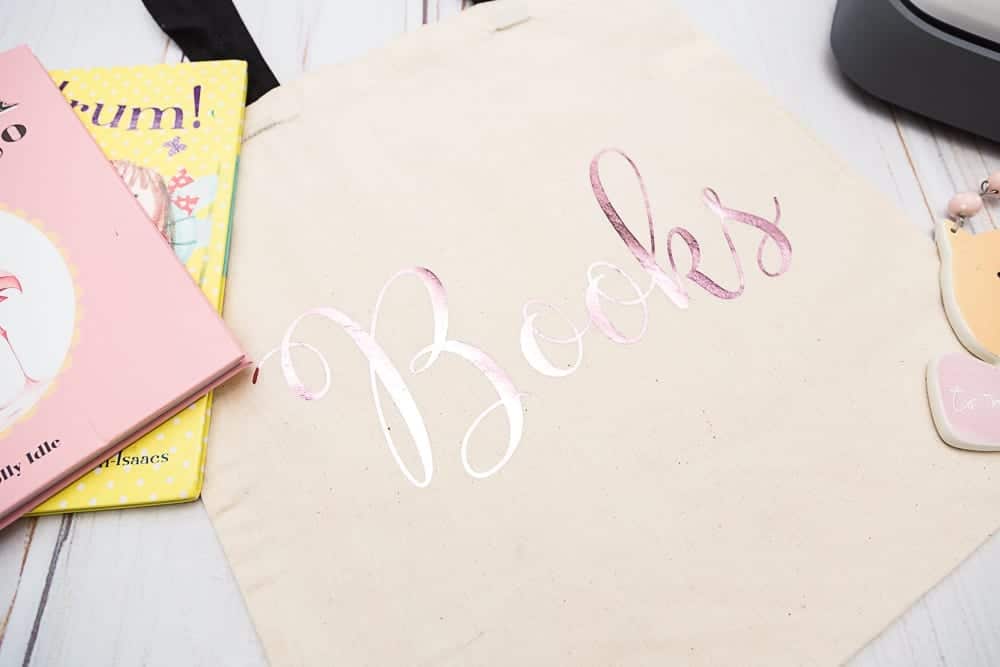
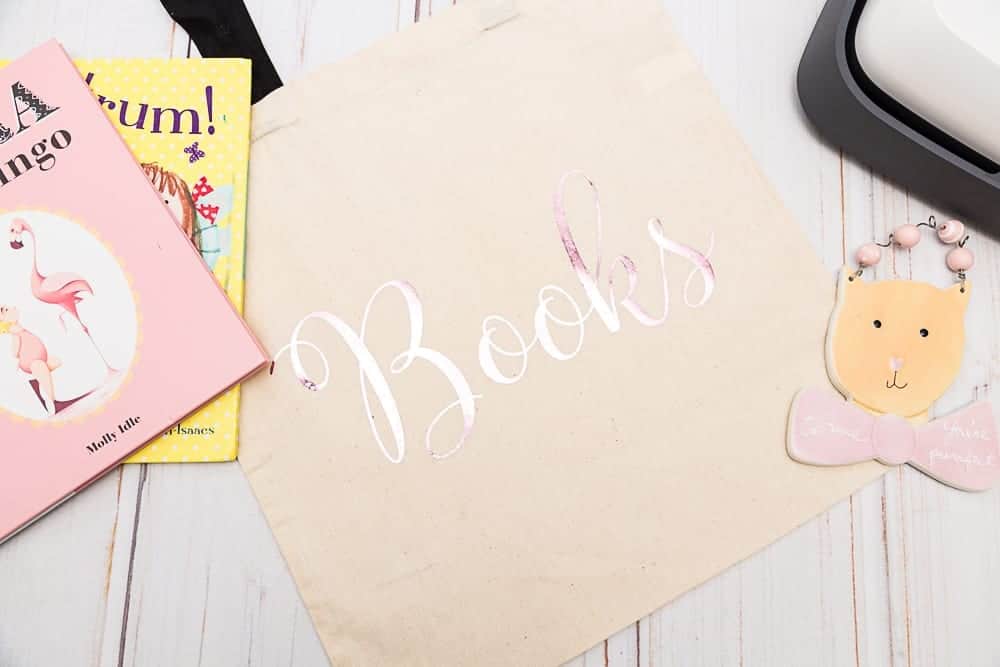
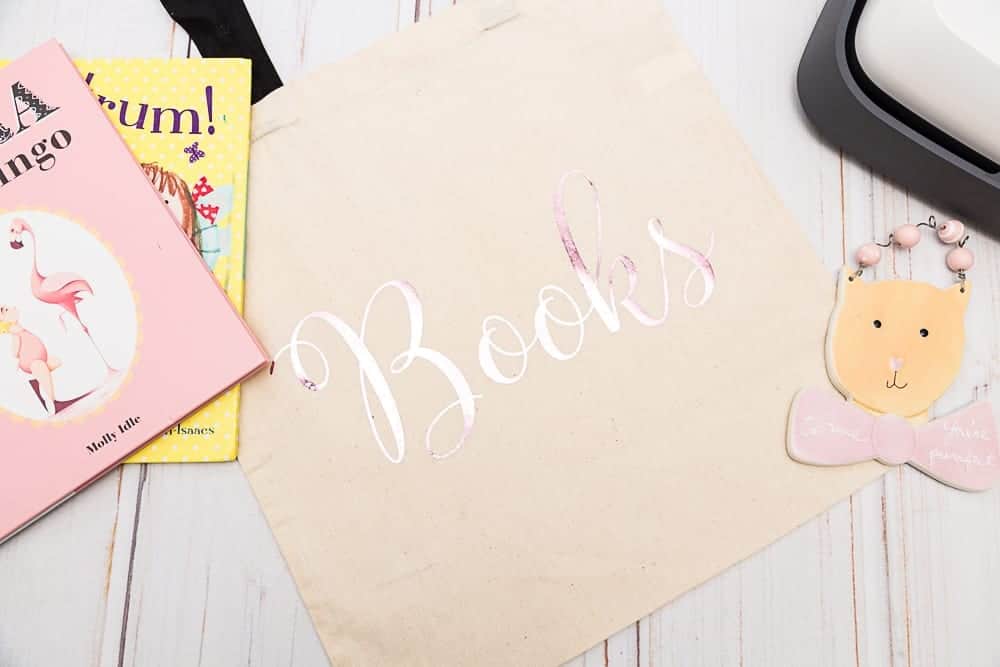
  1.  Books SVG or PNG File (the SVG has a special font that will not work in design space.  Use the PNG file for design space instead).  You can find them at the end of the post.
  2. Iron on Foil – I used pink
  3. Cricut Maker or Explorer Air 2
  4. Easy Press or Iron
  5. Cricut Cutting Mat
  6. Blank Tote Bag

Step 1 – Cut out your SVG file with your Cricut Maker or Explorer Air.  One of my favorite new things about the Cricut Maker is that I can use my Ipad to connect Design Space App to the Cricut Maker.  I don’t have to drag the Maker over to my computer which makes it super easy to make any project.

Step 2 – Turn the Easy Press on and choose the correct heat temperature and time for your materiel.  It comes with a cheat sheet so it should be pretty easy to find the correct settings.

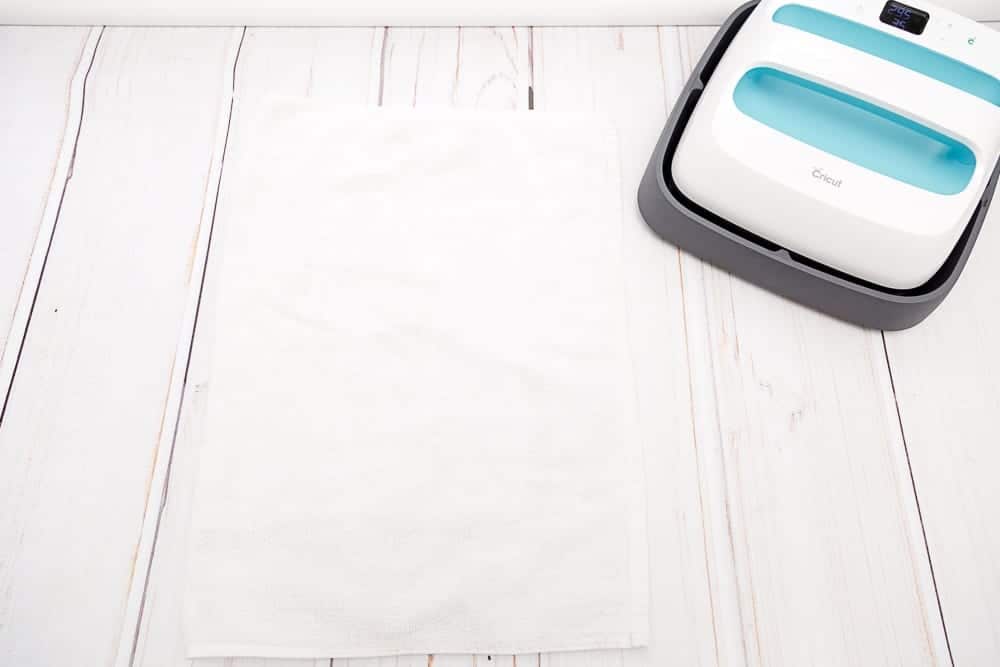
Step 3 – Place a towel under where you will be using the Easy Press..

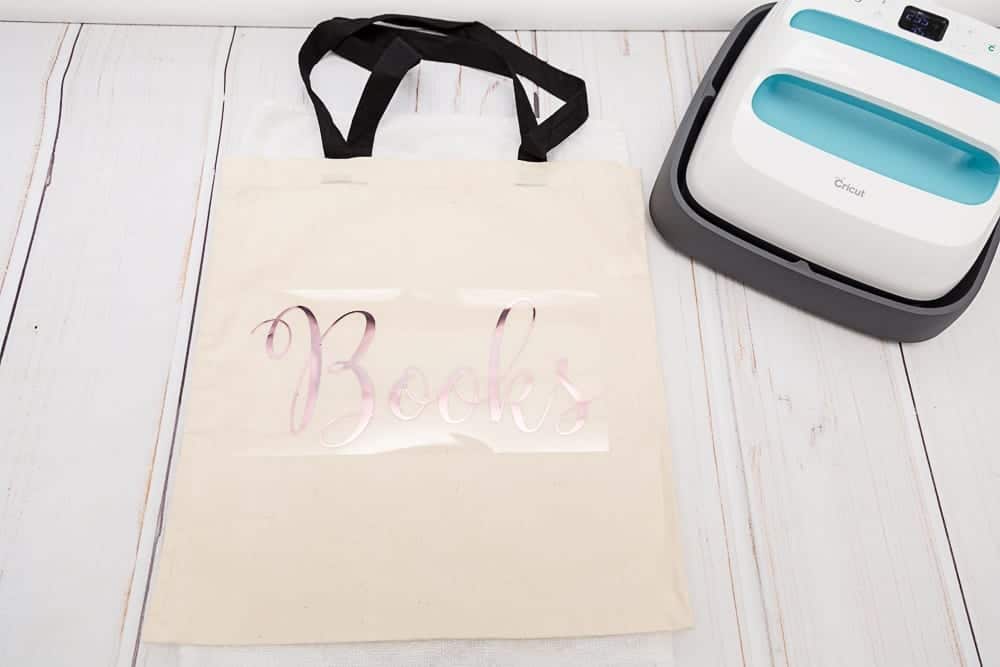
Step 4 – Place the Bag or material you plan on using to press on the iron on.  Place iron on in the center of the bag.

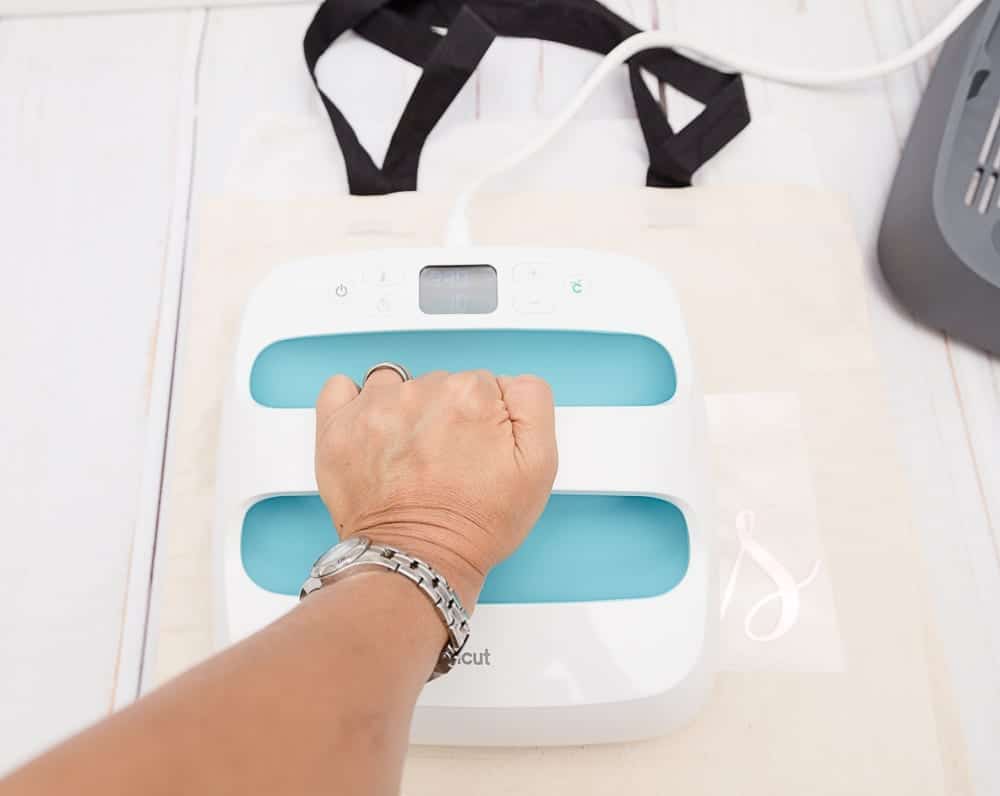
Step 5 – Place the Easy Press on the iron and press the start button.  Press firmly.  The Easy Press timer will count down and beep when it is time to remove the Easy Press.

Step 6 – Peel the clear film off the iron template and you are done!  How incredibly easy is that?!

***** You can find the Books SVG in the Resource Library.
This is a sponsored conversation written by me on behalf of Cricut. The opinions and text are all mine.


Crafts, Cricut cricut, svg

Day 5 of the Halloween Make-a-Palooza with Swoodson Says

Sep 22, 2017 · Leave a Comment

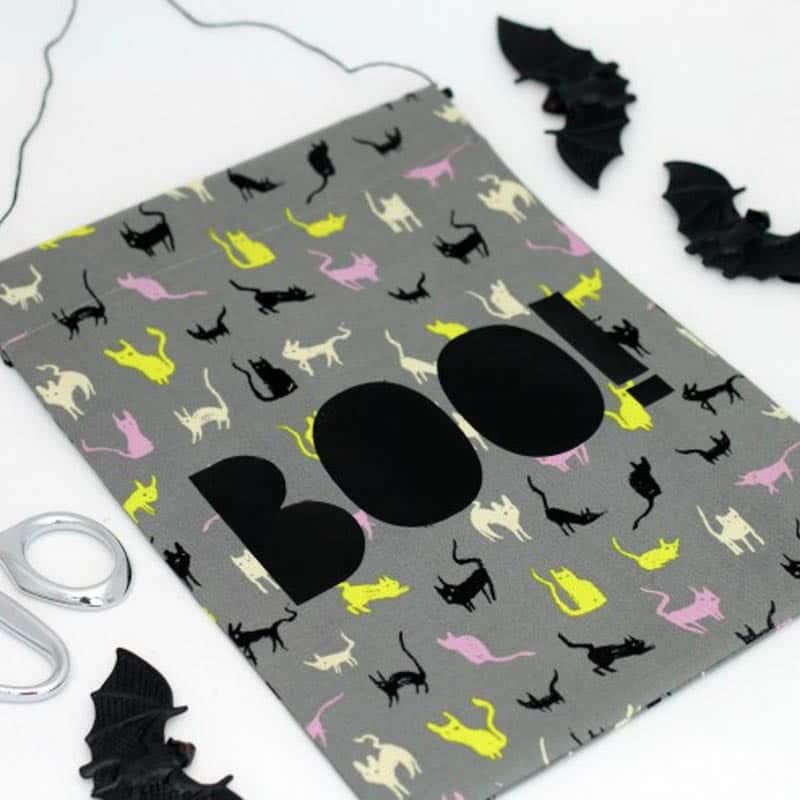
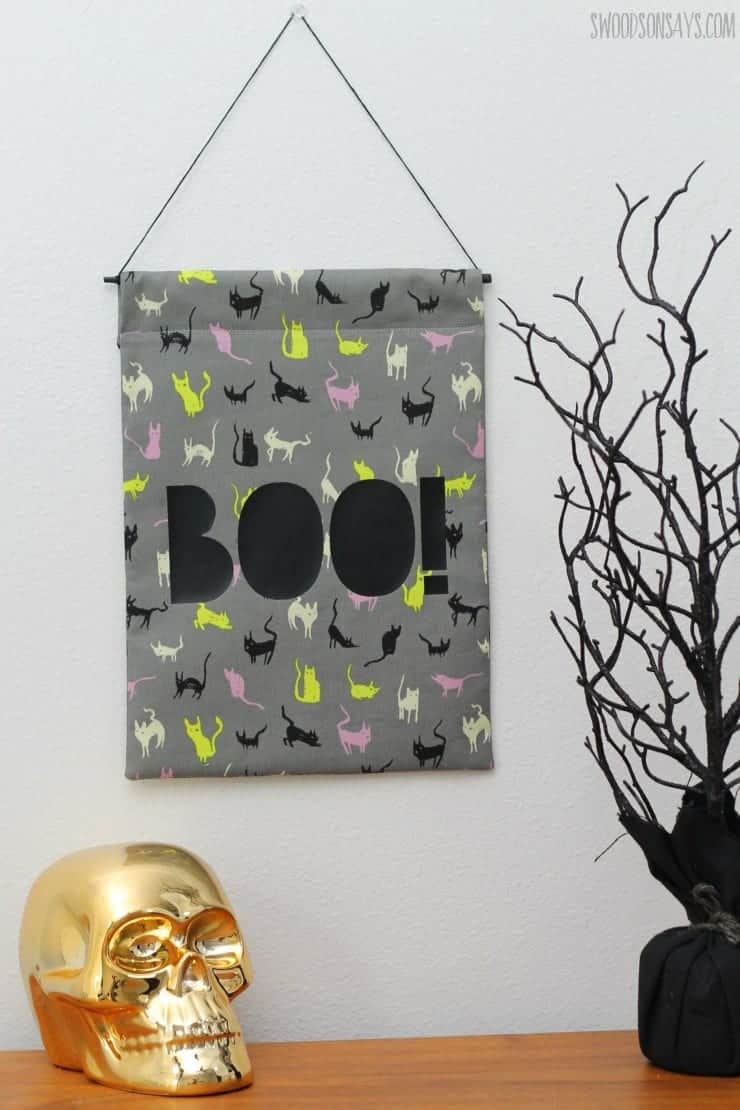
It’s the last day of the Halloween Make-a-Palooza and my friend Stephanie from Swoodson Says has a super simple tutorial to make an adorable DIY Banner to hang on your front door or wherever you like to decorate for Halloween.  How cute is the cat fabric?!!!  She includes the free SVG cut files so you can make one for yourself!  Check out the DIY Halloween Banner Tutorial here.

Halloween halloween

Make-a-Palooza Day 4 with Beatnik Kids

Sep 21, 2017 · Leave a Comment

Are your kids counting down the days to Halloween already like mine are?  Seriously they have started asking me how long until Halloween already and it’s not even October already!  Ok, maybe that’s because we got Halloween costumers already.  I like to get them early because I can’t stand picking through the leftovers right before Halloween.
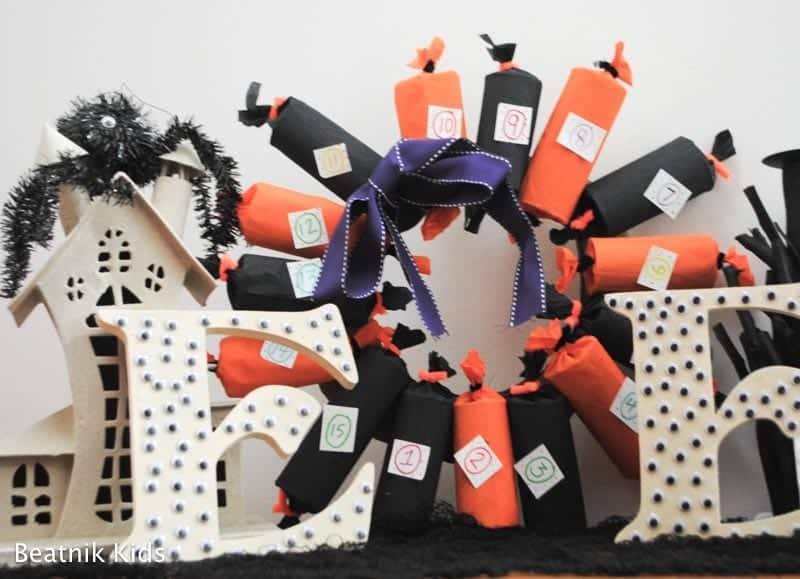
Stacy from Beatnik Kids has a super easy tutorial to make a Halloween Advent Wreath which the kids will love counting down to Halloween with.  Such a great idea!  I will totally be making one for mine!!!  You can find the tutorial for the Halloween Countdown Wreath here.


Halloween halloween

Halloween Make-a-Palooza Day 2 with The Sweet Red Poppy

Sep 19, 2017 · Leave a Comment

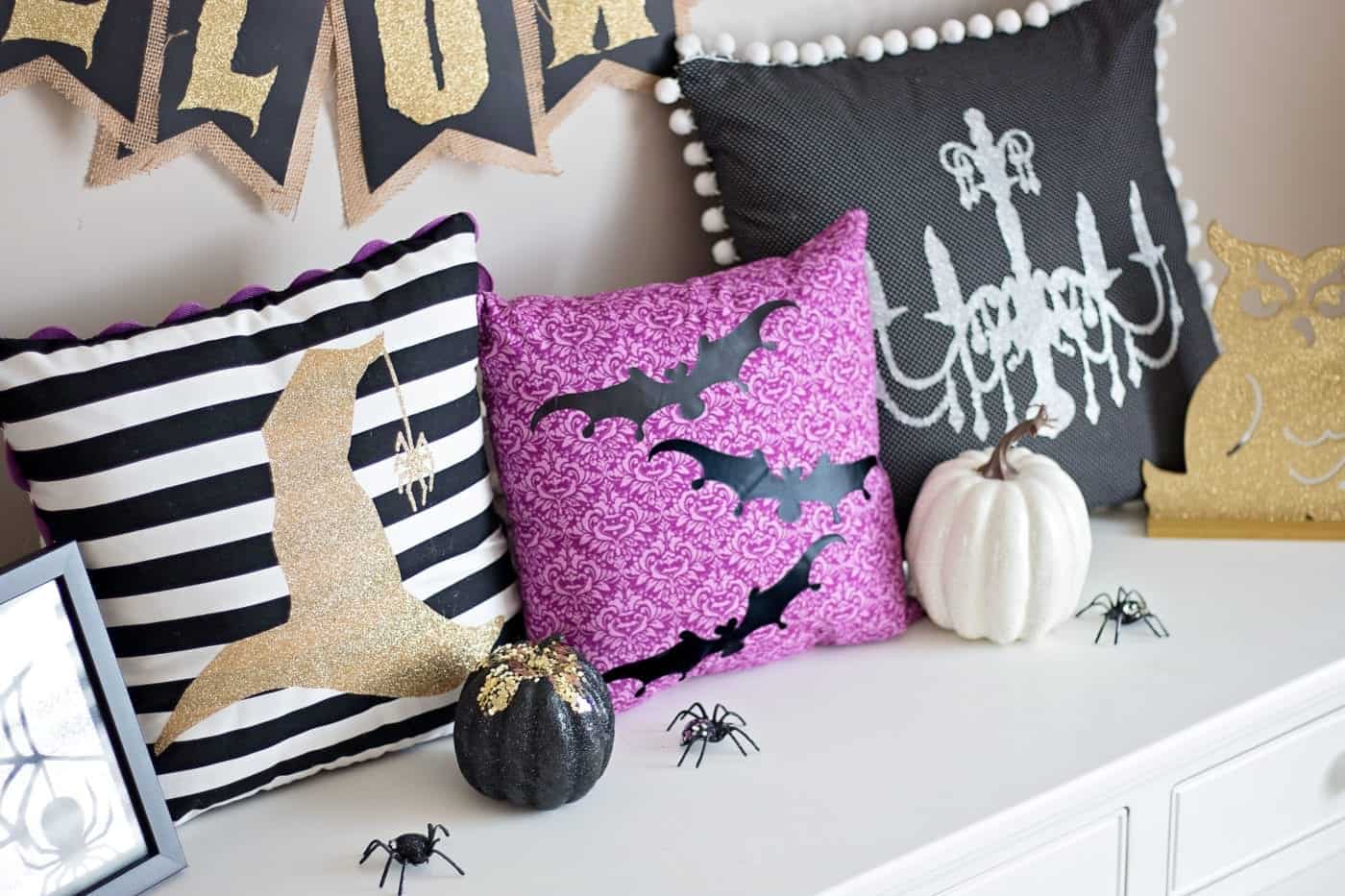
Oh my gosh you guys, I am completely drooling over these adorable Halloween Pillows that Kim from the Sweet Red Poppy made for the Halloween Make-a-Palooza!  Seriously they are all the cuteness!  I love the mix of colors and stripes that she used for the pillows, I totally need these in my house!  Head over to The Sweet Red Poppy for Kim’s Halloween Pillow Tutorial.

If you missed day one of the Halloween Make-a-Palooza you can see Alicia’s tutorial here.

Halloween Make-a-Palooza

Monday 9/18 Sew What Alicia

Tuesday 9/19 The Sweet Red Poppy

Wednesday 9/20 Coral + Co.

Thursday 9/21 Beatnik Kids

Friday 9/22 Swoodson Says

Friday 9/22 Paisley Roots

Halloween halloween

  • « Go to Previous Page
  • Page 1
  • Interim pages omitted …
  • Page 11
  • Page 12
  • Page 13
  • Page 14
  • Page 15
  • Interim pages omitted …
  • Page 18
  • Go to Next Page »

Primary Sidebar

  • Home
  • Blog
  • About
  • Featured Elsewhere
  • Contact

Copyright © 2026 Coral + Co. on the Seasoned Pro Theme